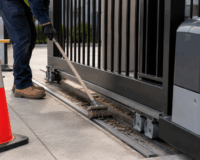
An automatic gate opening by itself can be unsettling for any office manager, especially after hours or when it appears on CCTV with no obvious explanation. You may first notice it through staff reports, a security alert, or footage showing the gate opening when no one seems to be nearby.
For commercial facilities, this is more than a frustrating technical glitch. An unexpectedly opened gate can expose their valuable facilities. This guide explains what office managers can safely check, what should be left to a technician, and when urgent gate repair is needed.
Why Ghost Gate Openings Are a Serious Facility Risk
A commercial security gate is often the first controlled access point for a building and a property. When it operates correctly, it helps manage who can enter the property and when. When it opens unexpectedly, even for a short time, that control is compromised.
The biggest concern is unauthorised access. A temporary opening may allow vehicles, pedestrians, contractors, or opportunistic intruders to enter without approval. This can create safety risks for staff and visitors.
Also, if an incident occurs while the gate is malfunctioning, it may raise questions about site security and the duty of care. Tenants or staff may also lose confidence in the facility’s security system if the issue continues.
For office managers, the priority is not just stopping the symptom. The real goal is to identify the cause of the fault so the gate can be secured properly.
What “Automatic Gate Opening By Itself” Usually Means
When people describe an automatic gate opening by itself, they may be referring to several different behaviours. The gate might open fully without a visible user command. It may move slightly, stop, then open again. It may only activate at certain times of day, when vehicles pass nearby, during wet weather, or after a power outage.
Most commercial gate systems rely on a chain of connected components. This can include the gate motor, control board, remote receiver, hand transmitters, keypads, RFID readers, intercom release buttons, exit loops, photoelectric safety sensors, limit switches, access control software, and battery backup systems. A problem in any one of these areas can create an unexpected open command.
In many cases, the gate is not truly “deciding” to open on its own. Instead, it is receiving a false signal, misreading an input, or following an incorrectly configured or forgotten schedule.
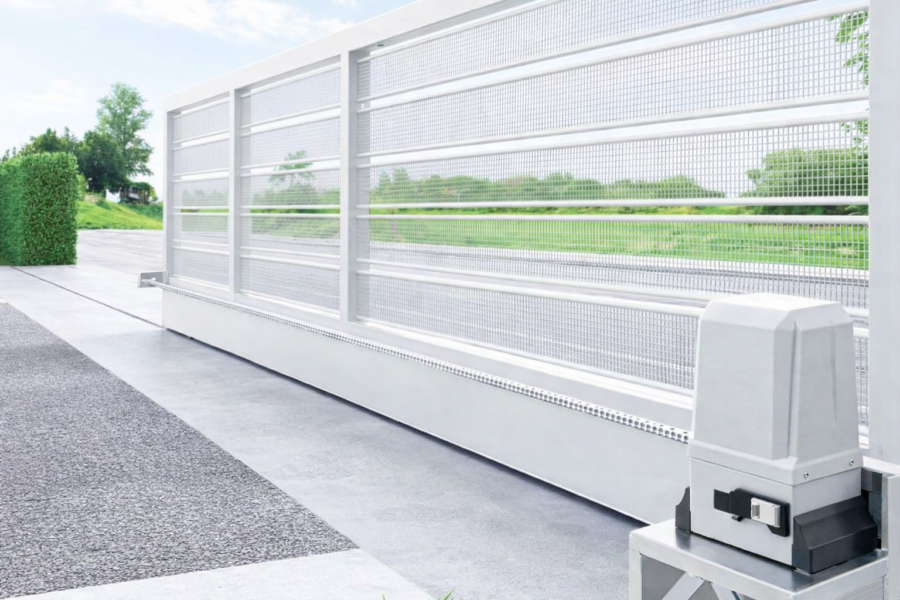
Immediate Checks Office Managers Can Do Safely
Before arranging a service call, office managers can gather useful information to help a technician diagnose the issue more quickly. These checks should focus on observation, site conditions, access activity, and obvious external issues.
Start by recording exactly when the gate opens unexpectedly. Note the time, frequency, weather conditions, and whether the issue happens during business hours, after hours, during rain, or after a power fluctuation. This pattern can help narrow down the likely cause.
You can also review CCTV footage to see whether a vehicle or contractor was near the gate when it activated. Sometimes the source is not obvious at first, especially on busy commercial sites with multiple users and access devices.
Before calling a technician, safely check the following:
- Note the time and frequency of each unexpected opening.
- Check whether the fault happens after hours, during peak traffic, or after rain.
- Review CCTV footage for nearby vehicles, pedestrians, or deliveries.
- Ask staff whether remotes, fobs, or phone apps may have been pressed accidentally.
- Check whether an exit button, keypad, or intercom release button appears stuck.
- Confirm whether cleaners, tenants, contractors, or delivery drivers have scheduled access.
- Look for obvious dirt, insects, leaves, or obstructions around sensors and safety beams.
- Record any error lights, beeping, flashing indicators, or unusual motor sounds.
If the gate is opening repeatedly, cannot remain closed, or exposes the facility after hours, treat it as an urgent repair issue.
Common Causes of Automatic Gate Opening By Itself
When automatic gate opening by itself becomes a repeated problem, the cause is often found somewhere in the access control chain. A professional inspection should look at every device that can send an open command, not just the operator.
Faulty or Accidentally Triggered Remote Controls
Remote controls are among the most common causes of false gate activation. A worn remote, a damaged button, a weak casing, or a transmitter left in a vehicle can send an unintended signal. On commercial sites, this risk increases because many people may have access to devices.
A remote may be sitting in a glovebox, bag, desk drawer, or pocket, with the button being pressed without anyone realising. Older remotes may also have sticking buttons or internal faults that cause intermittent transmissions.
Stuck Exit Buttons, Key Switches or Intercom Release Inputs
Many commercial gates are connected to push buttons, reception release switches, key switches, intercoms, or internal gate release controls. If one of these inputs sticks or fails, the gate may appear to be repeatedly requesting access.
This can happen due to a jammed physical button, a worn key switch, a damaged intercom relay, or a release contact affected by moisture or corrosion. Reception desks and shared building entrances can be particularly vulnerable because these controls are used frequently throughout the day.
Exit Loop or Vehicle Detection Problems
Some gates use ground loops or vehicle detection systems to open automatically from the inside. These systems allow vehicles to exit without using a remote or keypad.
However, a faulty or poorly calibrated exit loop can trigger the gate when no vehicle is present. Damaged loop wiring, water ingress, nearby metal movement, electrical interference, or changes in sensitivity can all cause false detection.
Misaligned or Contaminated Safety Sensors
Safety beams and photoelectric sensors are designed to prevent a gate from closing on vehicles or pedestrians. They are essential safety devices and should never be bypassed as a quick fix.
Although safety sensors usually stop closing rather than command opening, faults can still create confusing gate behaviour. Dirt, insects, spider webs, rain, fog, vibration, direct sunlight, loose brackets, or poor alignment may cause inconsistent signals.
Read more: How To Align IR Gate Sensors Correctly To Prevent False Trips
Access Control Scheduling or Permission Errors
Modern commercial gates are often linked to access control systems. This is convenient, but it also means a configuration issue can look like an electrical fault. A gate may open at certain times due to an outdated schedule or an incorrectly configured access group.
If access control logs do not match actual gate activity, or if the gate opens at a similar time each day, the software settings should be reviewed. A technician or system administrator can check event logs, schedules, permissions, and device triggers.
Control Board, Relay or Wiring Faults
The control board is the central point where commands are received and gate movement is managed. If the board, relay, terminals, or connected wiring develop a fault, the gate may receive unintended open signals.
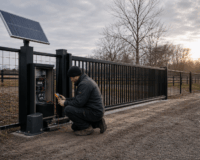
Common issues include loose terminals, damaged cabling, corrosion, moisture inside enclosures, short circuits, worn relays, insects inside housings, or water entering through poor seals. Outdoor gate systems are particularly exposed to heat, dust, vibration, rain, and changing weather conditions.
Read more: How Weather Affects Gate Sensors – Rain, Fog & Sunlight Protection Tips
Power Fluctuations or Battery Backup Issues
Unstable power can also contribute to an automatic gate opening by itself. Storm activity, power outages, surge events, failing backup batteries, or recent electrical work can all affect gate behaviour.
Some gates may reset after a power interruption. Others may respond unpredictably if the battery backup system is weak or if the control board receives inconsistent voltage.
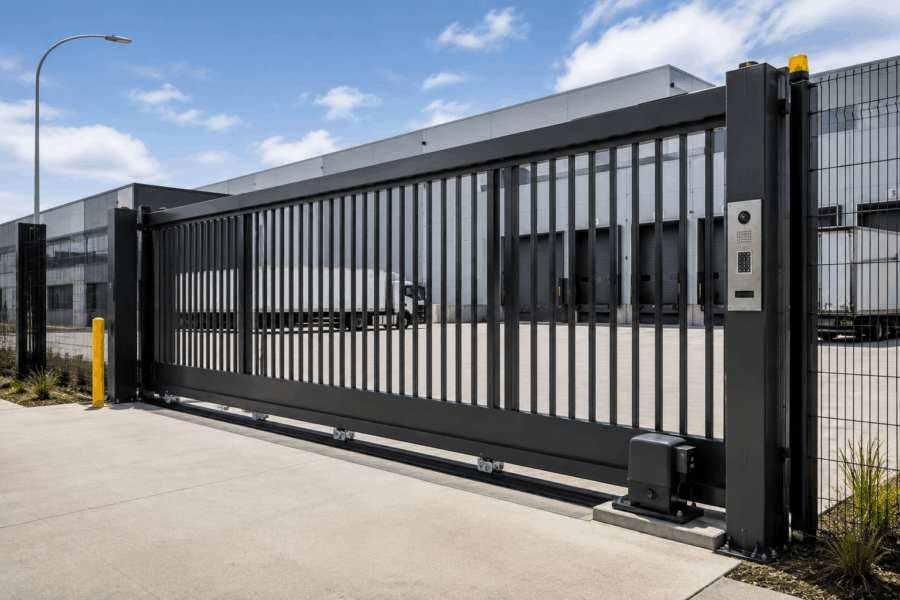
Why the Same Fault Can Look Different on Different Sites
Not every ghost opening looks the same. A sliding gate at a warehouse may behave differently from a swing gate at an office car park, or an automated gate at a commercial loading area. The site layout, gate type, traffic volume, access devices, and environmental exposure all influence the symptoms.
High-traffic loading zones may experience more issues with vehicle detectors and exit loops. Multi-tenant office buildings may have more access permission conflicts because several user groups share the same entry point.
Coastal or exposed sites may be more prone to moisture-related faults, corrosion, and sensor contamination. Older properties may have degraded cabling, outdated receivers, or components that no longer communicate reliably.
Sites with advanced technology systems also have more input points to test. This is why replacing the gate motor immediately is not always the right answer. The operator may be working correctly while another connected device is sending the wrong command.
How Technicians Diagnose and Fix the Issue
A proper service visit should be systematic. Experienced technicians will look at the whole system rather than assuming the motor is the problem. The process usually begins with the reported symptoms. The technician will ask when the fault occurs, how often it happens, and whether CCTV or access logs show any pattern. This information helps narrow the search for automatic gate opening by itself.
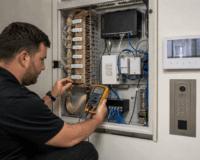
From there, the technician may check the gate movement, motor condition, limit settings, and safety response. They may test remotes, receivers, keypads, RFID readers, intercom release contacts, exit buttons, and vehicle detection devices. Safety beams and photoelectric sensors are inspected for alignment, contamination, wiring condition, and correct operation.
The control board, terminals, relays, cabling, weather seals, and power supply may also be inspected for corrosion, moisture, loose connections, damage, or signs of surge activity. If the gate is connected to access control software, schedules and event logs should be reviewed.
Once the cause is confirmed, the faulty component can be repaired, replaced, recalibrated, reprogrammed, or isolated. The gate should then be tested through multiple open-close cycles before handover.
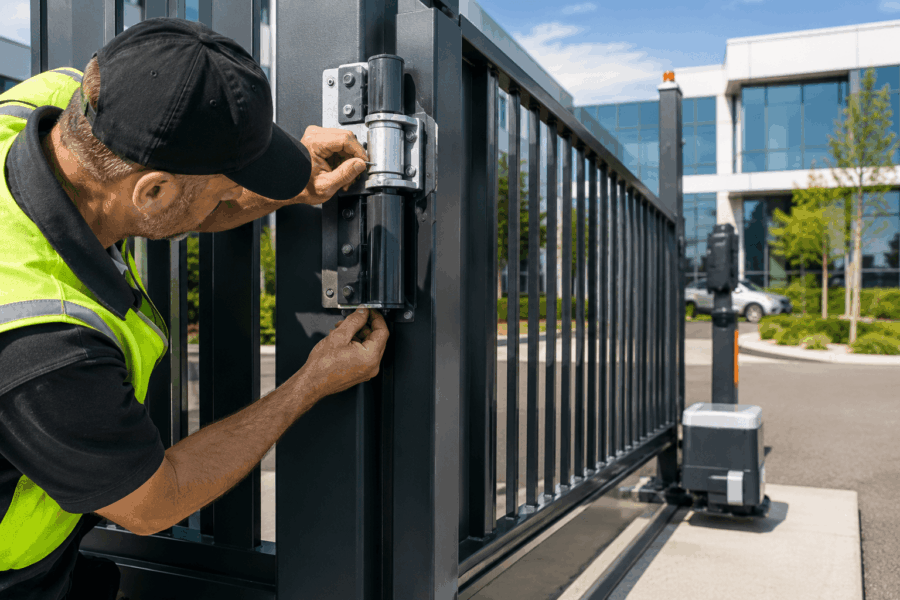
Preventing Repeat Ghost Openings With Maintenance
Once the immediate fault has been repaired, regular maintenance helps reduce the chance of repeat ghost openings. This is especially important for busy commercial sites where gates operate frequently throughout the day.
Maintenance should include cleaning and aligning safety sensors, checking weather seals, testing remotes and receivers, reviewing user permissions, inspecting visible cabling, checking battery backup performance, testing access control schedules, and confirming the gate closes securely after each command.
For office managers, maintenance is not only about reliability. It helps protect staff, visitors, vehicles, stock, and tenants while extending the life of the entire gate automation system. Preventing automatic gate opening by itself starts with keeping the full access system clean, tested, and properly configured.
Read more: When It Makes Sense to Upgrade the Entry System Instead of Patching Failures
Final Thoughts
An automatic gate opening by itself should never be ignored on a commercial site, as a temporary opening can create a serious security gap and expose the property to safety and operational risks.
In many cases, the cause is a faulty remote, a stuck release button, an exit loop problem, sensor contamination, access control settings, wiring faults, control board issues, or power fluctuations, all of which can create ghost openings. The right repair starts with a proper diagnosis of the full gate and access control system.
DHS supports commercial facilities with reliable gate automation, access control, intercom, sensor, and security integration products designed for professional installations. If your facility gate is opening unexpectedly, arrange a professional inspection and explore DHS products to help keep your site secure and operating with confidence. Contact us today for more information!
FAQs about Automatic Gate Opening by Itself
Why is my automatic gate opening by itself?
It usually receives a false open command from a remote, sensor, exit loop, intercom system, keypad, access control schedule, wiring fault, relay, or control board issue.
Is a ghost opening a security risk?
Yes. Even a short unexpected opening can allow unauthorised vehicle or pedestrian access, especially after hours or on sites with vehicles, stock, equipment, or tenant areas.
Should I turn the gate off?
Only turn the gate off if it is safe and your site has a secure temporary access plan. Do not disable safety devices or interfere with electrical components.
Can weather cause automatic gates to open randomly?
Yes. Rain, moisture, storms, fog, heat, corrosion, and power fluctuations can affect sensors, wiring, control boards, batteries, and access devices.
When should I call a technician?
Call for urgent repair if the gate opens after hours, opens repeatedly, cannot stay closed, makes unusual noises, or creates a safety or security risk.