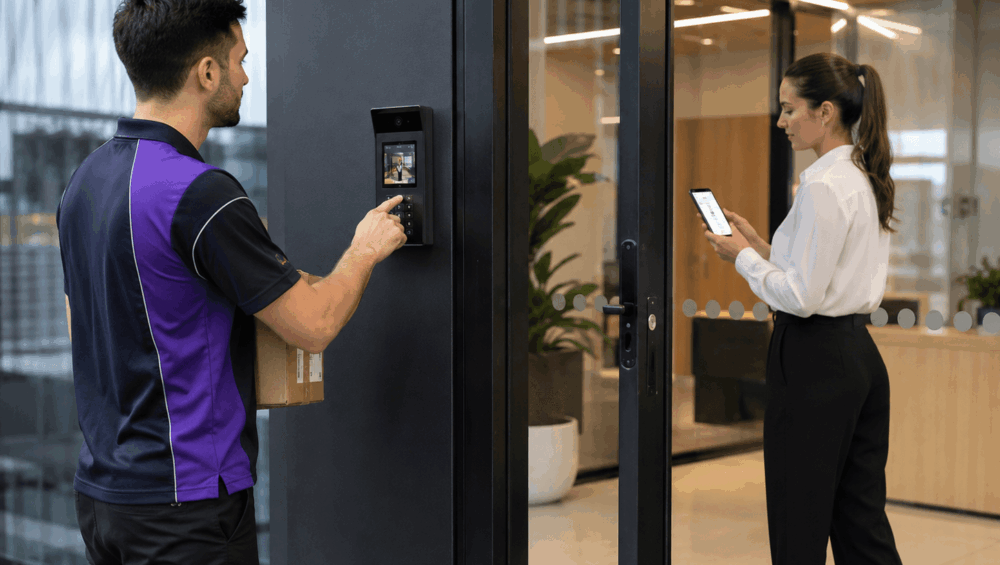
Modern offices often receive a constant flow of parcels, food orders, equipment, and documents. Each arrival creates a small access-management task to resolve quickly and safely. Moreover, a delivery is no longer simply a matter of answering a doorbell. Staff must identify the courier, determine whether entry is appropriate and direct the visitor to the correct location without leaving the entrance unsecured.
A visitor management intercom system combines video calling, mobile notifications and controlled door release to make commercial deliveries easier to manage. Instead of relying on a receptionist sitting at a fixed desk, authorised staff can view the visitor, communicate with them and respond through an app.
This article explains how app-based intercoms improve delivery workflows and what access rules should remain in place after installation.
Why Traditional Delivery Entry Processes No Longer Work Well
Traditional entry processes were designed for workplaces where reception remained staffed throughout the day. That model is becoming less common as organisations adopt flexible hours, hybrid work arrangements and shared administrative responsibilities.
A typical older setup involves a courier pressing a basic buzzer, speaking to a receptionist through an audio handset and waiting for the door to be released. The receptionist may have little information about the visitor and the parcel. In some buildings, they cannot see the entrance clearly and must make an access decision based only on the courier’s voice.
This arrangement becomes unreliable when reception is only staffed during certain hours. Office managers may be moving between floors, employees may be working remotely, and facilities personnel may be attending another building. Even when someone hears the buzzer, they may not know whether the delivery is expected.
Informal workarounds often develop. Staff may share door codes with regular drivers, leave loading entrances unlocked, ask couriers to follow an employee inside or prop open a secure door while searching for the recipient. These practices may save time in the short term, but they weaken the building’s access controls.
The consequences are both operational and security-related. Missed deliveries can delay projects, interrupt staff and lead to redelivery fees. Uncontrolled entry may expose work areas, storage rooms, employee facilities, confidential records or valuable equipment.
Read more: Mobile App Entry vs Indoor Monitor: Which Intercom Experience Fits the Site
How an App-Based Visitor Management Intercom System Handles Deliveries
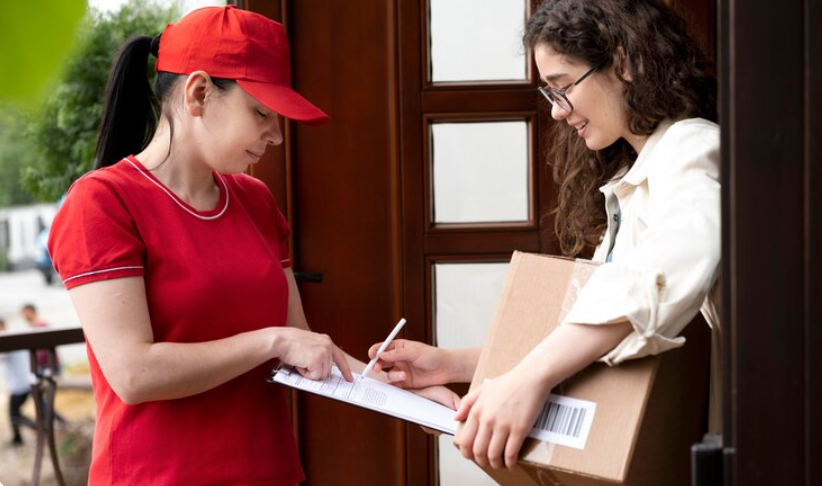
A visitor management intercom system supports the entire delivery journey, from the courier’s arrival to the parcel’s final handover. It should not be treated as an isolated doorbell or a convenient remote-unlocking device.
The Courier Initiates the Call
The entrance station should provide the courier with a clear, simple way to contact the correct person. In a single-business office, this may be one call button. In a multi-tenant building, the panel may include a searchable directory or separate buttons for individual businesses.
The directory should be configured around the way the property actually operates. A delivery option may route general parcels to reception, while scheduled contractors are directed to facilities staff. Clear labels and instructions reduce confusion and prevent visitors from calling unrelated departments.
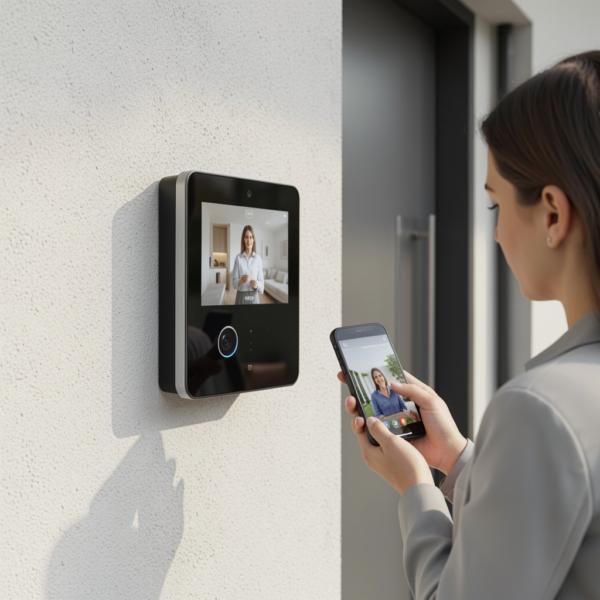
Once the call is placed, the visitor management intercom system can send video and audio to a wall-mounted monitor, a desktop application, or an authorised mobile phone.
Staff Verify the Visitor
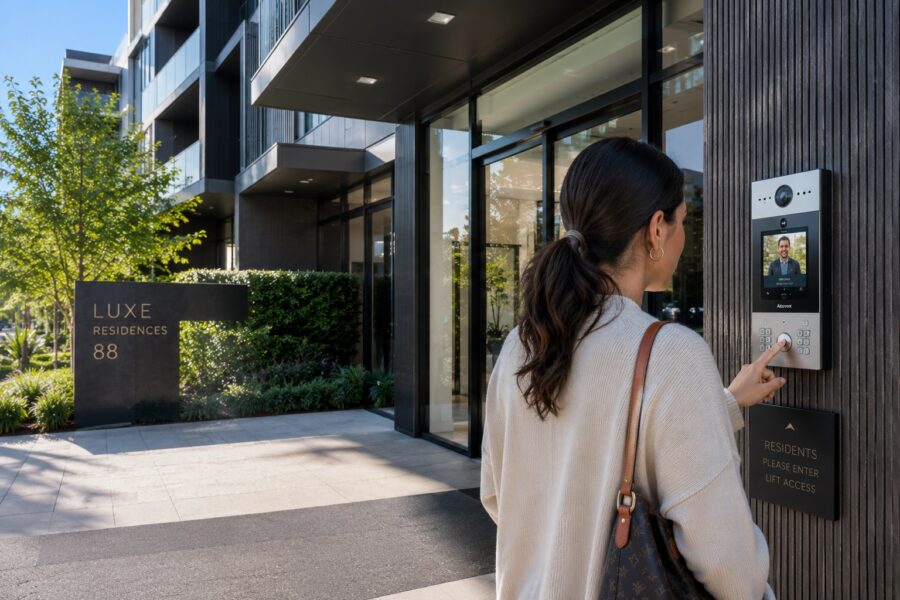
The person answering can view live video and speak directly with the courier. Before granting access, they may confirm the delivery company, the recipient’s name, the order reference, the parcel type, or the reason the visitor requires entry.
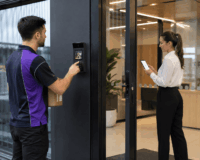
Video provides more context than an audio-only buzzer. Staff can see whether the caller is wearing a courier uniform, carrying a parcel or standing beside a delivery vehicle. A camera may also show the surrounding entrance area, helping staff identify additional people waiting nearby.
Staff Choose the Appropriate Response
After verification, the authorised user can decide what should happen next. They may release the front door, open a vehicle gate, ask the courier to wait outside, direct them to reception or request that the parcel be placed in a controlled delivery area. The safest response will depend on the property and the type of delivery.
Remote release should be used only when the person answering has sufficient visual and contextual information to make a safe decision. Being able to open the door from another location does not mean every delivery should be granted entry.
Calls Follow an Escalation Sequence
A commercial system can be configured to follow a defined escalation sequence. For example, a call may first go to reception. If unanswered, it may be redirected to the office manager and then to an approved backup employee.
Routing should follow the organisation’s operating procedures. Sending every delivery alert to every employee can create unnecessary interruptions and notification fatigue. When too many people receive the same call, each person may assume someone else will answer.
Time-based routing can also support different staffing arrangements. Calls may go to reception during normal hours, to facilities staff during early delivery periods, and to a designated after-hours contact outside the standard schedule.
The System Supports Hybrid Workplaces
App-based answering is particularly useful for hybrid workplaces. An authorised manager may verify a courier who is temporarily working from home, attending an off-site meeting, or visiting another company location.
However, remote answering needs clear rules. Someone working off-site may be able to confirm that a courier has arrived, but they may not know whether another employee is available to receive the parcel. Opening the door without confirming the conditions inside the building could result in an unattended access event.
The greatest benefit of a visitor management intercom system is not simply remote unlocking. It is the ability to create a consistent and accountable process around verification, communication and access.
The intercom may also connect with broader security solutions, including CCTV, access control, electric locking and monitored entrance systems. This integration helps office managers manage the entrance as one coordinated security environment rather than a collection of separate devices.
Operational Benefits for Office Managers and Reception Teams
App-based intercoms can reduce reliance on a permanently staffed reception desk while maintaining a controlled response to building arrivals. This is valuable for offices with flexible staffing, shared reception responsibilities or multiple entry points.
A visitor management intercom system allows staff to see who is waiting and resolve the request without walking to a wall-mounted monitor or asking a colleague to investigate. The person answering can quickly determine whether the courier is at the correct entrance and what assistance is required.
Call routing can also reduce unnecessary interruptions. Food deliveries may be directed to reception, IT equipment deliveries to the office manager and scheduled maintenance contractors to facilities staff. Instead of ringing a general office handset, the system sends the request to the team most likely to handle it correctly.
Additionally, clear communication helps improve the courier experience. A driver can be told where to wait, which entrance to use and whether someone is coming to collect the parcel. This is more efficient than releasing the courier into the building without instructions.
Backup routing helps maintain continuity during meetings, lunch breaks, and periods of reduced staffing. When the primary contact does not answer, the request can be routed to another approved user to avoid a missed delivery.
The objective is not to generate more notifications. The system should support the office’s workflow and direct each call to the smallest appropriate group of users.
Visitor Management Intercom System Features to Prioritise
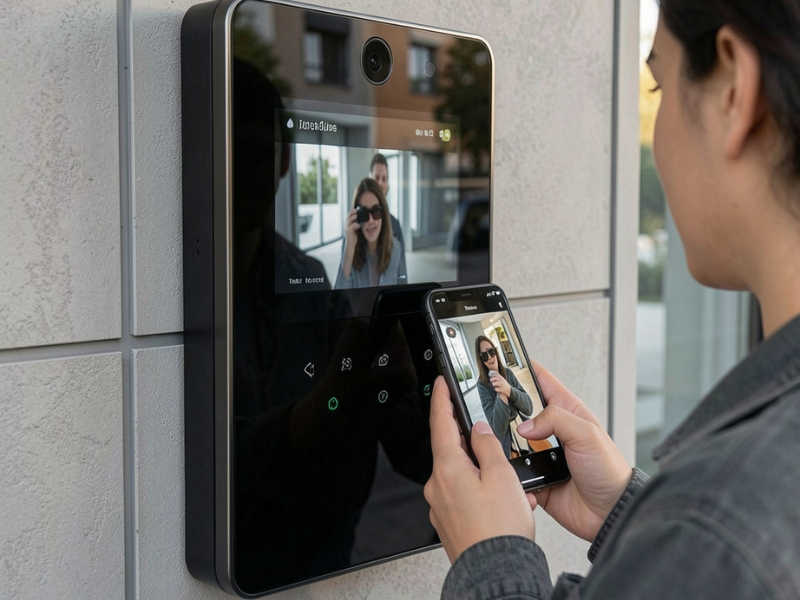
Not every video doorbell or residential intercom is suitable for commercial visitor management. A commercial visitor management intercom system should provide reliable video and clear two-way audio.
Flexible Call Routing
Call-routing options become increasingly important when reception coverage changes throughout the day. Useful configurations may include simultaneous ringing, sequential escalation, department directories and time-based routing.
A smaller office may need only a simple reception-to-manager sequence. A larger commercial building may require different routes for tenants, deliveries, maintenance contractors and after-hours arrivals.
Secure Mobile App Administration
Managers should be able to add or remove authorised users without complicated reprogramming. This is particularly important when employees leave, temporary contractors finish a project or responsibility for deliveries moves to another team.
Permissions should be assigned according to each person’s role. Some users may only need to answer calls, while others may be authorised to release particular doors or gates.
Door and Gate Integration
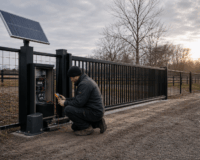
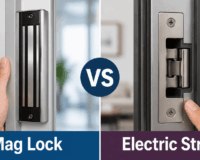
The system may need to release an electric strike, a magnetic lock, an automatic door, or a vehicle entrance. When multiple entry points are involved, Digital Home Systems can coordinate the intercom with broader gate & door solutions to ensure users use the correct access point.
For example, the app should distinguish between the main pedestrian door and the loading-area vehicle gate. Poorly labelled release buttons can lead to the wrong entrance being opened.
Recommended features to evaluate include clear video, full-duplex audio, mobile and desktop answering, configurable call groups, door-release permissions, event records, time schedules, CCTV integration, secure administration and supported software updates.
Security, Privacy and Delivery Access Rules
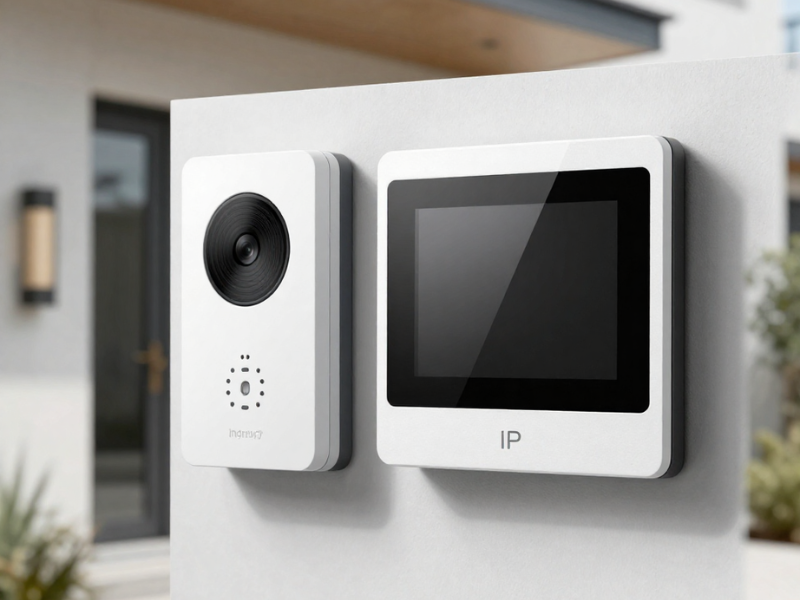
Even with a modern visitor management intercom system, staff should not release an entrance solely because the caller says they have a delivery. Instead, the employee answering should confirm the delivery company, intended recipient and expected purpose where practical. For unusual, unscheduled or after-hours deliveries, staff may need to contact the recipient before granting any access.
Permissions should also be limited. Not every app user needs the ability to unlock every entrance. Reception staff may only require access to the main door, while office managers or facilities personnel may need additional control over loading areas and vehicle gates.
Video, audio, call history, and access records must be handled in accordance with the organisation’s privacy policies and any applicable requirements. Employees should understand what information is recorded, who can view it and how long it is retained.
Clear procedures should cover unscheduled deliveries, suspicious callers, large items requiring internal access, after-hours couriers, personal parcels, restricted-area contractors and lost staff phones.
Read more: Secure Delivery Access Systems for Apartments and Strata Buildings
Plan a More Efficient Commercial Delivery Process With DHS
A visitor management intercom system can help office managers verify couriers and maintain better control over commercial entrances. Its value comes from creating a repeatable workflow in which staff can see the visitor, confirm the delivery, provide clear instructions, and release access only to the correct entry point.
Digital Home Systems works with office managers, builders, electricians and commercial installers to design practical intercom and access-control solutions for Australian workplaces, helping you assess your entrances, delivery processes, user groups and integration requirements before recommending suitable equipment.
Contact our team to discuss a visitor management solution designed around how your building actually operates.
Frequently Asked Questions
Can a visitor management intercom system send calls to several staff members?
Yes. Many commercial systems can call users simultaneously or follow an escalation sequence. The routing should be configured to avoid unnecessary alerts.
Can office staff release a door when working remotely?
Technically, many app-based systems support remote door release. The organisation should only allow it where staff can properly verify the visitor and understand the conditions at the entrance.
Can the intercom control both a pedestrian door and a vehicle gate?
It may be possible, provided the intercom, access control equipment and gate or door automation are designed to work together.
What happens when the internet connection is unavailable?
This depends on the system architecture. Some functions may continue locally, while cloud-based mobile calling may be interrupted. Backup procedures should be planned during system design.
Is an app-based intercom suitable for a multi-tenant office?
Yes, but directory, call routing, and release permissions must be carefully configured so that visitors reach the correct business without exposing other tenants.
Does DHS only supply the intercom equipment?
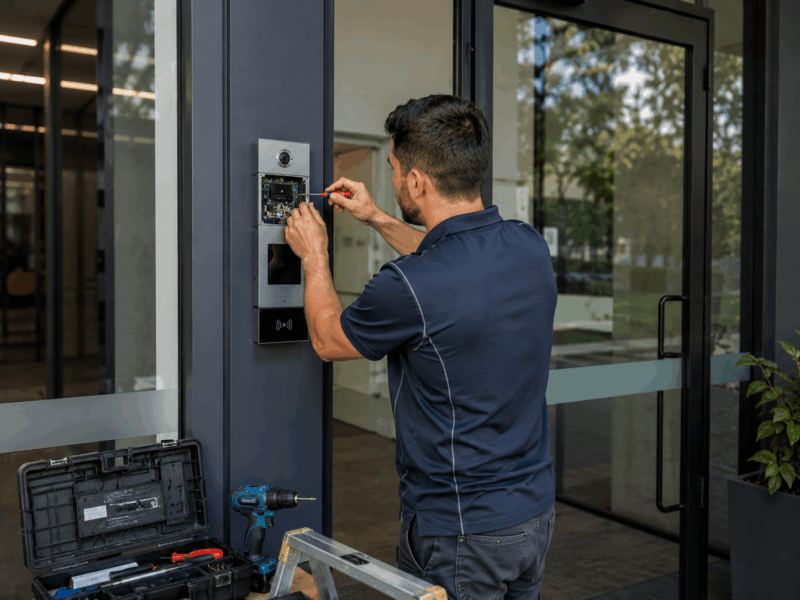
Besides providing intercom system equipment, DHS can assist with consultation, system design, product specification, integration, installer collaboration, commissioning and ongoing technical support.