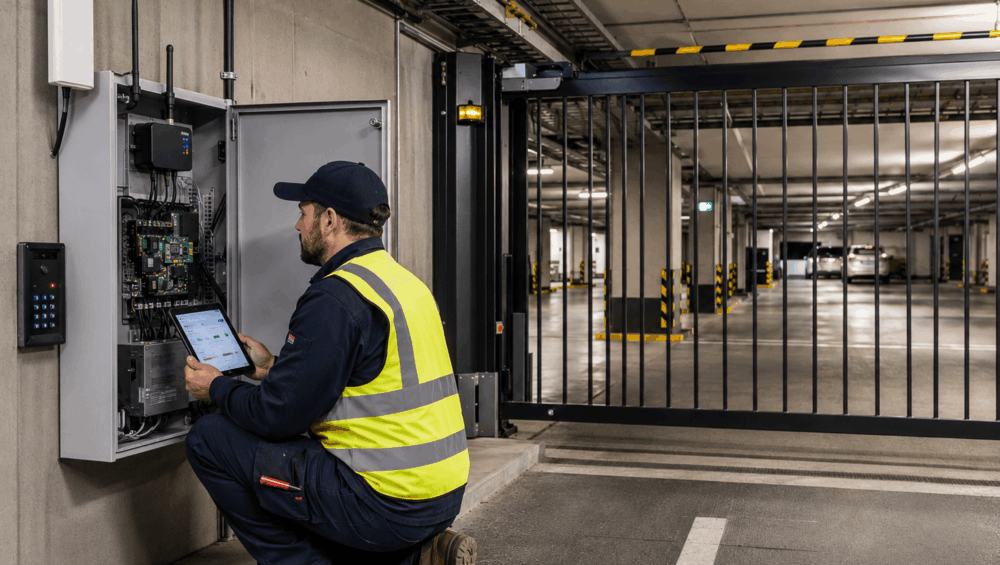
Once the gate system is installed in a concrete basement or an underground car park, the app command, SMS trigger, or cloud access often starts working only intermittently. This is where 4G cellular gate opener installation becomes more than basic programming: it requires reliable access through SIM activation, APN settings, carrier coverage, antenna placement, signal strength, enclosure positioning, stable power, and proper testing before handover.
For installers working on gate automation and connected access projects, DHS provides practical product support, specification guidance and gate & door solutions to help reduce callbacks and improve long-term system reliability.
What a 4G Cellular Gate Opener Actually Does
A 4G cellular gate opener is sometimes called a cellular access module, GSM gate opener or LTE access controller. It allows authorised users to trigger a gate without needing a traditional remote control.
Depending on the product, users may open the gate via a mobile app, a phone call, an SMS command, a cloud dashboard, a keypad integration, or an access-control relay. In many commercial and strata sites, these devices are used to add or remove users without physically issuing new transmitters.
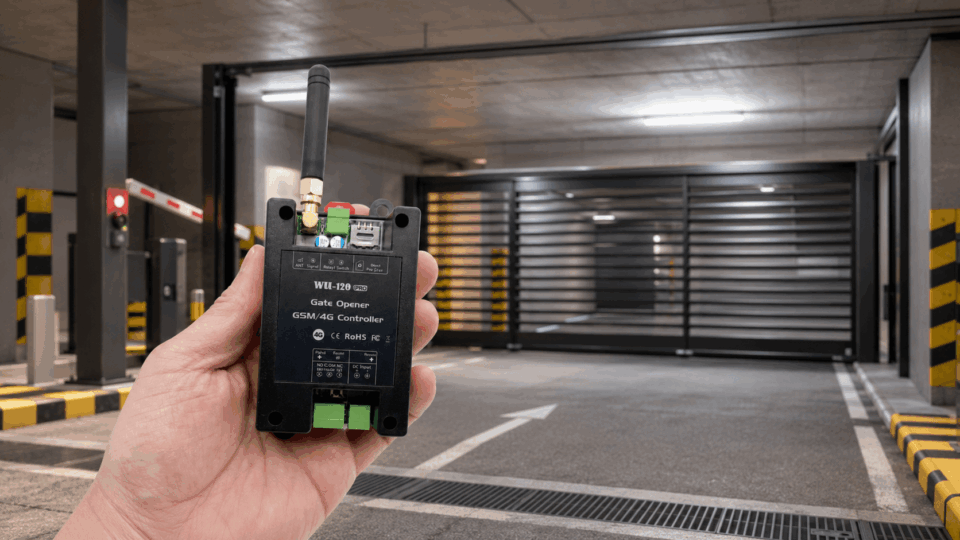
A typical system for a 4G cellular gate opener installation may include:
- A 4G/LTE cellular module
- A SIM card or M2M/IoT data SIM
- An internal or external antenna
- A relay output wired to the gate control board
- A suitable power input
- A user database or cloud portal
- An installer or admin programming interface
In a 4G cellular gate opener installation, the cellular module does not replace a correct gate automation design. It simply provides one method of triggering the gate controller.
The gate motor, control board, PE beams, loop detectors, safety edges, power supply, manual release and mechanical gate hardware still need to be installed correctly. The relay connection must also suit the controller input.
Why Concrete Undergrounds Create Signal Reliability Problems
Underground car parks and concrete basements are challenging environments for mobile network devices. Concrete, steel reinforcement, retaining walls, fire doors and long distances from the street can all reduce signal strength and signal quality.
This is why a phone showing “one bar” near the entrance does not prove the installed 4G module will perform reliably. The installer’s phone may be on a different carrier. It may be held closer to the driveway opening. It may not be inside the same enclosure. The actual module might sit inside a steel cabinet, behind a concrete wall, below street level or beside electrical equipment that adds noise to the environment.
For a 4G cellular gate opener installation, the goal is to confirm that the signal is stable enough for real-world operation after the cabinet door is closed, users are added, the SIM is active, the antenna is positioned, and the client is using the system as intended.
Common symptoms of poor cellular reliability include delayed gate response, random cloud disconnection, failed call-to-open commands, app commands working only sometimes, a SIM appearing online during setup but dropping out later, or weaker performance during wet weather and peak network periods.
This type of fault can be misleading because the gate itself may still operate via a local keypad or a manual trigger. That is why installers should separate gate automation testing from cellular communication testing.
Pre-Installation Checks Before Programming the 4G Module
Many problems blamed on “bad programming” are actually caused by site-readiness issues, SIM restrictions, or unclear user requirements. Before programming the module, installers should run through the basic conditions that affect both gate control and network performance.
- Confirm the gate controller input. Check that the gate opener or control board has a suitable input for a trigger relay. The module should connect to the correct start, step-by-step, open-only or access control input depending on the gate logic.
- Confirm power requirements. Check whether the cellular module needs 12VDC, 24VDC or a separate regulated power supply. Do not assume the gate controller accessory output can support every connected device.
- Check voltage and current capacity. A module may power up during setup but become unreliable if the supply dips under load.
- Confirm SIM activation. Make sure the SIM is active, correctly provisioned and not PIN-locked. It must also have the appropriate permissions for data, SMS, or voice calls, depending on the device’s features.
- Check carrier coverage at the actual mounting point. Test at gate cabinet height, not only at street level. In underground sites, a difference of one or two metres can affect reliability.
- Assess the enclosure material. A plastic enclosure may allow a better signal than a metal cabinet. If the module must be housed in a steel enclosure, an external antenna may be required.
- Confirm admin access. Make sure the installer has access to the correct programming app, web portal, SMS command structure or diagnostic interface before arriving on site.
- Record user groups early. Ask the client to confirm staff, managers, cleaners, contractors, emergency access users and property managers. A good 4G cellular gate opener installation should be programmed around real access roles, not just a long list of phone numbers.
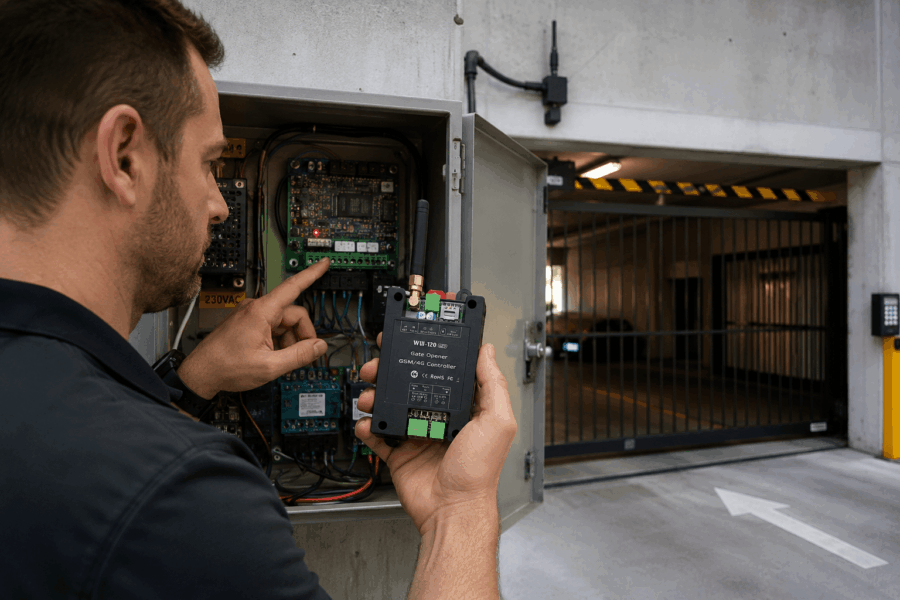
Main Installer Workflow: 4G Cellular Gate Opener Installation
Once the site is ready, the programming workflow becomes much easier. The exact steps will vary by product, but the commissioning logic is usually similar across most 4G/LTE gate access modules.
Confirm SIM Status and Network Registration
Start by confirming that the SIM is activated, correctly inserted and registering on the intended carrier network. Some modules show this through LED indicators, while others provide a diagnostic screen, cloud portal status or SMS response. The installer should verify that the device is connected to the expected network and remains connected after rebooting.
For a commercial 4G cellular gate opener installation, it is worth confirming who owns the SIM account. A SIM under the installer’s name can create problems later if the client needs to update billing, change plans or transfer system management.
Configure APN and Data Settings
Many 4G modules require the correct APN to communicate with a cloud platform or mobile app. A standard consumer SIM may use a public APN, while M2M or IoT SIMs may require different APN details from the SIM provider.
Installers should confirm APN name, username, password and authentication type where required. It is also sensible to record these settings in the handover documentation so future support does not start from zero.
Set Admin Credentials and Installer Access
Default passwords are a poor handover practice. The installer should set secure admin access, avoid leaving factory credentials in place and clarify who owns the system account after handover. For strata, commercial and managed properties, this is especially important. The building manager may need to add and remove users later. However, not every user should have full admin rights.
A clean setup separates installer access, client admin access and everyday user access. This reduces confusion and helps prevent unauthorised changes to gate settings.
Read more: Cloud-Managed Access Control: Managing Multiple Office Entrances From One Dashboard
Program Relay Behaviour
The relay output is the bridge between the 4G module and the gate controller. In most cases, a gate-open command should provide a clean momentary trigger pulse, similar to pressing a push button or remote-control input.
Installers should check pulse duration, relay mode and input type. A short pulse may be suitable for one controller, while another may need a slightly longer trigger. Latch mode should be used only where the gate logic is designed for that behaviour.
This is one of the most important parts of 4G cellular gate opener installation because a network command is only useful if the relay behaviour matches the gate automation logic.
Add Users and Access Permissions
User programming should be structured, not rushed. Instead of adding every phone number to a single shared list, group users by role where the system allows. For example, managers may have permanent access, cleaners may need access only during certain hours, and emergency contacts may need a clearly documented override pathway. Property managers may need admin permission, while general tenants may only need basic trigger access.
Configure Alerts and Event Logs
Some 4G gate opener systems support event logs and alerts for failed access attempts, power failures, offline status, or user activity history. Meanwhile, not every project needs every alert enabled. Too many notifications can create noise for the client.
However, for commercial buildings, the right alerts can help identify issues before users become frustrated. Event logs also help installers troubleshoot. If the client reports that the gate “did not open”, the log may show whether the command failed to reach the device or the gate controller did not respond.
Test Local and Remote Commands
Testing should cover every method the client expects to use. This may include call-to-open, app command, SMS command, keypad trigger, cloud dashboard control and manual relay test. For underground sites, the installer should test from inside the basement or gate cabinet area, outside the property, and from a remote location.
A complete 4G cellular gate opener installation should provide both local gate response and remote communication. The installer should also retest after closing the cabinet door, securing the antenna, tidying cables and finalising the enclosure.
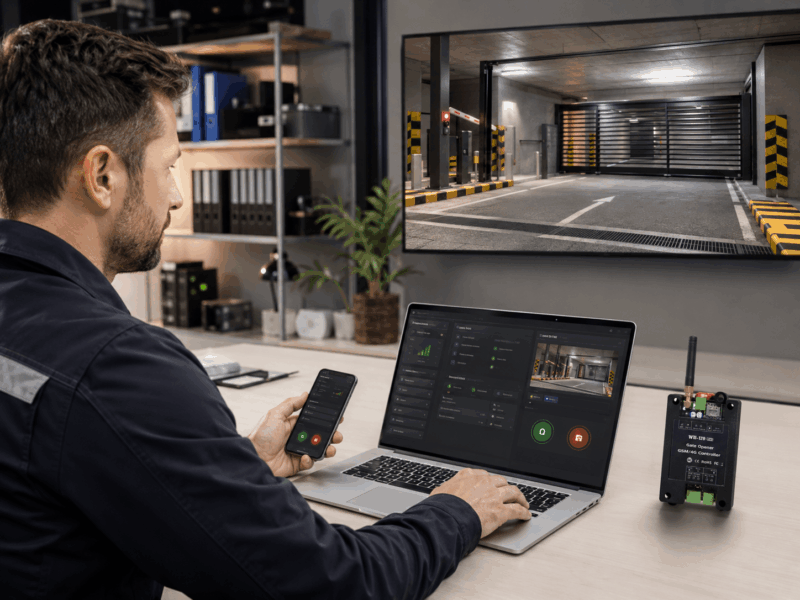
Antenna Placement and Signal Testing for Underground Gate Sites
Antenna placement can make all the difference. In underground locations, the module often becomes unstable once the door is closed or the antenna is left inside a shielded enclosure.
Installers should avoid leaving the antenna inside a steel cabinet if the signal is weak. The antenna should be mounted as high as practical and, where possible, moved closer to the driveway opening. Even a small change in antenna location can improve reliability in a concrete structure.
Antenna cable routing also matters. Avoid running antenna cable tightly beside high-voltage cabling where possible. Check that the cable is not crushed, sharply bent, or damaged during cabinet closure. For exposed locations, use suitable weatherproof antenna mounts and make sure the 4G cellular gate opener installation is mechanically secure.
Where the device provides diagnostic readings, installers should record values such as RSSI, RSRP, RSRQ or SINR. These terms do not need to be overcomplicated during handover. The practical goal is a stable signal margin under real site conditions, not just a brief connection during setup.
For Australian sites, installers should also avoid recommending illegal mobile phone boosters. ACMA states that mobile phone boosters are illegal in Australia, and users are not allowed to operate them. Where the signal is genuinely poor, consider better antenna placement or alternate connectivity such as hardwired IP where available.
Handover, Documentation and Maintenance Checks
A professional handover protects both the client and the installer. Once the 4G cellular gate opener installation has been tested, the installer should document the settings that matter for future service and support.
This should include the SIM provider and plan type, device make and model, serial number, APN settings, admin account owner, antenna location, signal reading at handover, relay settings, user permission structure, backup access method and manual release procedure.
For commercial and strata sites, scheduled reviews are strongly recommended. If access permissions are never reviewed, the system can slowly become messy and less secure.
Maintenance checks should also include signal status, account ownership, SIM billing, user list cleanup, antenna condition, enclosure sealing, power supply stability and gate controller response. A connected gate system should be treated as both an automation system and an access control system.
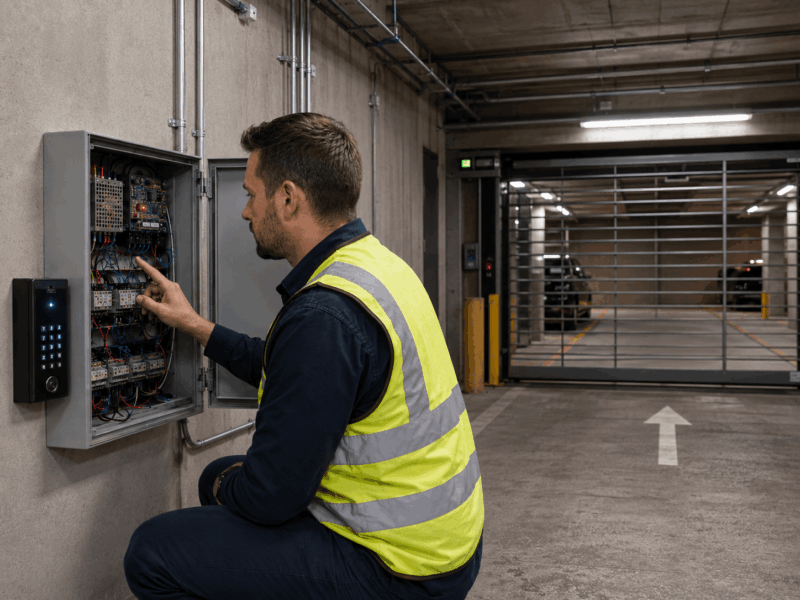
In Conclusion
A successful 4G cellular gate opener installation is not only about getting the first app command to work. It is about ensuring the system continues to work after the cabinet is closed, the SIM is active, the antenna is secured in place, users are added, and the client relies on the gate every day.
Concrete undergrounds, basements and lower-ground driveways create real signal challenges, but many problems can be avoided. For installers, builders and integrators working on underground car parks, commercial gates, DHS can help specify the right gate automation products, 4G access modules, antennas, control boards, intercom accessories and supporting hardware. Contact us today!
FAQs
Can a 4G cellular gate opener work in an underground car park?
Yes, but only when the installer confirms a stable signal, suitable antenna placement and reliable module communication at the actual mounting location.
Do I need a special SIM card?
Some systems work with standard SIMs, while others perform better with M2M or IoT SIM plans. Always confirm data, SMS, voice and APN requirements before 4G cellular gate opener installation.
Why does the gate open slowly after an app command?
Slow response may be caused by weak signal, cloud delay, poor antenna placement, incorrect APN settings, network congestion or unstable power to the 4G module.
Should installers use a signal booster?
No. In Australia, mobile phone boosters are illegal unless specifically authorised. Installers should consider antenna relocation, carrier selection, approved equipment or alternate connectivity instead.