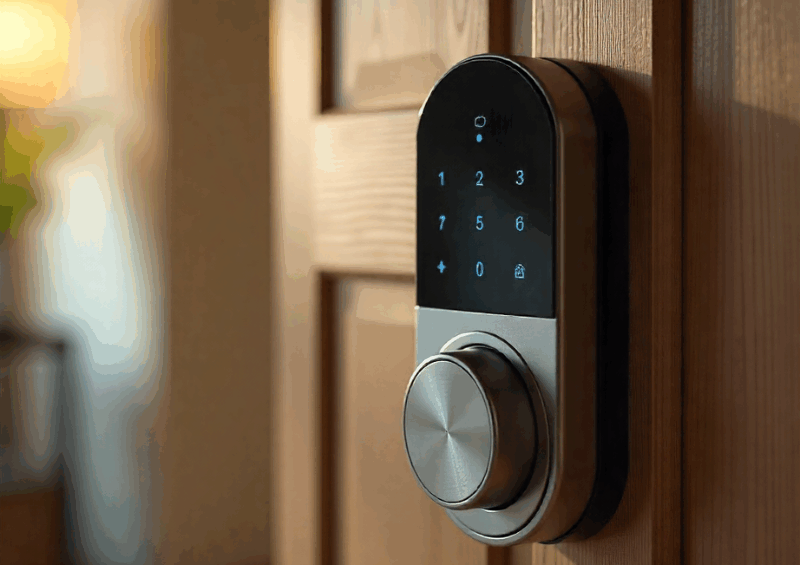
In today’s increasingly connected world, homes are evolving from simple living spaces into smart environments capable of responding intelligently to your lifestyle. One of the most powerful upgrades in this transformation is the integration of access control systems with modern smart home hubs. When combined with wireless protocols such as Z-Wave, Zigbee, and wired building automation standards like KNX, your home’s entry points can become more secure, more convenient, and deeply automated.
Whether you are a homeowner, installer, security professional, or smart home enthusiast, understanding how to bridge access control hardware with smart hubs is essential for building a modern and resilient home automation ecosystem. This guide explains integration methods, hardware compatibility, setup workflows, best practices, troubleshooting steps, and future trends—all written to help you achieve a seamless, secure, and intelligent access control network.
Understanding Modern Access Control Systems in Smart Homes
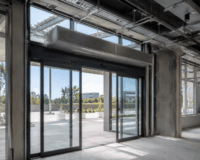
Access control systems are no longer limited to commercial buildings. In a smart home environment, these systems manage who can enter your property and how they authenticate access. They protect doorways, gates, garages, and even internal rooms.
Modern access control systems are designed to be flexible and scalable, allowing administrators to manage permissions, monitor entry activity, and update access rights in real time. When integrated with smart home hubs, these systems become part of a larger automation ecosystem.
Modern residential access control systems typically include:
- Electronic Door Locks: Such as smart deadbolts, mortise locks, and electromagnetic locks.
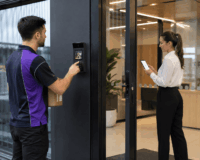
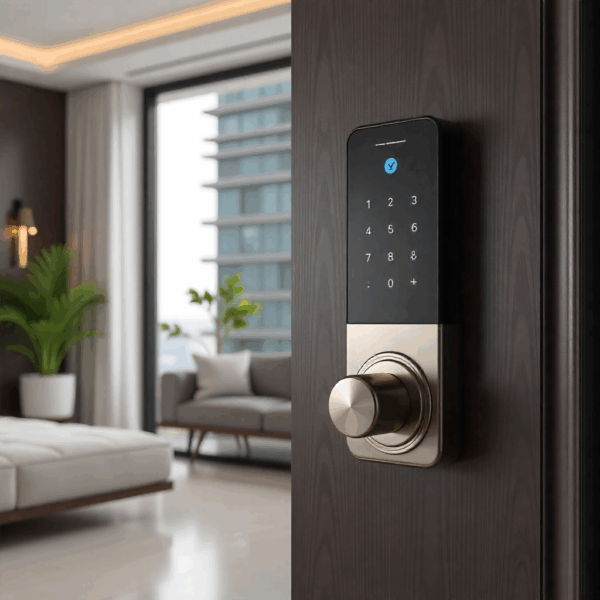
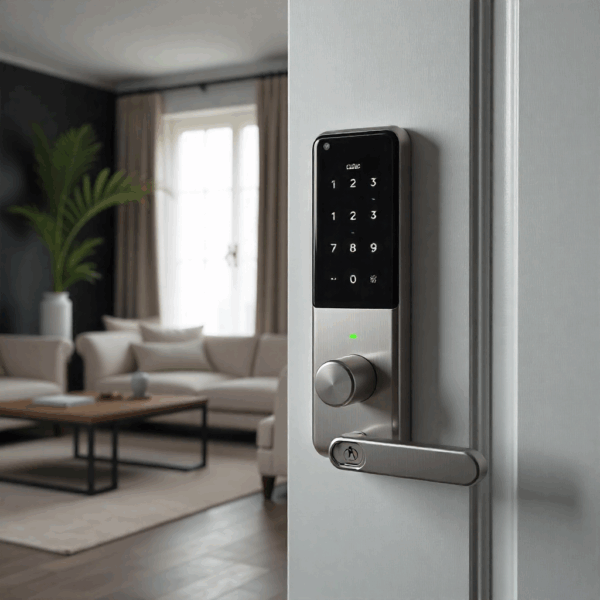
- Keypads and Touch Panels: Useful for PIN-based unlocking and multi-user control.
- RFID and Card Readers: Common in office-style access that’s now entering luxury homes.
- Biometric Readers: Including fingerprint, facial recognition, and palm-vein scanners.
- Intercom and Video Doorbell Systems: Combining visitor communication with remote unlocking features.
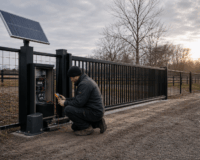
- Gate and Garage Access Modules: Controlling swing gates, sliding gates, roller doors, and tilt garages.
The goal of integrating these devices with a smart home hub is to automate, monitor, and control your entry points in a unified interface.
Why Connect Access Control Systems With Smart Home Hubs?
Smart home hubs act as the central control point for connected devices within a property. They allow different systems, such as lighting, climate control, and security, to communicate and work together seamlessly.
By connecting devices through a single platform, smart home hubs simplify system management. For example, unlocking a door can automatically turn on the lights.
Some essential advantages include:
- Unified Management: Control doors, sensors, cameras, lights, and alarms from a single interface, rather than juggling multiple apps.
- Remote Access: Lock or unlock your home from anywhere using the internet.
- Event-Based Automation: Unlocking a smart door triggers hallway lighting.
- Enhanced Monitoring: Receive alerts for wrong access codes, failed biometric attempts, the door being forced open, or the door being left unlocked or ajar.
- Multi-Protocol Compatibility: Using Z-Wave, Zigbee, or KNX smart hubs expands your options for connecting a wider range of home automation devices.
- Access Logs and History Tracking: Know exactly when guests, cleaners, or family members entered or left.
Overview of Smart Home Protocols for Access Control Integration
Before you begin integration, it helps to understand the three major home automation protocols used for access control connectivity.
Z-Wave Access Control Integration
Z-Wave is one of the most popular wireless protocols for residential automation. It is ideal for smart locks and access systems because of its reliability and low power consumption.
Why Z-Wave Works Well With Access Control Systems
-
Uses AES-128 or S2 encryption for secure communication
-
Mesh networking allows large homes to maintain strong signal reliability
-
Broad device compatibility with major smart home hubs
-
Designed for low bandwidth, making it perfect for locks and sensors
Common Z-Wave Devices for Access Control
-
Smart deadbolts
-
Z-Wave door controllers
-
Keypad locks
-
Garage controllers
-
Entry sensors
-
Power relays for gates or strike plates
Most modern smart locks (e.g., Yale, Schlage, Danalock) offer Z-Wave modules for seamless integration.
Zigbee Access Control Integration
Zigbee is another mesh-based wireless protocol similar to Z-Wave, but often preferred in ecosystems like Philips Hue, Amazon Echo, SmartThings, and Aqara.
Key Advantages of Zigbee for Access Control
-
Fast response time
-
Low energy usage
-
Highly scalable network (supports thousands of devices)
-
Strong manufacturer support
-
Ideal for sensors, door locks, and access devices
Popular Zigbee Devices for Access Control
-
Zigbee smart locks
-
Door/window sensors
-
Motion and occupancy sensors (helpful for entry automation)
-
Zigbee relays and contact modules
-
Video doorbell bridges supporting Zigbee
Zigbee is especially strong in Asian and European markets.
KNX Access Control Integration
KNX is a wired home and building automation standard used primarily in high-end homes, villas, commercial structures, and luxury smart buildings.
Why KNX Is Powerful for Access Control Systems
-
Very stable hardwired communication
-
KNX Secure (intrusion-proof encrypted communication)
-
Supports professional-grade access control hardware
-
Can integrate RFID, biometric systems, intercoms, and door controllers
-
Works with large-scale systems requiring long-term reliability
Typical KNX Access Control Hardware
-
Keypads
-
Biometric readers
-
RFID readers
-
KNX-enabled electric strikes and maglocks
-
Touch panels with access controls
-
Gate controllers with KNX relays
KNX requires certified specialists for setup but provides unmatched performance in premium installations.
Learn why KNX is the smartest choice for secure home automation—read our full guide here.
How Your Smart Home Hub Manages Access Control Systems
At the heart of any modern smart home or building setup, the hub plays a critical role in bringing everything together. Acting as the “central brain,” a smart home hub connects locks, door sensors, intercoms, and other entry devices into a coordinated system. Rather than operating in isolation, each component becomes part of a larger automation ecosystem.
A wide range of popular hubs support access-control integration across multiple protocols. Platforms like SmartThings and Hubitat Elevation offer support for both Z-Wave and Zigbee devices, making them versatile options. Home Assistant stands out for its flexibility, supporting Z-Wave, Zigbee, and even KNX through add-ons. Meanwhile, Fibaro Home Center and Vera / Ezlo are well-established in Z-Wave ecosystems, offering reliable performance.
For KNX-based installations, KNX IP Interface devices serve as a bridge between the KNX bus and IP networks, enabling integration with broader control systems. On the Zigbee side, Amazon Echo and Aqara Hub enable users to add basic access control features to voice-controlled or app-based environments.
Once connected through a hub, access control devices begin to work together in meaningful ways. The system can synchronise real-time states, such as whether a door is locked/unlocked or open/closed. This ensures all connected devices and interfaces reflect accurate information. This shared awareness allows other smart devices to respond accordingly.
Beyond simple status updates, hubs enable automation routines that streamline everyday use. For instance, unlocking a door could disarm an alarm system, adjust lighting, and notify the homeowner. Push notifications keep users informed of activity in real time, whether it’s an unexpected door opening or someone accessing the property. Many systems also support synchronising access permissions, making it easier to manage who can enter specific areas and when.
Importantly, hubs also act as a central repository for logs and event data. This provides a clear history of access activity, which can be useful for both security monitoring and operational insights.

How to Integrate Access Control Systems With Smart Home Hubs
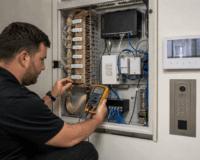
Integration can be achieved through several approaches, depending on the technologies involved. In wireless systems such as Z-Wave or Zigbee, integration is often handled through compatible smart home hubs. That supports both access control devices and other smart components.
For KNX systems, integration typically involves gateways or interfaces that connect the KNX infrastructure with modern control platforms. These gateways translate communication between systems for centralised control and automation.
Cloud-based integration allows devices to connect through online platforms rather than direct local communication. This approach offers greater flexibility and remote access but may depend on internet connectivity.
Below is a step-by-step workflow that works for nearly all access control hardware across Z-Wave, Zigbee, and KNX ecosystems.
Step 1: Identify Your Smart Home Protocol
Determine whether your access control hardware supports Z-Wave, Zigbee, KNX, or IP/Wi-Fi (may require a bridge)
If your smart lock or access system is not natively compatible, you may need:
-
A relay module
-
A protocol converter
-
A smart hub with multi-protocol support
Step 2: Prepare Your Access Control Device
For a smart lock, ensure:
-
Fresh batteries installed
-
The device is in pairing mode
-
Factory reset if previously paired
-
Within range of your hub or repeaters
For KNX devices:
-
Ensure they are configured in ETS software
-
Confirm group addresses
-
Verify link with KNX IP interface
Step 3: Pair the Device With Your Smart Hub
Z-Wave Devices: Initiate inclusion mode on your hub → activate pairing on the lock or controller.
Zigbee Devices: Place the hub in discovery mode → reset the lock → it joins automatically.
KNX Devices: Use ETS to configure → connect KNX/IP interface → sync with Home Assistant or KNX controllers.
Step 4: Assign Room, Labels, and Permissions
-
Label the door or gate location
-
Configure user codes for keypads
-
Set time-based access for visitors or cleaners
-
Enable logging and real-time notifications
Step 5: Integrate With Automation Routines
Examples of useful automations after integrating access control systems:
Home Arrival Scenes
-
Door unlocks
-
Porch light turns on
-
Air conditioning activates
Night Security Mode
-
Locks all doors
-
Closes the garage
-
Arms sensors
Gate + Garage Integration
-
Gate opens when your car approaches
-
Garage door opens automatically afterward
Visitor Access
-
When doorbell rings → send notification → unlock remotely
Emergency Automation
-
Fire alarm triggers unlocking of all doors
-
Lights turn on to assist evacuation
Step 6: Test For Reliability and Security
Test the following:
-
Lock/unlock commands
-
Door state reporting
-
Automation timing
-
Access logs
-
Security encryption (Z-Wave S2, Zigbee 3.0, KNX Secure)
Always confirm that remote unlocking requires authentication to prevent unauthorized access.
Common Compatibility Challenges and How to Solve Them
Even with a well-designed smart home or automation setup, occasional compatibility issues can still arise. These challenges are usually caused by a mix of network conditions, device limitations, or configuration gaps. The good news is that most of these problems are predictable and fixable.
Devices Fail to Pair
One of the most common issues users encounter is devices failing to pair with the system. This can often come down to distance, especially in wireless environments where the device is too far from the hub. In other cases, compatibility mismatches or incomplete device resets can prevent successful pairing. Zigbee-based systems may also experience interference from overlapping channels.
To resolve this, it’s best to move the hub closer during pairing, perform a full device reset, and confirm that the device supports the correct regional frequency. Adding repeaters can also strengthen the network and improve inclusion success rates.
Delay or Slow Response
Another frequent challenge is delayed or slow system response. This typically points to a weak or overloaded network. In wireless setups, a poorly formed mesh network, often shared with Wi-Fi, can lead to noticeable lag. In KNX environments, issues such as unstable bus voltage may also affect responsiveness.
Addressing this involves strengthening the network with additional repeaters, rebuilding the mesh to optimise routing, and relying on a wired KNX backbone for more stable communication.
Automation Fails Randomly
Automation that behaves inconsistently or fails at random can be particularly frustrating. These issues are often linked to conflicting logic within automation rules. For example, door or motion sensors may misreport their status due to low battery levels or signal dropouts.
A practical approach is to revisit and simplify the automation logic, then retest each scenario. Strengthening either the wireless mesh or the wired infrastructure.
Door Status Not Updating
Finally, inaccurate or delayed door status updates can disrupt many automated workflows, as door sensors trigger actions. If the system is not reflecting the correct state, the issue may lie with the sensor itself.
Replacing or re-pairing the sensor is a good starting point, followed by checking the physical alignment of the contact points. In KNX systems, group addresses should be correctly assigned and communicate as expected.
Best Practices for Reliable Access Control Integration
To ensure long-term stability:
- Use Repeaters. Z-Wave and Zigbee rely heavily on mesh nodes.
- Update Firmware. Devices improve with updates.
- Avoid Wi-Fi Overlapping Channels. Zigbee uses channels 11–26 on 2.4 GHz.
- Use KNX for Critical Access Points. Wired reliability is unmatched.
- Enable Multi-Factor Unlocking. PIN + biometric + app unlock increases security.
- Backup Your Configuration. Use your hub’s backup tools to prevent data loss.
Cost of Integrating Access Control Systems With Smart Home Hubs in Australia
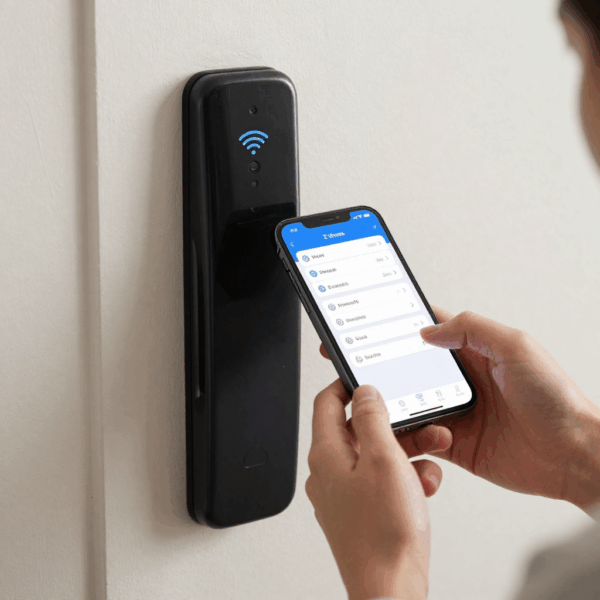
The cost of integrating access control systems with smart home hubs in Australia can vary based on system complexity and the technologies involved.
For basic wireless setups using Z-Wave or Zigbee, costs typically range from AUD $500 to $2,000. These systems are suitable for smaller properties and require minimal installation effort.
More advanced integrations, particularly those involving KNX systems, can range from AUD $3,000 to $10,000 or more. These setups often include professional installation and configuration, as well as integration with multiple building systems.
Ongoing costs may include maintenance, software updates, or subscription fees for cloud-based platforms. However, the benefits of improved efficiency, convenience, and security often outweigh these expenses.
Final Thoughts
Integrating access control systems with smart home hubs enables a powerful, secure, and deeply personalised home automation experience. Whether you use Z-Wave for wireless smart locks, Zigbee for sensor-rich environments, or KNX for professional-grade building automation, the right setup can transform how you manage entry, monitor access, and protect your home.
With proper planning, robust hardware, reliable mesh networks, and secure encryption, modern access control integration can deliver seamless convenience and top-tier security—ensuring your home is smart, safe, and future-ready.
Upgrade your home security today with premium access control systems, smart hubs, sensors, and automation accessories from trusted Australian suppliers.👉 Explore smart security products now and choose the perfect solution for your home.