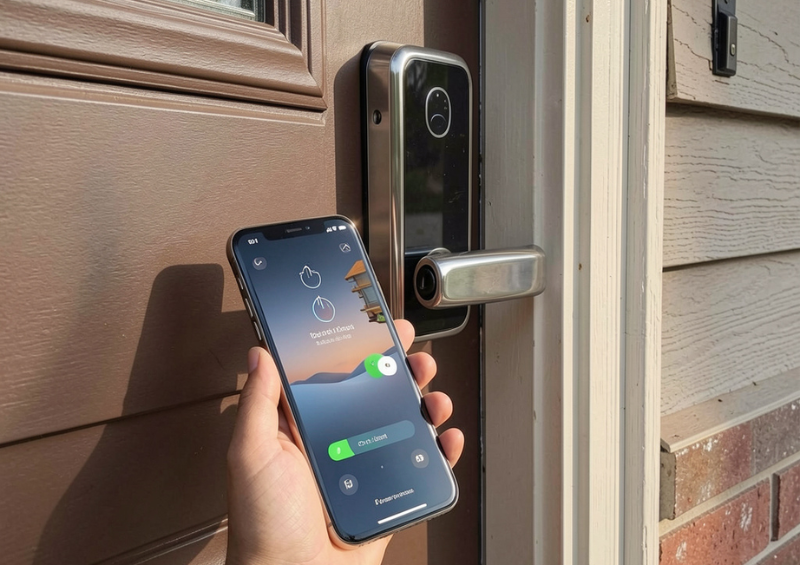
Smart home technology has transformed how people secure their homes and businesses. Among the most popular innovations is the Smart Lock, which allows users to control door access through smartphones, keypads, biometrics, or voice commands. These advanced systems offer convenience, enhanced security, and seamless integration with smart home ecosystems.
However, like any electronic device, a Smart Door Lock can occasionally experience technical issues or unexpected failures. Power outages, connectivity problems, or mechanical faults may temporarily prevent normal operation. Understanding potential failure scenarios and knowing how emergency override options work is essential for maintaining reliable access control.
This comprehensive guide explores common Smart Lock failure scenarios, the causes behind them, and the emergency solutions that ensure you never get locked out.
Table of Contents
ToggleUnderstanding How Smart Locks Work
Before discussing failure scenarios, it is important to understand how a Smart Door Lock operates. Unlike traditional locks that rely solely on mechanical keys, smart door locks combine mechanical components with digital technology.
Most smart door locks include several core elements:
-
A motorized locking mechanism
-
Wireless communication modules (Wi-Fi, Bluetooth, or Zigbee)
-
Authentication methods such as PIN codes or biometrics
-
Mobile apps or cloud platforms for remote access
-
Backup entry options such as keys or emergency power ports
These components work together to control access to a property. When a user enters a PIN code, scans a fingerprint, or unlocks the door through an app, the system verifies authentication and activates the locking motor.
While these systems are highly reliable, they depend on power, connectivity, and software stability, which means failures can occasionally occur.
Common Causes of Smart Lock Failures
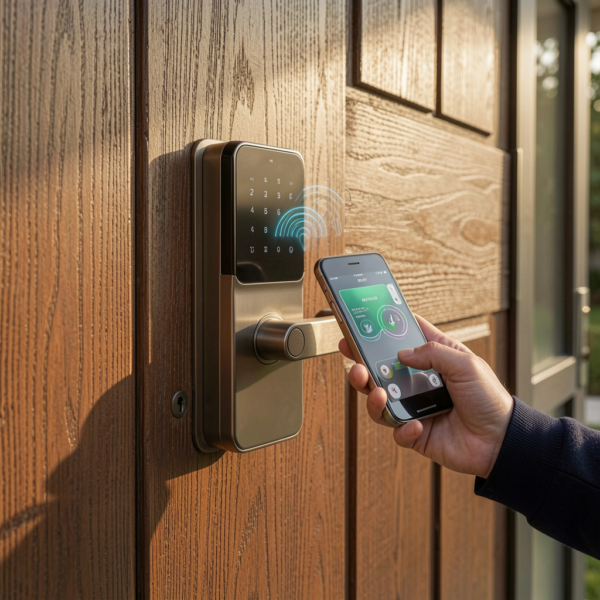
A Smart Door Lock may fail for several reasons, ranging from minor issues to more complex system problems.
Power Supply Issues
Most smart door locks operate on batteries. If the batteries run out unexpectedly, the lock may stop responding to digital commands.
Connectivity Problems
Many smart door locks rely on Wi-Fi or Bluetooth connections to communicate with mobile apps and home automation systems. Network disruptions can affect remote access.
Software or Firmware Bugs
Like any digital device, smart door locks rely on software to function. Firmware bugs or outdated software may cause temporary malfunctions.
Mechanical Wear
The internal locking mechanism still contains physical components that can experience wear over time.
Environmental Factors
Extreme temperatures, humidity, or dust may interfere with sensors and electronics.
Understanding these causes helps homeowners and property managers prepare for potential Smart Door Lock issues.
Smart Lock Battery Failure Scenario
One of the most common problems with a Smart Lock is battery depletion. Since most smart door locks rely on battery power, failure to replace batteries on time can lead to unexpected lockouts.
Fortunately, manufacturers design smart door locks with warnings and backup solutions.
Low Battery Alerts
Many smart door locks send notifications through mobile apps when battery levels are low. Some models also include audible alerts or LED indicators.
Emergency Battery Ports
Some smart door locks include external battery terminals that allow users to temporarily power the device using a 9V battery.
Mechanical Key Backup
Many systems include a hidden key cylinder that allows manual unlocking when batteries fail.
By monitoring battery levels regularly, users can prevent most battery-related Smart Lock failures.
Connectivity Failure and Network Issues
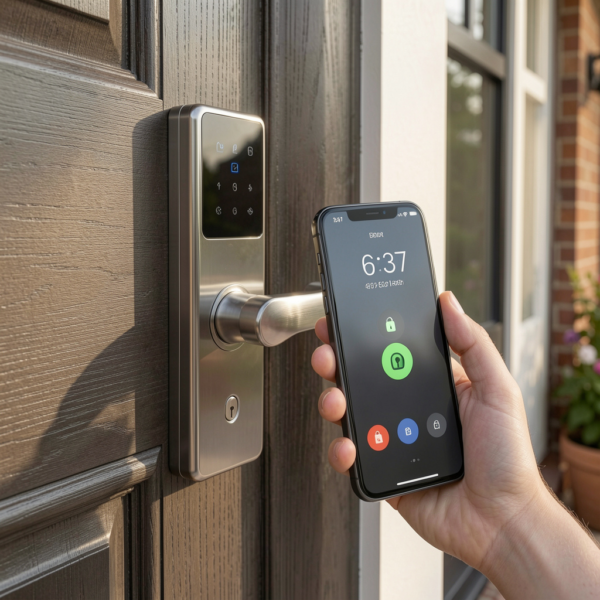
Connectivity is a critical component of a Smart Lock, especially when users rely on remote access through mobile apps.
When Wi-Fi or Bluetooth connectivity fails, several issues may occur:
-
Remote unlocking may not work
-
Access logs may not update in real time
-
Integration with smart home systems may stop temporarily
However, in most cases, local authentication methods such as PIN codes or fingerprint scanners continue working even when the internet connection is lost.
To minimize connectivity issues, it is recommended to maintain a strong wireless network and keep smart home hubs properly configured.
Mobile App or Software Malfunctions
Smart locks depend on mobile apps to manage access permissions, monitor activity, and control the device remotely. If the app experiences technical issues, users may lose certain features.
Possible causes include:
-
Outdated app versions
-
Operating system compatibility issues
-
Cloud service interruptions
-
Server outages
Even when app functionality is limited, most Smart Lock systems continue to allow entry using keypad codes or biometric authentication.
Keeping apps updated ensures smooth performance and minimizes software-related problems.
Mechanical Lock Jam or Motor Failure
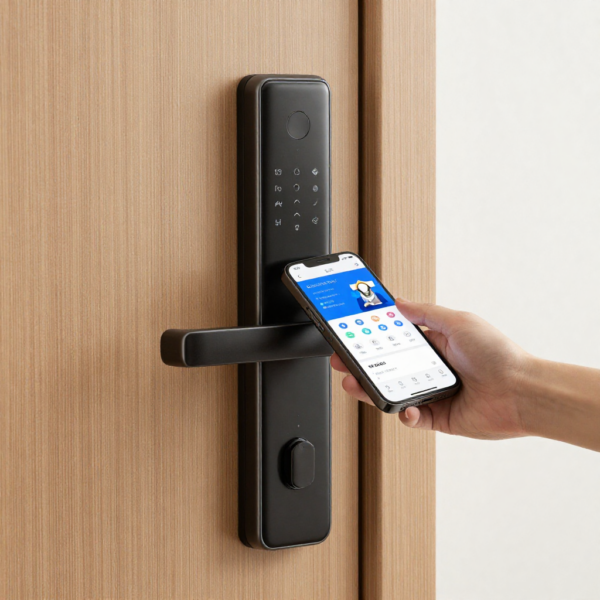
Although a Smart Lock is primarily electronic, it still includes mechanical parts such as gears, deadbolts, and motors.
Mechanical issues can occur if:
-
The door is misaligned
-
The lock mechanism experiences wear
-
Debris obstructs the locking components
-
Improper installation affects operation
When the motor cannot fully engage the deadbolt, the lock may fail to open or close properly.
Regular maintenance and professional installation can help prevent mechanical issues.
Smart Lock Sensor and Biometric Errors
Some smart locks use fingerprint sensors or facial recognition systems for authentication. While these technologies provide convenience, they may occasionally fail to recognize users.
Common causes include:
-
Dirty or wet fingerprint sensors
-
Changes in fingerprint patterns
-
Poor lighting conditions for facial recognition
-
Sensor calibration errors
Most Smart Lock systems provide alternative access methods such as PIN codes or mobile apps to ensure reliable entry.
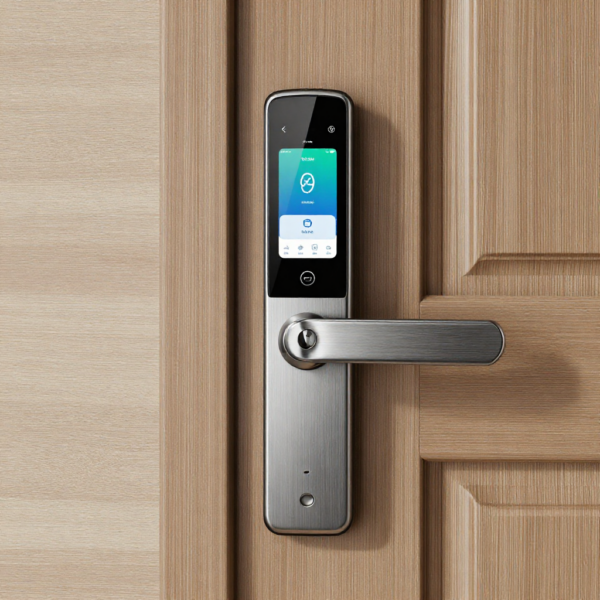
Emergency Override Options in Smart Locks
Manufacturers design smart locks with multiple emergency override options to ensure users can still access their property during failures.
These features are critical for maintaining reliability and preventing lockouts.
Mechanical Key Override
Many smart locks include a traditional key cylinder hidden behind a cover. If electronic features fail, users can unlock the door with a physical key.
External Battery Power
Emergency battery ports allow users to temporarily power the lock from outside the door.
Backup PIN Codes
Some smart locks allow users to create emergency access codes that remain functional even during connectivity issues.
Manual Deadbolt Operation
In some cases, users can manually rotate the deadbolt from inside the property to unlock the door.
These redundancy features ensure that Smart Lock systems remain dependable even in unexpected situations.
Smart Lock Emergency Access for Property Managers
Property managers and businesses using Smart Lock systems must consider emergency access solutions for staff, tenants, and maintenance personnel.
Common strategies include:
-
Master access codes for administrators
-
Backup key storage systems
-
Remote unlock capabilities through management software
-
Emergency override credentials for security teams
These measures help ensure that authorized personnel can access properties when needed.
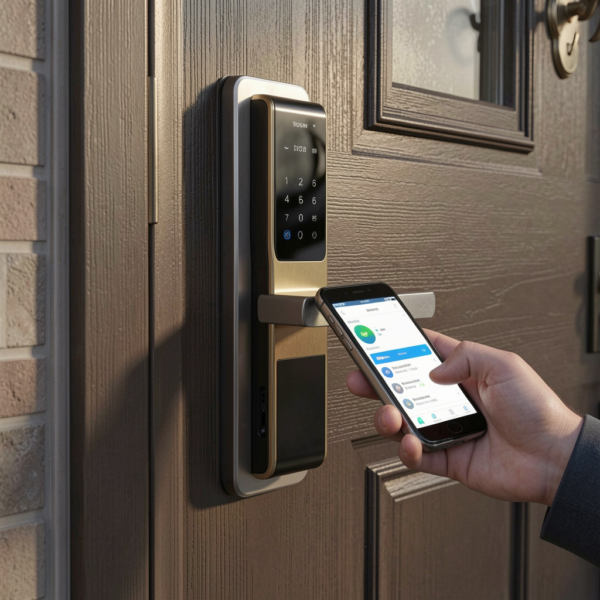
Best Practices to Prevent Smart Lock Failures
Preventive maintenance can significantly reduce the likelihood of Smart Lock malfunctions.
Replace Batteries Regularly
Even if the battery indicator shows sufficient power, replacing batteries periodically helps avoid unexpected failures.
Keep Software Updated
Firmware updates improve security, performance, and reliability.
Maintain Door Alignment
Properly aligned doors reduce strain on the lock motor.
Clean Sensors and Keypads
Dust or debris can affect biometric sensors and keypad functionality.
Monitor System Alerts
Smart locks often send notifications about system status or potential issues.
By following these practices, users can maintain reliable Smart Lock operation.
Smart Lock Security During Emergency Overrides
Emergency override features must balance convenience with security. If poorly implemented, override mechanisms could introduce vulnerabilities.
Manufacturers typically address this concern by:
-
Concealing key cylinders
-
Encrypting communication between devices
-
Limiting the number of emergency codes
-
Logging override events for monitoring
These safeguards ensure that Smart Lock systems remain secure even when emergency access methods are used.
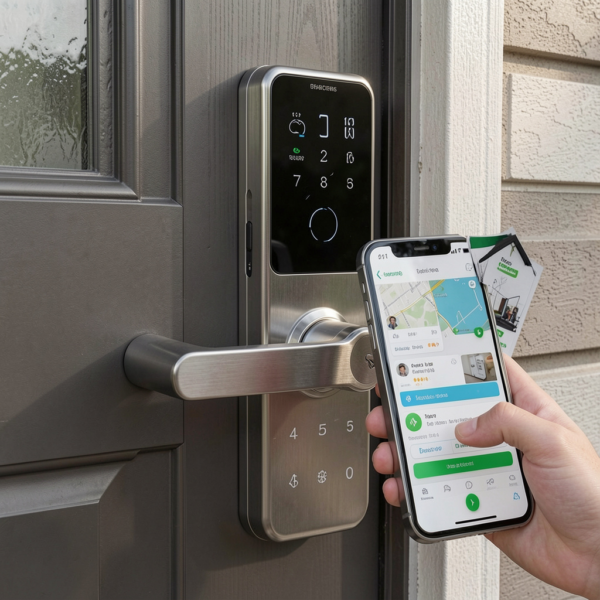
Choosing a Reliable Smart Lock System
Selecting a high-quality Smart Door Lock reduces the risk of system failures and improves overall security.
Key features to consider include:
-
Multiple access methods (PIN, fingerprint, mobile app, key)
-
Reliable battery backup systems
-
Strong encryption and security protocols
-
Integration with smart home platforms
-
Durable hardware construction
Investing in reputable brands and professional installation helps ensure long-term reliability.
If you’re considering upgrading your door security, explore our guide to the best smart lock systems in Australia to compare top models and features available today.
Future Improvements in Smart Lock Technology
Smart door lock technology continues to evolve as manufacturers introduce new innovations to enhance reliability and security.
Future developments may include:
AI-Based Failure Detection
Artificial intelligence could detect potential system issues before they cause lock failures.
Advanced Biometric Authentication
Improved sensors may provide faster and more accurate identity verification.
Improved Battery Technology
Longer battery life and energy-efficient components will reduce maintenance requirements.
Enhanced Cybersecurity Protection
New encryption technologies will strengthen digital security for connected locks.
These advancements will make future Smart Lock systems even more reliable and secure.
Conclusion
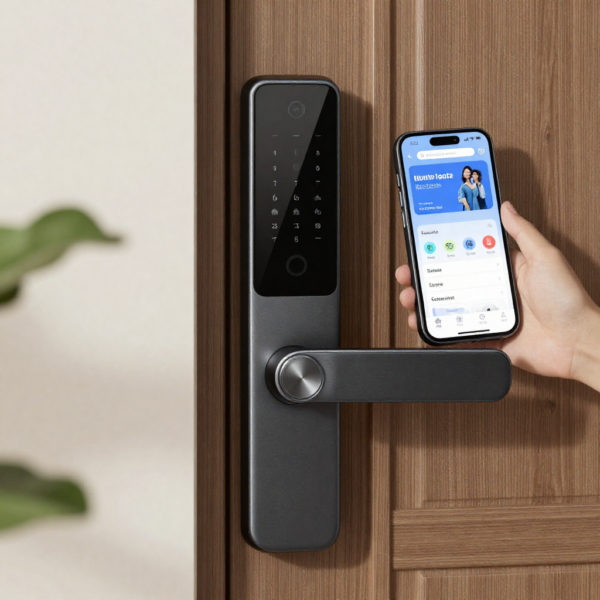
Smart door locks provide a modern and convenient way to secure homes and businesses. With features such as remote access, biometric authentication, and automated access control, a Smart Lock offers significant advantages over traditional locking systems.
However, understanding potential failure scenarios and emergency override options is essential for maintaining reliable access. Battery depletion, connectivity issues, mechanical faults, and software problems can occasionally affect system performance.
Fortunately, most smart door locks include backup solutions such as mechanical keys, emergency battery ports, and alternative access methods to prevent lockouts.
By choosing a reliable Smart Lock, performing regular maintenance, and understanding emergency override options, users can enjoy the convenience of smart security technology while ensuring consistent and dependable access control.