KNX System is one of the most reliable and widely adopted building automation standards in the world. It is used in residential homes, commercial buildings, clinics, and high-end smart homes because of its stability, flexibility, and long-term support. However, even the most robust systems can encounter issues—especially during installation, expansion, or integration with third-party platforms.
One of the most common and frustrating problems KNX users face is devices not communicating correctly. Lights fail to respond, scenes don’t trigger, sensors appear offline, or third-party systems stop syncing. When this happens, homeowners and installers often wonder whether the issue lies in wiring, configuration, software, or the gateway connecting everything together.
This buyer’s guide explains how to troubleshoot KNX communication issues step by step, with a strong focus on gateway-based integrations. Using the Jigsaw KNX Gateway (2 Users) as the reference point, this guide helps you understand where failures occur, how to diagnose them, and how to restore reliable communication without unnecessary system changes.
Table of Contents
ToggleUnderstanding how KNX communication works
Before troubleshooting, it’s important to understand how KNX devices communicate.
KNX is a distributed bus system. Each device—such as a switch, actuator, sensor, or controller—communicates over a shared KNX bus using telegrams. These telegrams carry commands and status updates between devices based on group addresses.
When a KNX gateway is introduced, it acts as a bridge between the KNX bus and another system, such as a smart home platform, mobile app, or cloud service. If communication fails, the problem may occur at the bus level, the gateway level, or the integration level.
Why KNX devices stop communicating
KNX communication issues rarely have a single cause. Most problems fall into a few key categories:
-
Power supply issues on the KNX bus
-
Wiring faults or bus topology errors
-
Incorrect addressing or ETS configuration
-
Gateway configuration or network problems
-
Firmware or software incompatibilities
The Jigsaw KNX Gateway (2 Users) is designed to simplify KNX integration, but it still relies on correct bus operation and proper setup to function reliably.
Step one: check KNX bus power and status
The most basic—and often overlooked—step is verifying that the KNX bus is powered correctly.
KNX devices require a stable bus voltage. If the power supply is overloaded, faulty, or disconnected, devices may appear offline or behave unpredictably.
Check the KNX power supply indicators and ensure the voltage is within specification. If devices intermittently drop out, power instability is often the root cause.
Inspecting wiring and physical connections
Physical wiring issues are a common source of communication problems, especially in retrofits or large installations.
Inspect KNX bus cables for:
-
Loose terminals
-
Incorrect polarity
-
Damaged insulation
-
Improper splices or extensions
Even a single poor connection can disrupt communication across multiple devices. Because KNX is a shared bus, one fault can affect a large section of the system.
Verifying device programming in ETS
ETS (Engineering Tool Software) is the backbone of KNX configuration. If devices are not programmed correctly, they will not communicate as intended.
Verify that each device has:
-
A unique physical address
-
Correct group address assignments
-
Proper application program loaded
A mismatch between expected group addresses and actual programming is a frequent cause of non-responsive devices.
Checking group address logic
Group addresses define how devices interact. If a button sends a command to one group address but the actuator listens to another, communication technically exists—but nothing happens.
Review group address assignments carefully. Ensure:
-
Group addresses are consistent across devices
-
Communication objects are correctly linked
-
No duplicate or conflicting group addresses exist
This step alone resolves many “device not responding” complaints.
Understanding the role of the KNX gateway
When KNX devices fail to communicate with apps, voice assistants, or external platforms, the gateway becomes the focus.
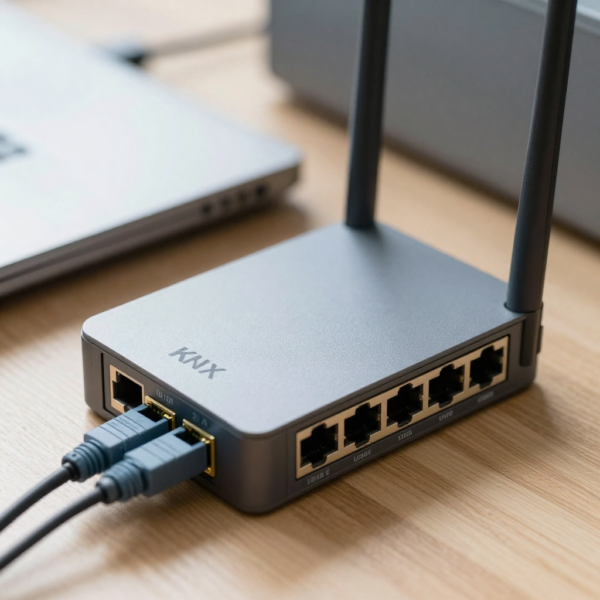
The Jigsaw KNX Gateway (2 Users) translates KNX telegrams into commands that external systems understand, and vice versa. If the gateway is misconfigured, communication may fail even though the KNX bus itself is working perfectly.
This distinction is critical: a KNX issue is not always a KNX bus issue—it may be a gateway or integration issue.
Checking gateway power and connectivity
Start with the basics. Ensure the gateway is powered and connected properly.
Confirm that:
-
The gateway has power
-
Network cables or Wi-Fi connections are active
-
IP settings are correct
A gateway that loses network connectivity cannot communicate with external systems, even if KNX communication is intact.
Verifying KNX bus connection to the gateway
The gateway must be correctly connected to the KNX bus.
Check that the KNX bus terminals on the gateway are securely connected and correctly polarised. If the gateway is not physically connected to the bus, it cannot read or send telegrams.
This simple check is often missed during troubleshooting.
Confirming gateway configuration
The Jigsaw KNX Gateway (2 Users) requires correct configuration to map KNX group addresses to external controls.
Verify that:
-
Group addresses are imported correctly
-
Device mappings match the ETS configuration
-
User limits are respected
Incorrect mapping is one of the most common causes of “partial” communication, where some devices work and others do not.
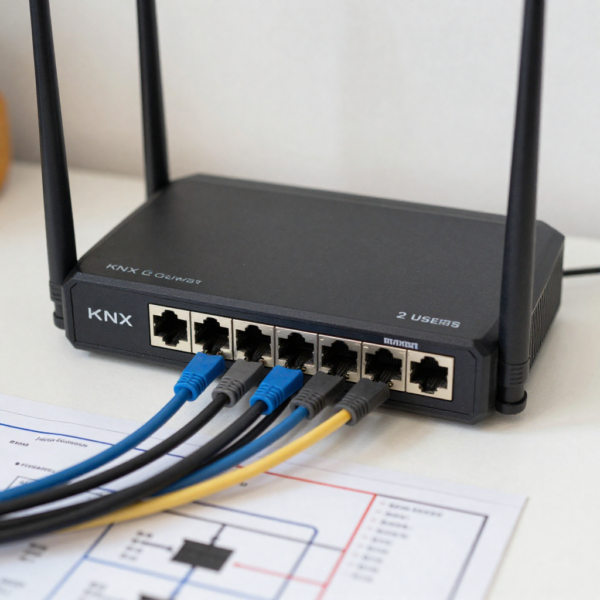
Network issues affecting KNX gateways
KNX gateways rely heavily on IP networking.
Common network-related problems include:
-
IP address conflicts
-
Firewall restrictions
-
VLAN or subnet misconfiguration
-
Router changes after installation
If the gateway cannot communicate reliably with the local network, external control will fail even though local KNX functions continue to work.
Diagnosing communication using ETS diagnostics
ETS provides diagnostic tools that can reveal whether KNX telegrams are being sent and received.
Use ETS to:
-
Monitor bus traffic
-
Confirm devices are sending telegrams
-
Identify communication errors
If ETS shows correct telegram traffic but the external system does not respond, the issue is almost certainly gateway-related.
Checking firmware and software versions
Outdated firmware can cause unexpected behaviour.
Ensure that:
-
KNX devices are running supported firmware
-
The gateway firmware is up to date
-
Integration platforms support the current gateway version
Manufacturers often release updates to improve stability and compatibility, especially for gateways.
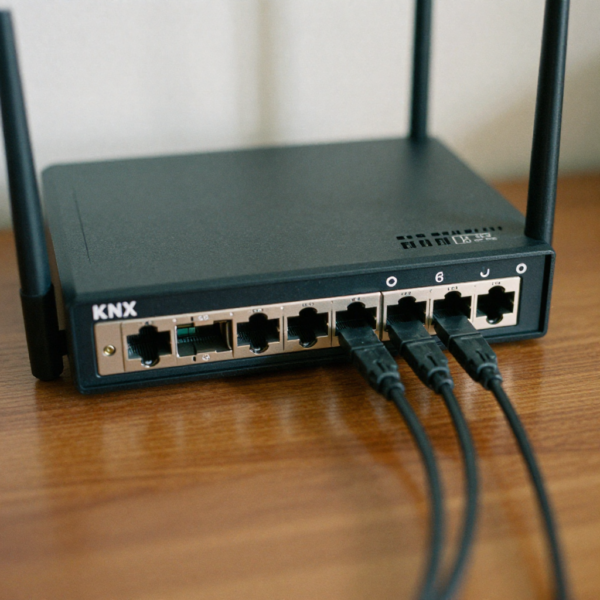
User limitations and access control issues
The Jigsaw KNX Gateway (2 Users) is designed for controlled access environments.
If communication issues appear user-specific, verify:
-
User accounts are configured correctly
-
Permissions allow access to required devices
-
The user limit has not been exceeded
Access restrictions can appear as communication failures if not understood properly.
Intermittent communication problems
Intermittent issues are often the most difficult to diagnose.
These problems may be caused by:
-
Network instability
-
Bus voltage fluctuations
-
Overloaded gateways
-
Conflicting automation rules
Monitoring the system over time is often necessary to identify patterns.
Automation conflicts and logic errors
Complex automation can unintentionally block or override commands.
For example:
-
A schedule may override manual commands
-
Multiple rules may send conflicting instructions
-
Scenes may reset device states unexpectedly
Review automation logic carefully when troubleshooting communication problems that appear random.
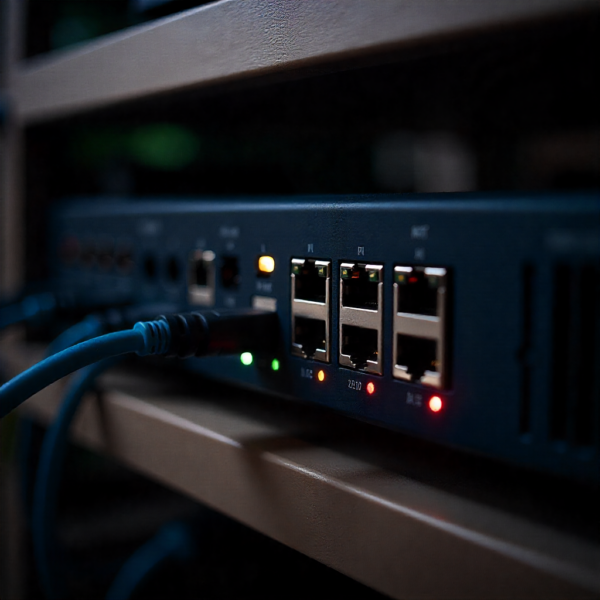
Testing devices individually
When multiple devices fail, isolate the problem.
Test devices individually to confirm:
-
The device responds locally
-
Group address communication works
-
Gateway control works independently
This method helps narrow down whether the problem is device-specific or systemic.
Resetting and reinitialising components
As a last resort, resetting components can resolve stubborn issues.
This may include:
-
Restarting the gateway
-
Power-cycling KNX power supplies
-
Re-importing configurations
Resets should be done carefully to avoid data loss or reprogramming work.
When to involve a professional installer
Some KNX issues require advanced diagnostic tools or experience.
If problems persist after basic troubleshooting, a certified KNX professional can:
-
Analyse bus topology
-
Identify hidden wiring faults
-
Optimise gateway configuration
Professional intervention often saves time and prevents further issues.
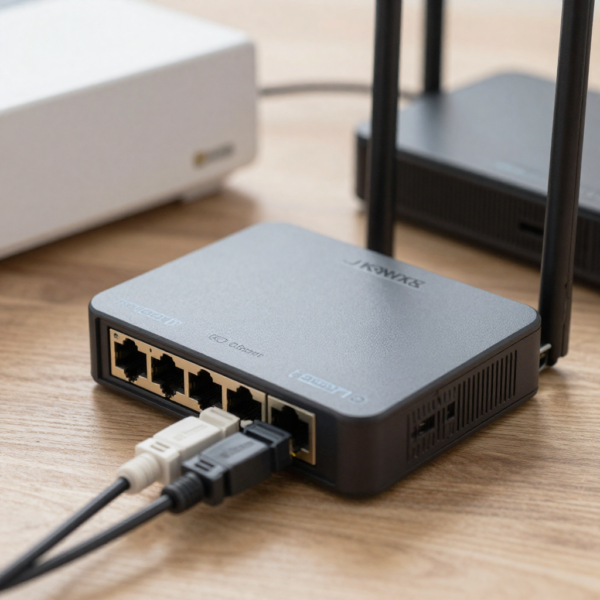
Preventing future KNX communication problems
Prevention is always better than troubleshooting.
Best practices include:
-
Documenting ETS projects thoroughly
-
Keeping firmware and software updated
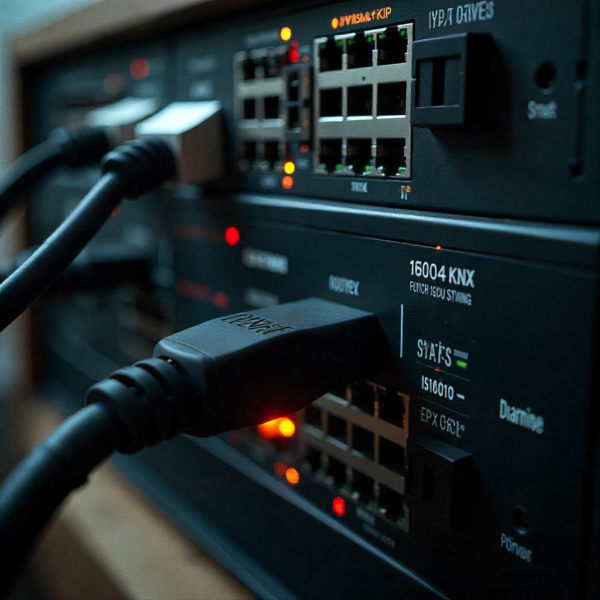
KNX System installed in smart home control cabinet -
Using quality power supplies
-
Avoiding unnecessary complexity in automation logic
A well-designed KNX system is remarkably stable when maintained correctly.
Why gateway choice matters for troubleshooting
Not all gateways offer the same level of transparency and control.
The Jigsaw KNX Gateway (2 Users) is designed for clear mapping, controlled access, and structured integration. These features make troubleshooting easier because issues can be isolated more effectively.
Choosing the right gateway reduces long-term support and maintenance challenges.
Who benefits most from understanding KNX troubleshooting
This guide is especially valuable for:
-
Homeowners with smart KNX homes
-
System integrators and installers
-
Facility managers
-
IT and automation professionals
Understanding communication fundamentals reduces downtime and frustration.
Final thoughts
KNX communication issues can seem complex, but they are almost always solvable with a structured approach.
By checking power, wiring, ETS configuration, and gateway settings step by step, most problems can be identified quickly. When using a gateway like the Jigsaw KNX Gateway (2 Users), understanding its role in the system is essential for accurate diagnosis.
With proper setup, maintenance, and troubleshooting knowledge, a KNX system delivers the reliability and performance it is known for—making smart buildings smarter, not more complicated.