Smart locks have become one of the most popular smart-home upgrades because they offer convenience, safety, and seamless integration with mobile devices. For many homeowners, however, the biggest concern is compatibility—specifically, choosing a smart lock that works with the existing deadbolt. Not every homeowner wants to replace their exterior hardware, drill new holes, or modify the door just to enjoy modern digital access. Retrofit smart locks make this transition easier by attaching to the interior side of the deadbolt without affecting the external hardware. Understanding how these systems work helps you make an informed decision that protects your home while enhancing daily convenience.
Choosing the right smart lock involves more than simply picking a brand you recognize. You need to assess mechanical compatibility, connectivity options, security features, power consumption, and how well it fits your home’s overall smart ecosystem. Each home has unique needs, whether you prefer voice control, remote access, or simple touch-to-unlock features. If you know what to look for, you can avoid common issues such as hard-to-turn deadbolts, signal limitations, or poor app performance. With the proper knowledge, selecting a smart lock becomes a painless upgrade that transforms how you secure and access your home.
Understanding What a Retrofit Smart Lock Actually Does
A retrofit smart lock is designed to attach directly to the interior thumb-turn of your existing deadbolt, meaning the external hardware stays exactly the same. You continue using your original keys, and the smart lock’s motor simply rotates the thumb-turn on your behalf.
This design is popular because it reduces installation difficulty and eliminates the need to remove the old lock or call a locksmith. Many homeowners appreciate that their door’s exterior aesthetics remain unchanged, especially if they have custom handles or heritage-style hardware. With a retrofit approach, you gain modern smart-home features without compromising your home’s visual style.
Retrofit smart locks are especially practical for renters or people living in apartments who want smart-home upgrades without violating lease terms. Because you are not altering the door’s exterior in any way, the installation is fully reversible and leaves no permanent marks.
Most devices require only a screwdriver and take less than ten minutes to attach, making them accessible for people who have no DIY background. In addition, battery-powered motors eliminate any need for wiring, which further simplifies installation. This noninvasive and flexible design is one of the main reasons retrofit smart locks have become the go-to option for modern households.
Check Whether Your Current Deadbolt Is Mechanically Compatible
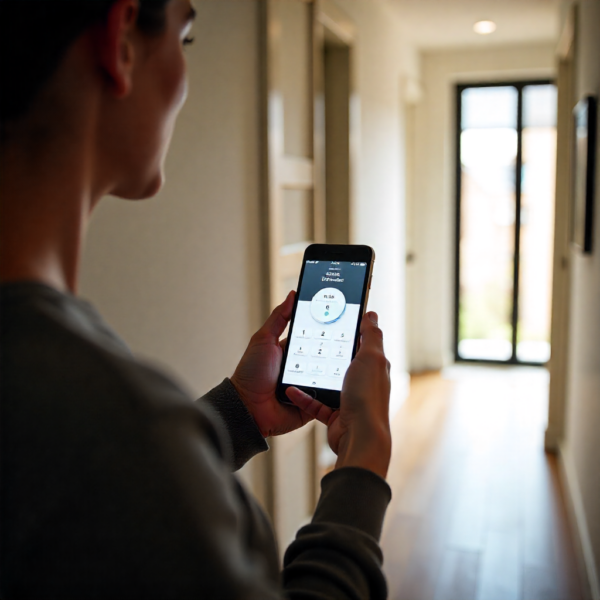
Before choosing a smart lock, the most crucial step is verifying that your existing deadbolt works smoothly. A deadbolt with friction, stiffness, or misalignment will cause strain on your smart lock’s motor and may result in inconsistent locking performance. Manufacturers usually publish compatibility lists, diagrams, or measurement tools that help you confirm whether your door hardware fits their mounting plates. Most standard single-cylinder deadbolts found in modern homes are compatible, but older or specialty models may require adjustments. Taking a moment to check your setup prevents installation headaches and ensures long-term reliability.
It is also helpful to remove the inside faceplate of your deadbolt temporarily to inspect the thumb-turn mechanism. If the internal parts grind, resist movement, or require significant force, your smart lock may not perform efficiently. Modern smart lock motors are strong, but they are not designed to overcome mechanical defects in old hardware. In such cases, replacing the deadbolt with a new, smooth-turning model dramatically improves performance. Ensuring mechanical compatibility upfront guarantees that your smart lock functions smoothly from the very first use.
Want to understand how these devices actually function? Learn the full science behind smart locks here
Choosing the Right Connectivity Option: Wi-Fi, Bluetooth, Zigbee, Z-Wave, and More
Connectivity is one of the biggest factors when selecting a smart lock because it determines how you control the device. Wi-Fi smart locks are the most versatile, allowing you to lock and unlock your door from anywhere with full remote access. These models also support automation, voice control, and notifications without the need for an additional hub. The trade-off is higher battery usage, but for many homeowners, the convenience of full control outweighs the need for more frequent battery changes. If you want the most feature-rich experience, Wi-Fi is usually the way to go.
For homeowners who value long battery life, Bluetooth smart locks are an excellent choice because they use significantly less energy. These locks often support automatic proximity unlocking, where the door unlocks as your smartphone approaches. The limitation is that Bluetooth lacks remote access unless you purchase a separate bridge. Meanwhile, Zigbee and Z-W-Wave smart locks are ideal for smart-home enthusiasts who already use hubs like SmartThings, Hubitat, or other automation platforms. These protocols offer superior reliability and low power consumption, making them perfect for people who want deep smart-home integration.
Security Features That Make a Smart Lock Worth Buying
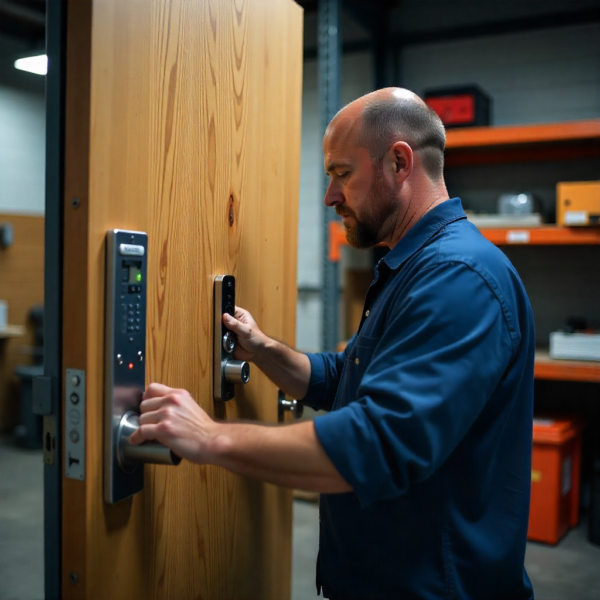
When choosing a smart lock, evaluating its security features is just as important as assessing compatibility or connectivity. Look for devices that use strong encryption such as AES-128 or AES-256, which protect digital communication from hacking attempts. Many modern smart locks also offer biometric options, such as fingerprint access, adding another layer of defense. Tamper alerts, forced-entry detection, and activity logs give you real-time insight into who enters your home and when. These features collectively ensure that your smart lock enhances—not compromises—your home’s safety.
Auto-locking is another essential feature that many households find extremely useful. If you often forget to lock the door behind you, an auto-lock timer ensures your home remains secure without any extra effort. Some smart locks also support multi-user access codes, allowing you to grant temporary or recurring access to guests, cleaners, or contractors.
This eliminates the need for spare keys and provides better control over who can enter your home. A combination of physical strength and digital security ensures your smart lock protects your home under every scenario.
Power and Battery Life Considerations
Battery performance plays a major role in selecting a smart lock, especially if your entry door sees frequent daily use. Wi-Fi smart locks typically require more power because they maintain a constant network connection, while Bluetooth, Zigbee, and Z-Wave locks tend to last much longer.
Some models include rechargeable battery packs, while others rely on AA or CR123 batteries. You should also check whether the lock provides low-battery alerts through push notifications or in-app warnings. Planning ahead ensures you never face a situation where the smart lock dies unexpectedly.
Many modern smart locks feature emergency power options, such as a USB-C port that allows temporary charging from a power bank. This ensures you can unlock your door even when the internal battery is drained. Some models allow physical key access as a backup, which remains a comfort for many homeowners concerned about reliability. Understanding how the lock manages power helps you choose a model that fits your routine and usage habits. With the right setup, you can enjoy long battery life without compromising performance.
Smart-Home Ecosystem and Voice Assistant Integration
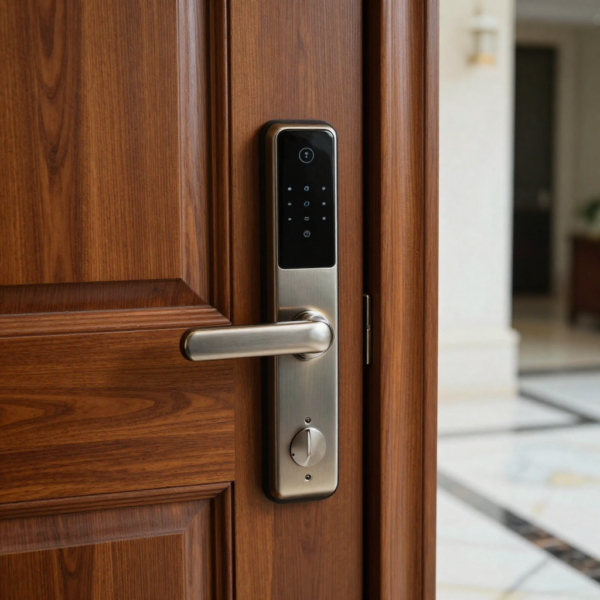
Smart locks offer the best experience when they integrate seamlessly with your existing smart-home system. If you use platforms like Google Home, Amazon Alexa, or Apple Home, you should choose a intelligent lock that is officially compatible with your preferred ecosystem.
This allows you to lock or unlock your door using voice commands, routines, or automation triggers. For example, you can set up a routine where your lock automatically engages when your smart lights turn off at night. Seamless integration turns your digital lock into an essential part of your overall home automation strategy.
If you are using more advanced home-automation networks such as KNX, Loxone, or Control4, selecting a smart lock that integrates through bridges or hubs is essential. Some systems support inter-protocol communication, allowing devices from different ecosystems to work together.
For example, a Zigbee smart lock may connect to a KNX system through a gateway, enabling cross-platform automation. The key is to choose a smart lock that supports the same ecosystem—or at least one that can be connected easily. A well-integrated smart lock improves convenience while maintaining consistent security across your entire home-automation network.
Installation Considerations and Door Requirements
Even though retrofit smart locks are easy to install, your door must still meet basic requirements for proper operation. Door thickness, alignment, and deadbolt condition all influence how well the intelligent lock performs.
If your deadbolt does not fully extend or retract unless you push or pull the door, a intelligent lock may struggle to move it. This is often an alignment issue caused by weather, humidity, or settling of the door frame over time. Fixing alignment ensures your smart lock engages smoothly every time.
You should also check that the backset, strike plate, and latch bolt align correctly, as this reduces strain on both the deadbolt and the intelligent lock motor. If your deadbolt rubs against the frame or requires excessive force, a simple adjustment may be all you need.
Many homeowners replace the strike plate with a reinforced version to improve both performance and security. These small adjustments guarantee a long-lasting and trouble-free intelligent lock installation. A well-prepared door ensures your investment in a digital lock pays off for many years.
Top Features That Matter Most When Choosing a Smart Lock
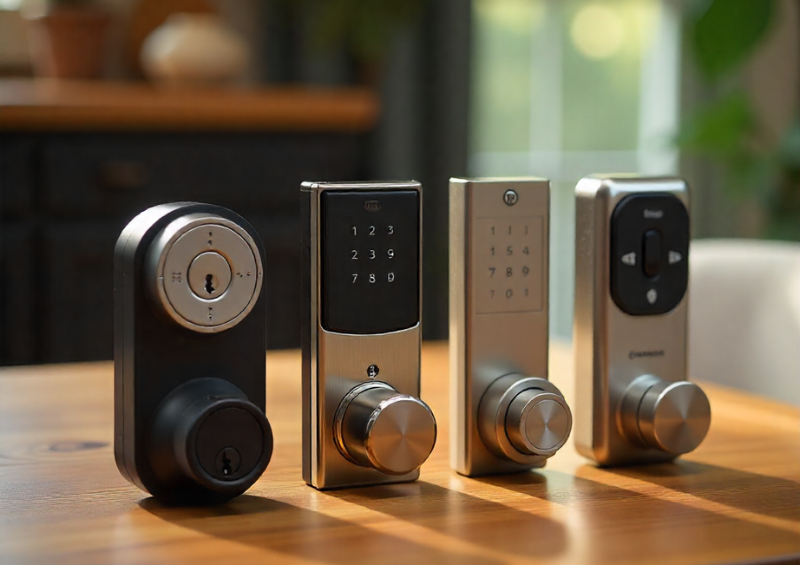
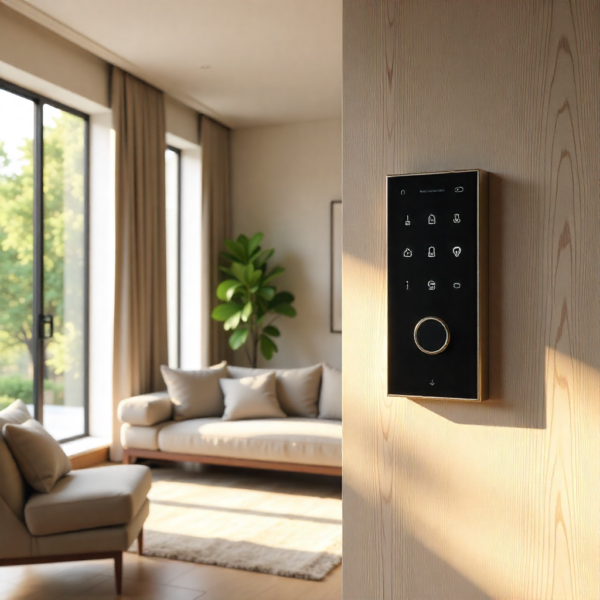
When comparing smart locks, certain features offer major advantages depending on how you use your home. Keypad access is valuable for people who prefer not to depend solely on their phone or want to provide entry to family and guests easily.
Biometric locks offer fingerprint authentication, which is one of the fastest and most secure unlocking methods. Remote monitoring gives you insight into who accessed your door and when, offering peace of mind when you’re away from home. These features collectively help you get the most value from your home security lock.
Shared access management is another feature worth considering, especially for households with multiple users. Some smart locks allow unique codes for each person, which makes tracking activity easier and more organized. You can also create temporary codes for service providers, such as cleaners or delivery personnel. These codes can be scheduled or automatically expire, giving you precise control over access. Evaluating these advanced features ensures you select a intelligent lock that aligns with your lifestyle and needs.
Price Considerations and Long-Term Value
Smart locks vary widely in price depending on brand, connectivity, features, and security certifications. While budget-friendly models provide essential smart features, higher-end devices offer more comprehensive security, better battery life, and enhanced smart-home integration.
When evaluating price, consider long-term reliability and how frequently the device will require battery replacement or maintenance. A more expensive model with strong build quality and efficient power management may actually cost less over its lifetime. Choosing a device that balances price and long-term value ensures you get the best return on your investment.
Another factor affecting value is firmware support and software updates. Reputable brands continuously improve their apps, add new features, and strengthen digital security. This helps your intelligent lock stay compatible with future smart-home upgrades and evolving platforms. Models with strong customer support and proven longevity often provide better long-term satisfaction. Considering these factors helps you select a device that delivers consistent value and performance for years to come.
Conclusion
Choosing a smart lock that works with your existing deadbolt becomes much easier when you understand the key factors involved—mechanical compatibility, connectivity options, security features, and ecosystem integration. Retrofit smart locks offer an excellent compromise between modern convenience and preserving your door’s existing hardware, allowing you to upgrade without drilling, wiring, or replacing external components.
Evaluating your home’s smart-home setup and understanding how each technology operates ensures you select a device that feels intuitive and effortless to use. With strong encryption, reliable power management, and advanced features like auto-locking and remote access, a well-chosen intelligent lock enhances both convenience and security. By taking a thoughtful approach to your selection, you can enjoy a smart lock that improves your daily routine while providing peace of mind for years to come.
Choose a smart lock trusted by Australian homeowners and built for long-term security. Buy your smart lock from Digital Home Systems today