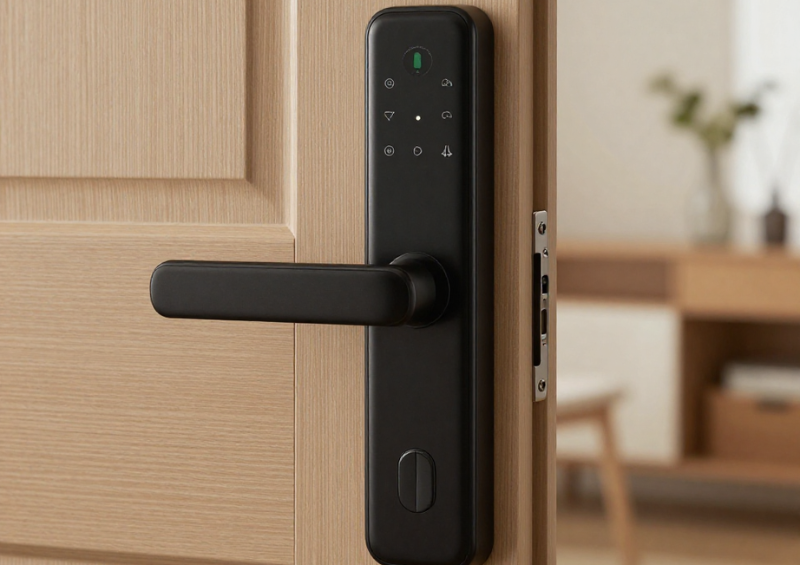
A smart lock is one of the most convenient and security-focused upgrades you can make to your home. It replaces traditional keys with digital access, remote control, automation, and integration with modern smart home systems. However, unlike mechanical locks, an intelligent lock depends entirely on battery power—and when that battery fails, convenience quickly turns into frustration.
Many homeowners only think about battery life after their intelligent lock stops responding, beeps repeatedly, or locks them out at the worst possible moment. The truth is that battery performance and long-term reliability depend heavily on how the intelligent lock is installed, configured, and maintained.
This buyer’s guide explains how to maximise smart lock battery life, avoid common mistakes, and maintain your intelligent lock properly so it remains secure, responsive, and dependable year after year.
Why Smart Lock Battery Life Matters More Than You Think
A smart lock is not just a gadget—it is a security device. If the battery drains unexpectedly, it can affect access, automation routines, and peace of mind. While most intelligent locks include low-battery warnings and emergency access options, relying on these features is not a substitute for proper battery management.
Battery life affects:
-
Daily reliability
-
Response speed
-
Connection stability
-
Security system integration
-
Long-term hardware lifespan
Understanding how battery usage works is essential before choosing, installing, or maintaining intelligent lock.
How Smart Locks Use Battery Power
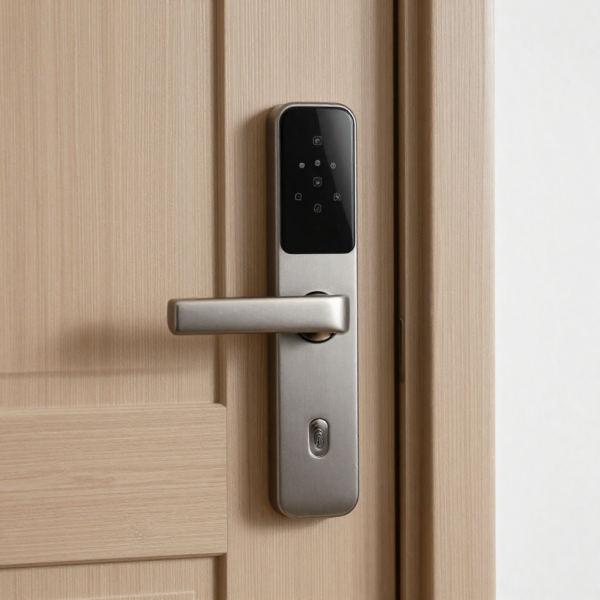
To extend battery life, it helps to understand what consumes power inside a smart lock. Unlike a traditional lock, an intelligent lock contains motors, sensors, wireless radios, and a microprocessor—all of which draw energy.
The main battery consumers include:
-
Lock and unlock motor operation
-
Wireless communication (Bluetooth, Wi-Fi, Zigbee, Z-Wave)
-
Touchscreens or keypads
-
Biometric sensors (fingerprint readers)
-
Status LEDs and sound alerts
-
Continuous connection to smart home hubs or apps
The more frequently these components are used, the faster battery power is consumed.
Read more about smart locking systems and how they work in real smart home environments
Typical Smart Lock Battery Life Expectations
Battery life varies depending on model, usage, and configuration. Most residential intelligent lock products are designed to last between 6 months and 12 months under normal use. Some models may last longer, while others—especially Wi-Fi-connected locks—may require more frequent battery changes.
Factors that reduce battery life include:
-
High daily lock/unlock activity
-
Poor wireless signal strength
-
Cold or humid environments
-
Misaligned doors causing motor strain
-
Excessive app polling or automation triggers
A well-installed and properly configured smart lock should not require constant battery replacements.
Buyer Tip #1: Choose the Right Smart Lock for Battery Efficiency
Not all smart locks are equal when it comes to power consumption. Battery life should be a buying consideration, not an afterthought.
When evaluating a smart lock, look for:
-
Energy-efficient motor design
-
Sleep or low-power modes
-
Battery health notifications
-
Offline operation when not in use
-
Local communication options (Bluetooth or hub-based)
Wi-Fi-only smart lock models tend to use more power because they maintain a constant internet connection. Hub-based systems often deliver better battery performance.
Battery Type Matters: Use the Right Batteries
One of the most overlooked aspects of smart lock performance is battery quality. Many smart lock issues are caused not by the lock itself, but by poor or incompatible batteries.
Best Battery Choices for Smart Locks
-
High-quality alkaline batteries
-
Lithium batteries (for extreme temperatures)
-
Brand-recommended battery types
Avoid using:
-
Rechargeable NiMH batteries (lower voltage)
-
Mixed battery brands
-
Old or partially used batteries
An intelligent lock requires stable voltage to operate motors reliably. Using the wrong batteries can reduce performance and shorten lifespan.
Smart Lock Battery Life Hack #1: Optimise Lock Alignment
A misaligned door is one of the fastest ways to drain a smart lock battery. If the lock motor has to work harder to engage or disengage the bolt, it consumes significantly more power.
Signs of poor alignment include:
-
Slow locking or unlocking
-
Grinding or straining sounds
-
Inconsistent operation
-
Frequent battery drain
Ensure that:
-
The deadbolt aligns perfectly with the strike plate
-
The door closes smoothly without resistance
-
The latch moves freely by hand
This simple adjustment can dramatically extend battery life.
Smart Lock Battery Life Hack #2: Reduce Unnecessary Connectivity
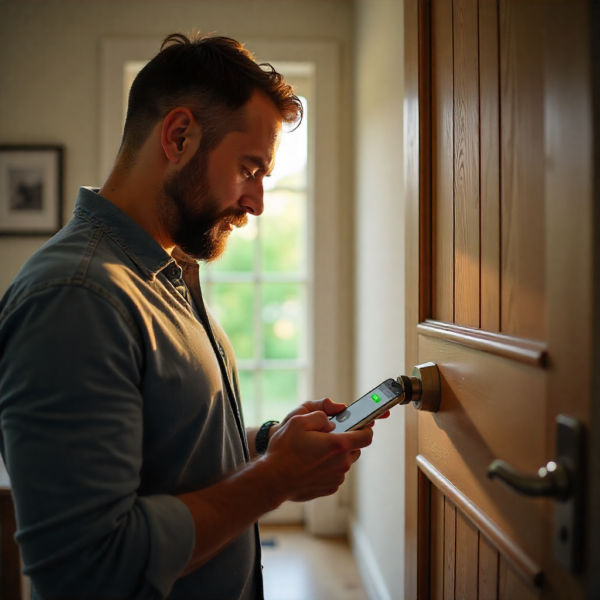
Connectivity is convenient, but constant communication drains power. Many intelligent lock systems check in frequently with mobile apps, cloud services, or automation platforms.
To optimise battery life:
-
Disable unnecessary status polling
-
Avoid constant remote access if not needed
-
Use scheduled updates instead of real-time monitoring
-
Prefer local control when available
If your smart lock supports both Bluetooth and Wi-Fi, consider using Bluetooth for daily access and Wi-Fi only when remote access is required.
Smart Lock Battery Life Hack #3: Limit Notifications and Sounds
Every beep, LED flash, or notification uses energy. While these features are helpful, excessive alerts can shorten battery life.
Review your smart lock settings and:
-
Disable non-essential sound alerts
-
Reduce LED brightness or frequency
-
Turn off repeated notifications for normal activity
Low-battery alerts should remain enabled, but other notifications can often be minimised without sacrificing usability.
Smart Lock Battery Life Hack #4: Manage Automation Carefully
Automation is one of the biggest advantages of an intelligent lock—but also a common cause of battery drain.
Automation scenarios that increase battery use include:
-
Frequent auto-lock triggers
-
Repeated unlock attempts
-
Integration loops with other devices
-
Multiple users accessing the lock remotely
Optimise automation by:
-
Adjusting auto-lock delay times
-
Avoiding rapid repeated actions
-
Ensuring automations are purposeful
-
Testing routines for unnecessary triggers
Smart automation should simplify access, not overload the lock’s motor and electronics.
Environmental Factors That Affect Intelligent Lock Batteries
Battery performance is highly sensitive to environmental conditions. A smart lock installed on an exterior door is exposed to temperature fluctuations, humidity, and weather.
Cold temperatures slow chemical reactions in batteries, reducing available power. High humidity can affect electronic contacts over time.
If your intelligent lock is exposed to:
-
Cold winters
-
Direct sunlight
-
Coastal humidity
Consider lithium batteries and regular inspection to maintain reliable performance.
Routine Smart Lock Maintenance Tips
Battery life is only part of smart lock reliability. Proper maintenance ensures smooth operation and reduces strain on internal components.
Monthly Checks
-
Test manual locking and unlocking
-
Listen for unusual motor sounds
-
Check app connectivity
-
Confirm battery status
Quarterly Maintenance
-
Clean exterior surfaces
-
Inspect battery compartment
-
Tighten mounting screws
-
Test backup access methods
Annual Maintenance
-
Replace batteries proactively
-
Recalibrate lock if required
-
Review automation settings
-
Update firmware
Preventative maintenance is far easier than dealing with a lock failure.
Firmware Updates and Battery Performance
Firmware updates often include performance improvements, bug fixes, and power optimisation. Keeping your smart lock updated can improve battery efficiency and reliability.
However, updates themselves temporarily increase power usage. Always:
-
Update when battery levels are healthy
-
Avoid updating during extreme weather
-
Follow manufacturer instructions
An updated smart lock is typically more efficient than one running outdated firmware.
Backup Power and Emergency Access Planning
No matter how well you maintain your smart lock, batteries will eventually run low. Planning for this scenario is part of responsible ownership.
Most intelligent locks include:
-
Low-battery alerts
-
Emergency power terminals
-
Mechanical key backup
-
External battery jump options
Ensure everyone in the household understands emergency access procedures. Test backup methods periodically so they are familiar when needed.
Buyer Tip #2: Evaluate Battery Replacement Ease
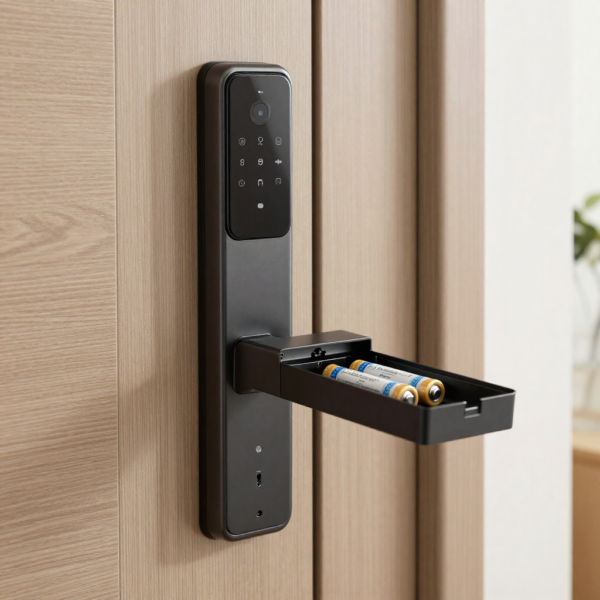
Not all intelligent locks are equally easy to maintain. When choosing an intelligent lock, consider how simple it is to replace batteries.
Look for:
-
Tool-free battery access
-
Clear battery orientation
-
App-based battery level reporting
-
Audible low-battery warnings
Locks that require partial disassembly for battery replacement increase the risk of damage and neglect.
Common Smart Lock Battery Mistakes to Avoid
Many battery problems are preventable. Avoid these common mistakes:
-
Ignoring low-battery warnings
-
Mixing old and new batteries
-
Using rechargeable batteries
-
Installing on misaligned doors
-
Overloading with unnecessary automations
Small habits make a big difference over time.
Smart Lock Longevity: Battery Care Equals Hardware Care
A smart lock that struggles with power issues experiences more wear on its motor and electronics. Over time, this reduces overall lifespan.
Proper battery care:
-
Reduces motor strain
-
Prevents voltage instability
-
Protects internal circuitry
-
Extends product lifespan
Battery maintenance is not just about convenience—it’s about protecting your investment.
Who Should Care Most About Battery Optimisation?
Battery optimisation is especially important for:
-
Rental properties
-
Short-term accommodation
-
High-traffic households
-
Smart homes with multiple users
-
Security-critical entry points
In these environments, proactive battery management is essential for reliability and safety.
Final Buyer Checklist: Smart Lock Battery Best Practices
Before you buy or install a smart lock, confirm that you:
-
Choose a model with efficient power management
-
Use high-quality batteries
-
Install the lock with perfect alignment
-
Configure automation carefully
-
Monitor battery levels regularly
-
Maintain the lock proactively
Following these steps ensures long-term performance and peace of mind.
Conclusion: A Reliable Smart Lock Starts with Smart Battery Care
A smart lock offers convenience, security, and modern access control—but only when it works reliably. Battery life and maintenance are the foundation of that reliability.
By choosing the right intelligent lock, optimising settings, maintaining proper alignment, and following simple maintenance habits, you can significantly extend battery life and ensure your smart lock performs as intended.
For buyers and homeowners alike, understanding battery management is not a technical detail—it is a core part of intelligent lock ownership. With the right approach, your intelligent lock can deliver seamless, dependable access for years to come.
Buy a smart lock designed for secure access, smooth performance, and dependable battery life.