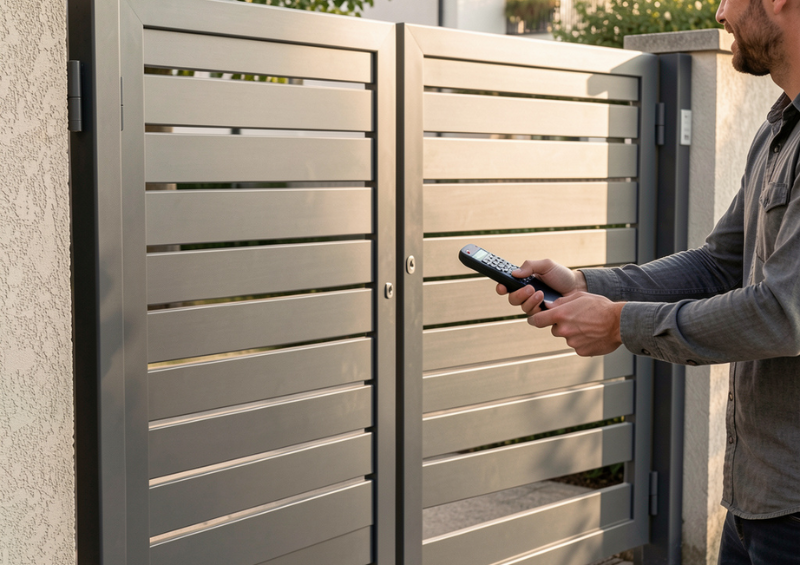
Few things are more frustrating than pressing your gate remote and getting no response. Whether the gate opens intermittently, only works at very close range, or stops responding altogether, remote control problems are one of the most common complaints in swing gate automation systems.
In most cases, the gate motor itself is not faulty. The real cause usually lies in connectivity issues such as signal range limitations, radio interference, antenna problems, or incorrect system configuration. Understanding how remote controls communicate with automated gates—and what disrupts that communication—can save you time, money, and unnecessary part replacements.
This buyer’s guide explains why swing gate automation remotes stop working, how to diagnose range and interference problems, and what practical steps you can take to restore reliable operation. It also helps you decide when an upgrade or replacement is the smarter long-term solution.
How swing gate automation remotes actually work
To fix connectivity issues, it’s important to understand the basics.
Most swing gate automation systems use radio frequency (RF) remotes to send a signal from the transmitter (the remote) to the receiver inside the gate control panel. When the receiver recognises the signal, it activates the motor to open or close the gate.
Key elements involved in this communication include:
-
The remote transmitter
-
The receiver module
-
The antenna
-
The operating frequency
-
The surrounding environment
If any part of this communication chain is compromised, the remote may stop working or behave inconsistently.
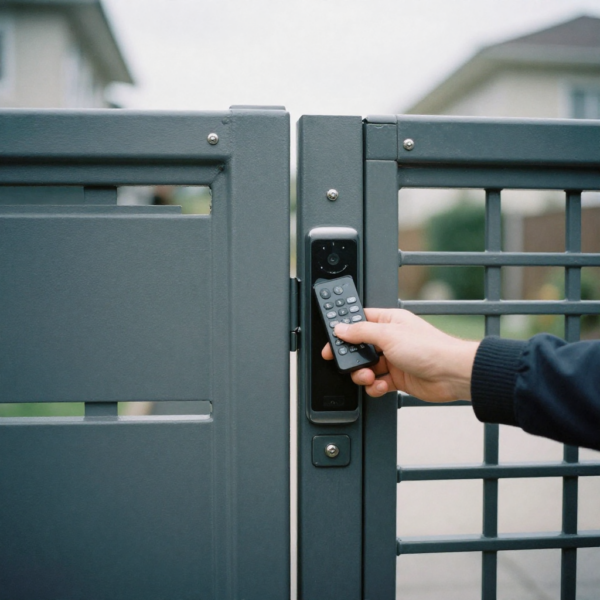
Common signs of connectivity issues in swing gate automation
Connectivity problems often appear gradually rather than suddenly.
Typical symptoms include:
-
Remote works only at very close range
-
Gate responds intermittently
-
One remote works while another does not
-
Gate responds after repeated button presses
-
Remote stops working in certain weather conditions
These signs usually point to range limitations or signal interference, not a failed motor.
Why range problems are so common
Remote control range is affected by many factors, not just the quality of the remote itself.
Common causes of limited range include:
-
Weak remote batteries
-
Poor antenna placement
-
Obstructions between the remote and receiver
-
Electrical interference from nearby devices
-
Structural materials blocking radio signals
In swing gate automation systems, the receiver is often housed in a metal enclosure, which can further reduce effective range if not installed correctly.
Checking the simplest causes first
Before assuming a serious fault, always start with the basics.
Remote battery condition
A weak battery is the most common cause of reduced range. Even if the remote still works occasionally, a low battery can drastically shorten transmission distance.
Replacing the battery is quick, inexpensive, and often solves the problem immediately.
Button wear and damage
Over time, remote buttons can wear out or fail to make proper contact. If pressing harder or at certain angles makes the remote work, the transmitter may be worn internally.
Understanding radio frequency interference
Radio interference is one of the most overlooked connectivity issues in swing gate automation.
Interference can come from:
-
Nearby Wi-Fi routers
-
Wireless doorbells
-
Baby monitors
-
Alarm systems
-
Other gate or garage remotes operating on similar frequencies
When multiple devices compete for the same frequency range, the gate receiver may struggle to distinguish the correct signal.
Frequency congestion in residential areas
Modern neighbourhoods are saturated with wireless devices.
If your gate system was installed years ago, it may use an older frequency that is now heavily congested. This can lead to:
-
Reduced range
-
Delayed response
-
Random non-responsiveness
In these cases, upgrading to a newer remote system with better encoding or frequency management may be the most reliable solution.
Antenna placement and orientation problems
The antenna plays a critical role in receiving remote signals.
Common antenna-related issues include:
-
Antenna trapped inside a metal control box
-
Antenna coiled or bent incorrectly
-
Antenna mounted too low or too close to the ground
-
Damaged or corroded antenna cable
In swing gate automation systems, relocating or extending the antenna can dramatically improve range.
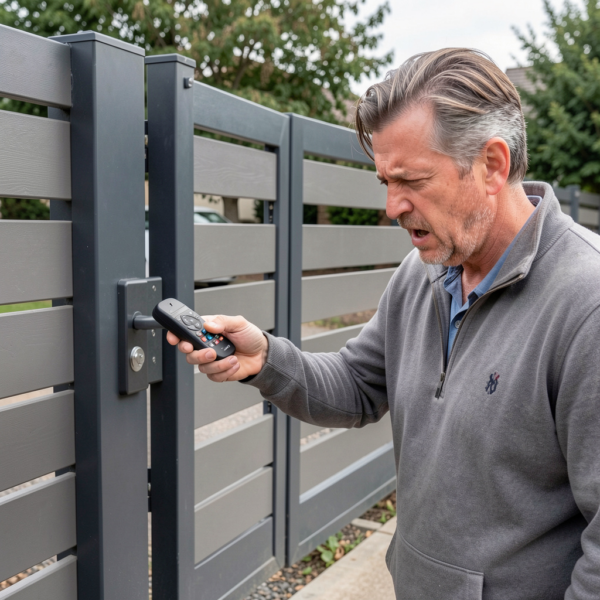
Metal enclosures and signal shielding
Gate control boards are often housed in metal cabinets for protection. Unfortunately, metal also blocks radio signals.
If the antenna is not routed externally or positioned correctly, the enclosure can act like a shield, preventing the receiver from detecting the remote signal until you are very close.
This is one of the most common causes of range-related connectivity issues.
Environmental factors affecting remote performance
Environmental conditions can also impact signal reliability.
Factors include:
-
Heavy rain or moisture entering the control box
-
High humidity affecting electronics
-
Dense vegetation growing near the gate
-
Seasonal changes in foliage density
These conditions may not stop the system entirely but can worsen existing connectivity issues.
Distance and line-of-sight limitations
Remote controls work best with a clear line of sight between transmitter and receiver.
Obstacles such as:
-
Brick walls
-
Metal fences
-
Vehicles
-
Sloped driveways
can reduce effective range. If the gate only works when you are directly in front of it, obstruction is likely a contributing factor.
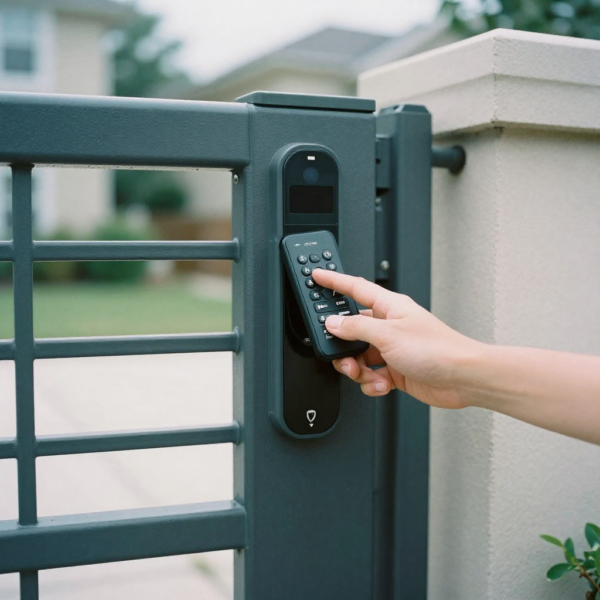
Diagnosing receiver problems
Sometimes the issue lies with the receiver rather than the remote.
Signs of receiver-related connectivity issues include:
-
All remotes have reduced range
-
New remotes behave the same as old ones
-
Intermittent response regardless of battery condition
In such cases, the receiver module may be ageing, poorly grounded, or damaged by power surges.
Wiring and power supply issues
Stable power is essential for reliable signal reception.
Problems such as:
-
Loose wiring connections
-
Voltage fluctuations
-
Shared power circuits with high-load devices
can cause the receiver to behave unpredictably. These issues often mimic wireless connectivity problems.
Coding and pairing errors
Remotes must be correctly paired with the receiver.
Common pairing issues include:
-
Accidental deletion of remote codes
-
Partial programming
-
Exceeding the receiver’s memory limit
If one remote works while another does not, reprogramming may resolve the issue.
Interference from other gate systems
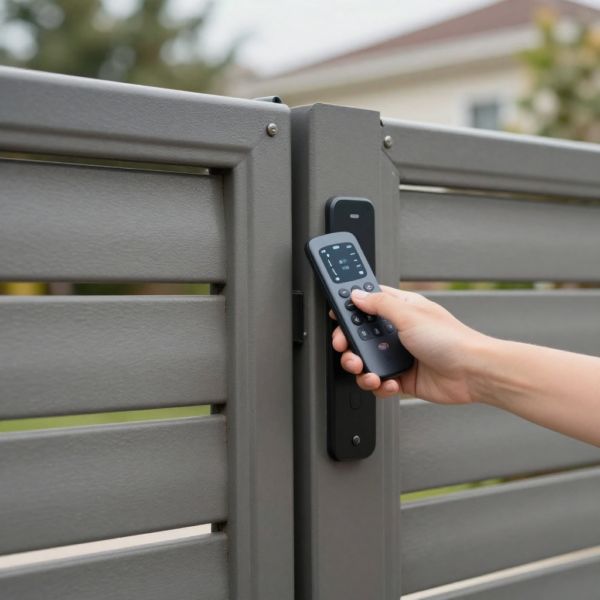
In areas with multiple automated gates, interference between neighbouring systems can occur.
If two systems use similar frequencies or coding methods, signals may clash. Modern swing gate automation systems often use rolling codes or encrypted signals to reduce this risk.
Older systems may be more vulnerable to cross-interference.
Testing for interference issues
To confirm interference:
-
Test the remote at different times of day
-
Try operating the gate with nearby wireless devices turned off
-
Observe whether performance changes
If range improves during off-peak hours, interference is likely a factor.
Improving range without replacing the system
Not all connectivity issues require a full upgrade.
Practical improvements include:
-
Replacing remote batteries regularly
-
Repositioning or extending the antenna
-
Moving the antenna outside the control enclosure
-
Cleaning and sealing the control box
These steps often restore acceptable range in swing gate automation systems.
Using external or high-gain antennas
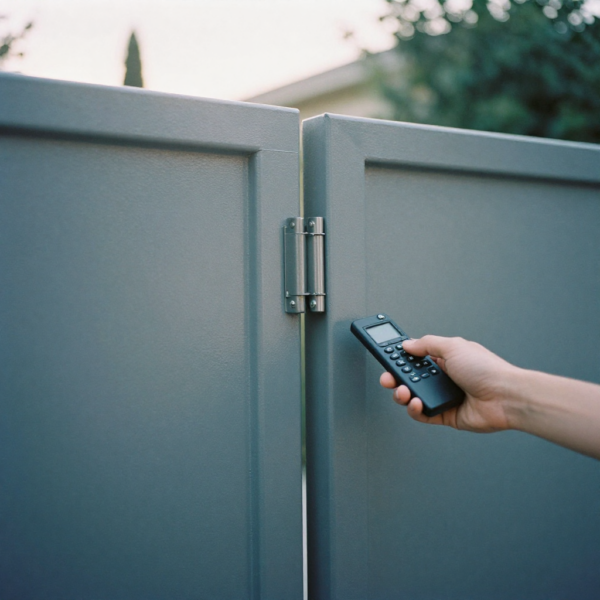
For larger properties or long driveways, an external antenna may be necessary.
High-gain antennas:
-
Improve signal reception
-
Increase operating distance
-
Reduce sensitivity to interference
They are particularly useful in rural or semi-rural installations where long-range operation is required.
When upgrading remotes makes sense
Sometimes the remote itself is the limiting factor.
Upgrading to newer remotes may provide:
-
Better signal strength
-
Improved encoding
-
Reduced interference susceptibility
This is often more cost-effective than replacing the entire automation system.
Considering alternative access methods
If connectivity issues persist, alternative access methods can supplement or replace remotes.
Options include:
-
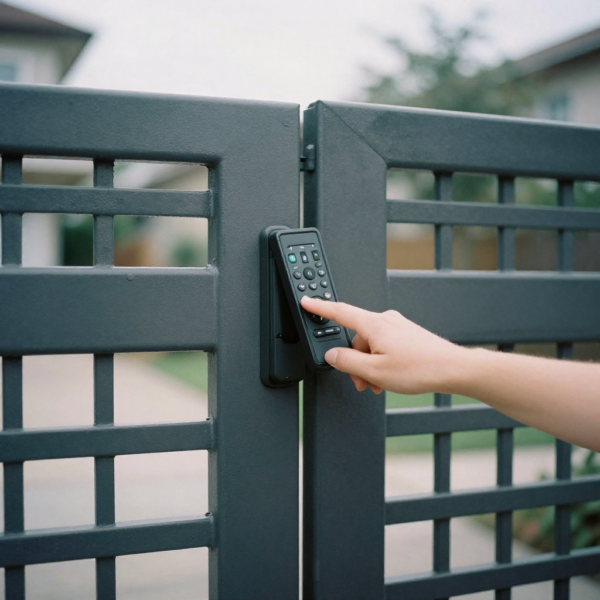
Wired keypads
-
Wireless keypads
-
Smartphone-based control
-
Vehicle detection loops
These options reduce reliance on RF remotes and improve overall reliability.
Connectivity issues in dual swing gate systems
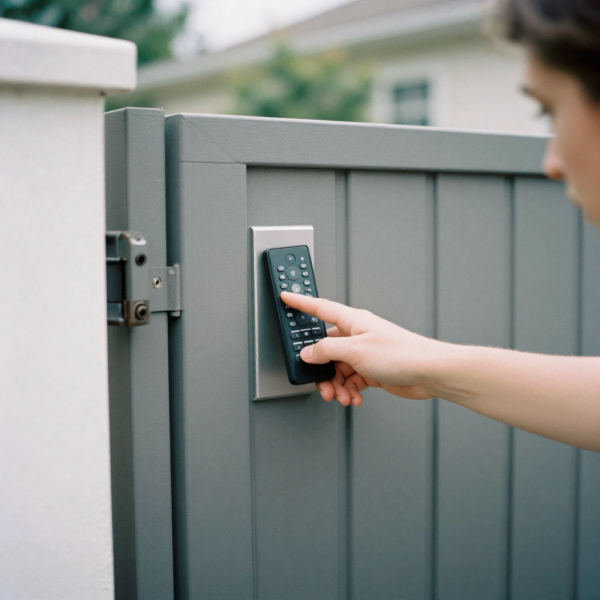
Dual swing gates place additional demands on the control system.
Inconsistent remote response may appear more noticeable due to:
-
Longer opening cycles
-
Higher power demand
-
More complex control logic
Ensuring proper wiring, grounding, and receiver performance is especially important in these systems.
Commercial vs residential environments
Commercial installations often face more severe connectivity challenges due to:
-
Higher electrical noise
-
Larger metal structures
-
Multiple wireless systems
Residential swing gate opener automation systems may still experience similar issues, especially in dense urban areas.
Preventing future connectivity issues
Prevention starts with proper installation and system selection.
Best practices include:
-
Choosing modern receivers with interference resistance
-
Installing antennas correctly from the start
-
Avoiding overcrowded frequencies
-
Performing regular system checks
A well-designed system reduces the likelihood of recurring connectivity issues.
When to replace the receiver or control board
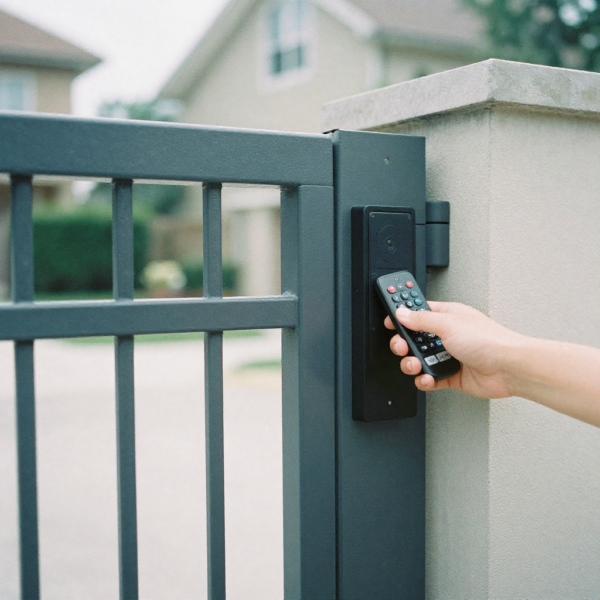
If all basic fixes fail, replacement may be necessary.
Signs replacement is justified:
-
Receiver fails to recognise any remote consistently
-
Visible damage or corrosion
-
Obsolete technology incompatible with modern remotes
Upgrading the receiver can dramatically improve reliability without replacing motors.
Choosing the right swing gate automation system for reliable connectivity
When buying or upgrading a system, consider:
-
Remote operating frequency
-
Receiver sensitivity
-
Antenna design
-
Expandability for future access methods
A quality swing gate opener automation system prioritises stable communication, not just motor power.
Cost vs convenience considerations
Cheaper systems often compromise on receiver quality and interference handling.
While upfront savings may be attractive, long-term frustration from connectivity issues often outweighs the initial cost difference.
Investing in reliable communication hardware improves daily convenience and security.
Safety implications of unreliable remotes
Connectivity issues are not just inconvenient—they can be unsafe.
Delayed or failed gate response can:
-
Cause vehicles to stop unexpectedly
-
Increase risk of tailgating
-
Encourage unsafe manual operation
Reliable remote communication is an important safety consideration.
Working with professional installers
Experienced installers understand local interference conditions and best practices.
They can:
-
Test signal strength during installation
-
Recommend appropriate antenna solutions
-
Configure systems for optimal performance
Professional setup reduces the risk of persistent connectivity issues.
Final thoughts
When a gate remote stops working properly, the problem is rarely the motor itself. In most cases, connectivity issues such as limited range, interference, or poor antenna placement are to blame.
By understanding how swing gate automation systems communicate and addressing common causes of signal loss, you can restore reliable operation without unnecessary replacements. From simple battery changes to antenna upgrades and receiver improvements, most issues have practical solutions.
A smooth, responsive gate system is not just a convenience—it’s a key part of everyday access, safety, and security. Addressing connectivity issues properly ensures your swing gate opener automation system performs reliably for years to come.
Purchase Swing Gate & Bifold Gate Openers for everyday convenience