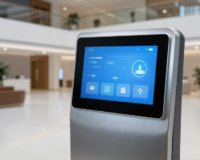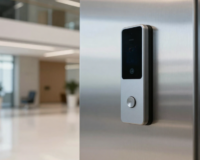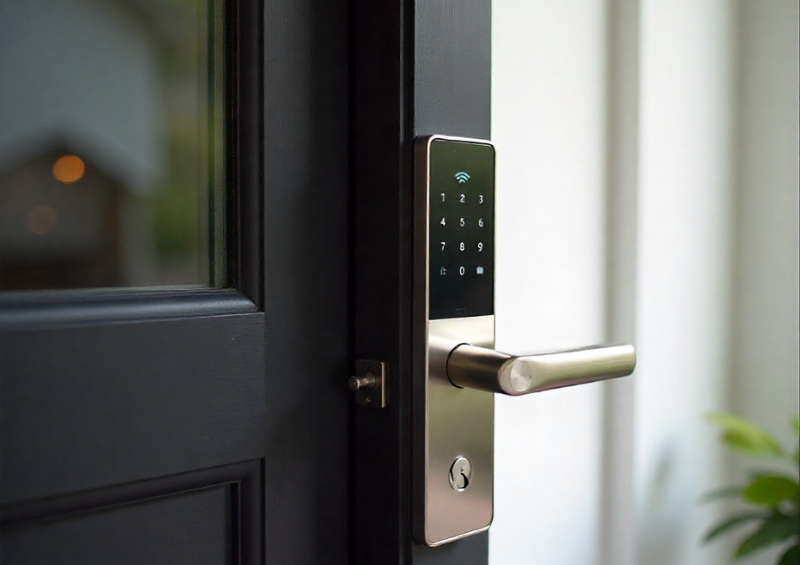
Smart home security has advanced rapidly, and the smart lock is now one of the most popular upgrades for modern homes, apartments, and rental properties. Smart locks replace or enhance traditional mechanical locks with wireless connectivity, allowing doors to be locked and unlocked using smartphones, keypads, cards, or automation systems.
While smart door locks deliver convenience and control, they also introduce new security considerations. Because most smart door locks rely on Wi-Fi, Bluetooth, or both, they can be exposed to digital attack methods that do not exist with conventional locks. For buyers, homeowners, and property managers, understanding how to secure a smart door lock against wireless threats is critical.
This buyer’s guide explains how Wi-Fi and Bluetooth attacks work, where smart locks are most vulnerable, and the practical steps you can take to secure your smart lock system properly. It is written to help you choose, configure, and maintain a smart door lock with security as the top priority.
Table of Contents
ToggleWhy smart lock security matters
A traditional lock can only be attacked physically. A smart lock, by contrast, exists in both the physical and digital worlds. This dual nature creates powerful benefits but also introduces additional risk.
A compromised smart door lock could allow unauthorised entry without visible damage. In rental properties, it could expose access logs or guest credentials. In family homes, it could undermine personal safety and privacy.
The good news is that most smart door lock vulnerabilities are preventable. With the right hardware, setup, and ongoing practices, a smart door lock can be as secure—or more secure—than a conventional lock.
How a smart lock communicates
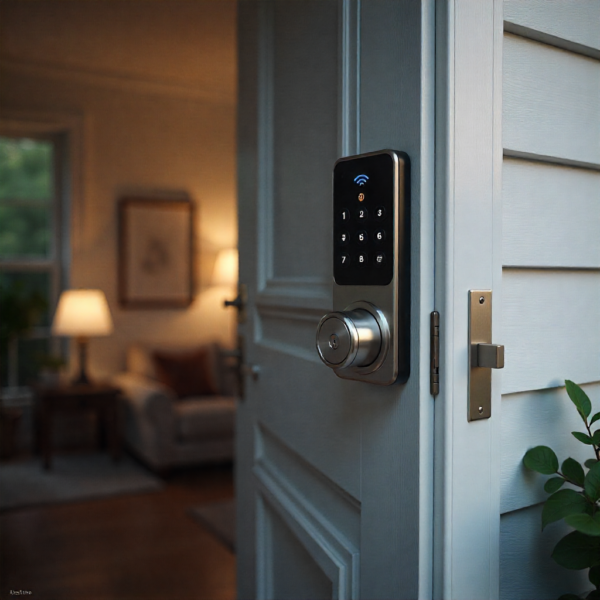
To understand how to secure a smart lock, it is important to understand how it communicates.
Most smart locks use one or more of the following technologies:
-
Bluetooth for direct, short-range communication with a phone
-
Wi-Fi for remote access, cloud control, and notifications
-
A hub or gateway that bridges Bluetooth locks to the internet
-
Encrypted cloud services for remote management and access logs
Each communication method has different strengths and risks. Effective security starts with understanding which technologies your smart door lock uses and how they are connected.
Understanding Wi-Fi and Bluetooth attack surfaces
A wireless attack surface refers to the ways an attacker could potentially interact with a smart lock remotely.
Bluetooth attacks typically require the attacker to be physically close to the lock, often within a few metres. Wi-Fi attacks can originate from much farther away, especially if cloud accounts or home networks are poorly secured.
The most common risks are not exotic hacking techniques but weak passwords, outdated firmware, insecure networks, and poor configuration.
Common Wi-Fi threats affecting smart locks
Wi-Fi-based attacks generally target the network or cloud layer rather than the lock hardware itself.
One common risk is compromised Wi-Fi credentials. If an attacker gains access to your home network, they may be able to intercept or manipulate traffic between the smart door lock and its control systems.
Another risk is account takeover. Many smart locks are controlled through cloud accounts. Weak passwords, reused credentials, or phishing attacks can allow attackers to log in remotely and control the lock.
Man-in-the-middle attacks are also possible on unsecured or poorly configured networks, where communication between devices is intercepted or altered.
Common Bluetooth threats affecting smart locks
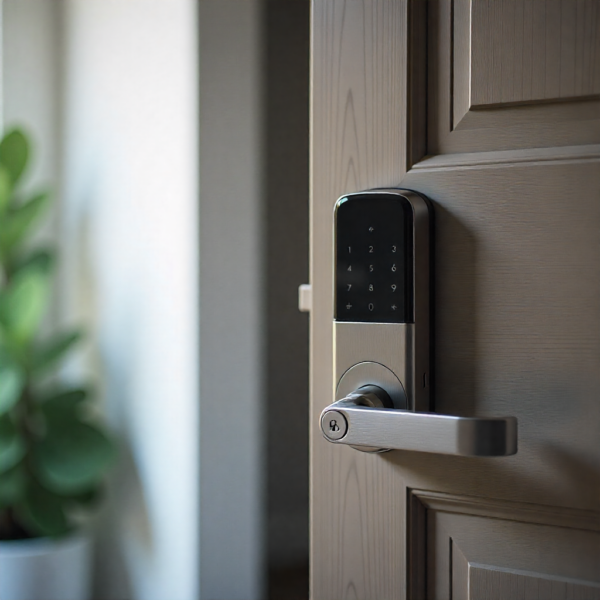
Bluetooth attacks usually rely on proximity. While this limits their reach, it does not eliminate risk.
Replay attacks can occur if Bluetooth communication is not properly encrypted. An attacker may capture a valid unlock signal and attempt to replay it later.
Relay attacks involve forwarding Bluetooth signals over longer distances, tricking the lock into thinking an authorised device is nearby.
Weak pairing processes can also expose smart locks if pairing mode is left open or not properly secured.
Choosing a secure smart lock from the start
Security begins before installation. Not all smart locks are designed with the same level of protection.
Look for smart door lock models that support strong encryption standards for both Bluetooth and Wi-Fi communication. Modern encryption ensures that even if data is intercepted, it cannot be read or reused.
Choose reputable manufacturers with a proven track record in security updates. Brands that actively release firmware updates demonstrate ongoing commitment to protecting users.
Avoid no-name or unsupported devices that lack documentation, updates, or clear security policies.
Importance of firmware updates
Firmware is the software that runs on the smart lock itself. Like any software, it can contain vulnerabilities.
Manufacturers regularly release firmware updates to fix bugs and patch security weaknesses. Running outdated firmware leaves your smart door lock exposed to known attacks.
Always enable automatic updates where available, or check regularly for updates through the manufacturer’s app. Keeping firmware current is one of the simplest and most effective security measures.

Securing the smart lock mobile app
The mobile app is often the primary control point for a smart lock, making it a high-value target.
Use a strong, unique password for the smart lock app account. Never reuse passwords from email or social media accounts.
Enable multi-factor authentication if supported. This adds an extra layer of protection even if a password is compromised.
Keep the smartphone operating system updated, as vulnerabilities in the phone itself can undermine smart lock security.
Protecting cloud accounts linked to smart locks
Many smart locks rely on cloud services for remote access and automation.
Cloud security depends heavily on user behaviour. Strong passwords, two-factor authentication, and vigilance against phishing are essential.
Regularly review account activity and access logs. Unexpected login attempts or unfamiliar devices should be investigated immediately.
If you no longer use a device or phone, revoke its access to the smart lock account.
Strengthening your home Wi-Fi network
A smart lock is only as secure as the network it connects to.
Use a strong Wi-Fi password that is long, unique, and not easily guessed. Avoid default router credentials.
Enable WPA3 or the strongest available Wi-Fi encryption on your router. Older security protocols are more vulnerable to attack.
Keep your router firmware updated and disable unnecessary services such as remote router management unless required.
Using network segmentation for smart devices
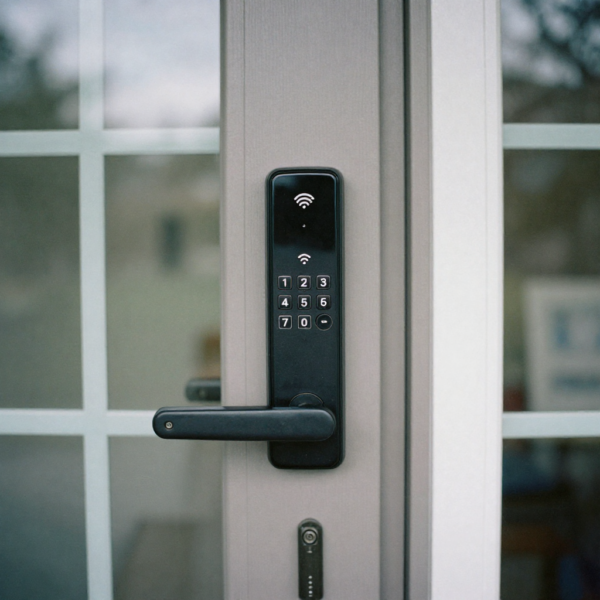
Network segmentation is an advanced but highly effective security practice.
By placing smart home devices, including smart locks, on a separate network or VLAN, you limit the impact of a breach. If one device is compromised, it cannot easily access computers or personal data.
Many modern routers support guest networks or device isolation features that can be used for this purpose.
Securing Bluetooth pairing and access
Bluetooth security starts with proper pairing procedures.
Only pair devices in a secure environment where unauthorised people are not nearby. Avoid pairing in public or shared spaces.
Disable pairing mode as soon as setup is complete. Leaving a smart lock in pairing mode can allow unauthorised devices to connect.
Regularly review paired devices in the app and remove any that are no longer needed.
Limiting Bluetooth range and exposure
Bluetooth attacks require proximity, so reducing exposure reduces risk.
Some smart locks allow you to adjust Bluetooth sensitivity or range. Use the minimum effective range.
Position the lock so that Bluetooth signals do not unnecessarily extend into public areas, such as hallways or footpaths.
In high-risk environments, consider using smart locks that rely more heavily on encrypted hub-based communication rather than direct Bluetooth access.
Managing user access permissions securely
Smart locks allow you to grant access to multiple users. This is convenient but requires careful management.
Assign individual access credentials rather than shared ones. This makes it easier to track activity and revoke access.
Use time-limited access for guests, cleaners, or contractors. Avoid permanent access unless necessary.
Regularly audit user lists and remove access that is no longer required.
Monitoring access logs and alerts
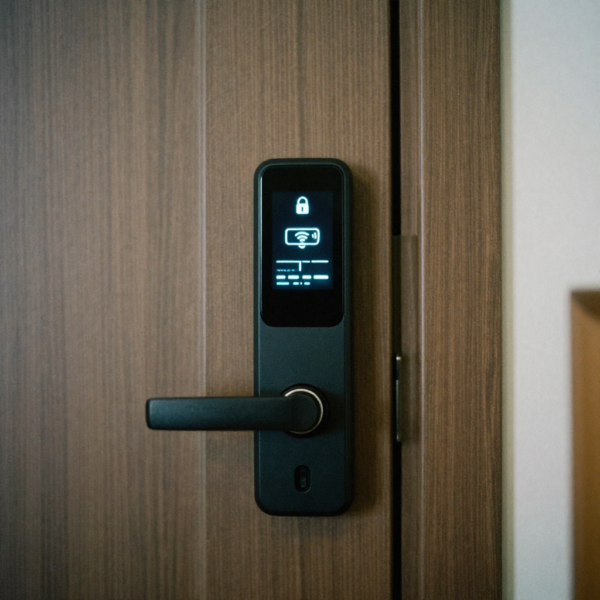
Access logs are one of the most valuable security features of a smart lock.
Review logs periodically to ensure access patterns match expectations. Unexpected access times or repeated failed attempts can indicate problems.
Enable alerts for key events such as unlocks, failed attempts, or configuration changes.
Proactive monitoring helps detect issues early before they become serious security incidents.
Physical security still matters
Wireless security does not replace physical security—it complements it.
Ensure the smart lock is installed on a solid, well-fitted door with a strong frame. A secure smart door lock on a weak door offers little protection.
Use locks with reinforced hardware and tamper detection where possible. Physical tampering alerts add another layer of defence.
A smart lock should be part of a complete physical security strategy, not a standalone solution.
Using hubs and gateways securely
Many smart locks use hubs or gateways to connect Bluetooth devices to the internet.
Secure the hub just like any other network device. Change default credentials, update firmware, and place it on a secure network.
Position hubs inside the home, not near external doors or windows, to reduce the risk of tampering or signal interception.
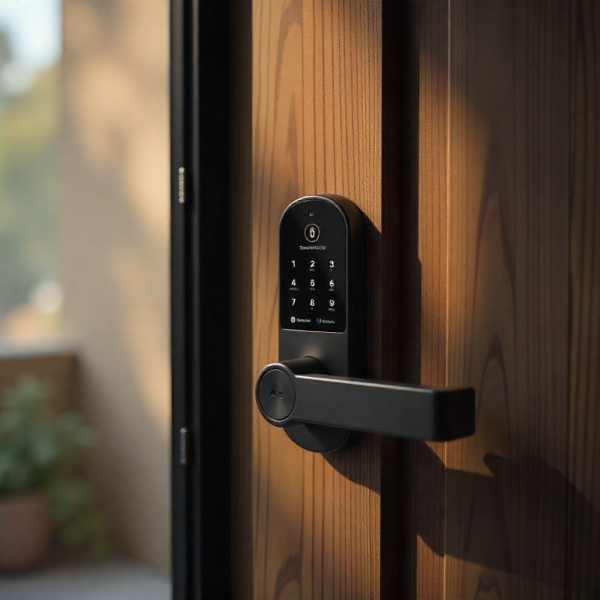
Avoiding common smart lock security mistakes
One of the most common mistakes is prioritising convenience over security. Features such as auto-unlock can be useful but should be configured carefully.
Another mistake is ignoring updates or security notifications from the manufacturer.
Using weak passwords or sharing accounts between multiple users also increases risk.
Security requires ongoing attention, not just one-time setup.
Smart lock security for rental properties
Rental properties introduce additional complexity, as access changes frequently.
Always revoke access immediately after a guest’s stay ends. Avoid manual processes that can be forgotten.
Use temporary codes or digital keys that expire automatically.
Ensure property managers and cleaners have separate credentials to maintain accountability.
Balancing automation and security
Smart locks often integrate with automation systems, voice assistants, and routines.
Each integration expands the attack surface. Only enable integrations you actually use.
Review permissions granted to third-party services and remove unnecessary connections.
Automation should simplify life, not compromise security.
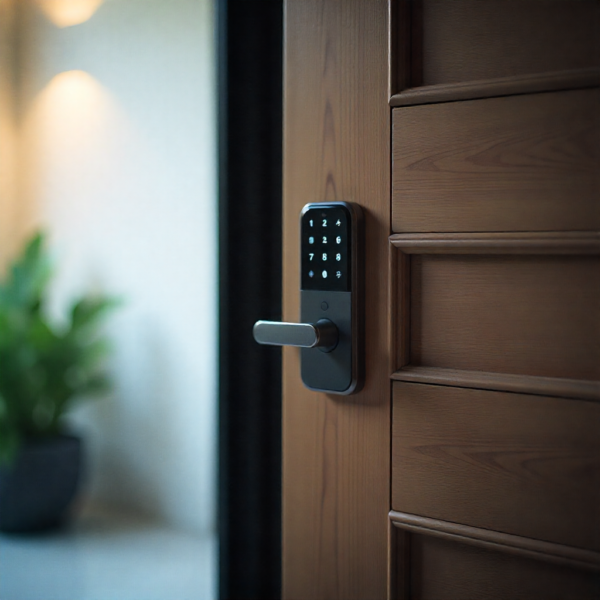
What to do if you suspect a smart lock compromise
If you believe a smart lock has been compromised, act quickly.
Change account passwords immediately and revoke all active credentials.
Update firmware and review access logs for suspicious activity.
If necessary, disable remote access temporarily until security is restored.
Prompt action can prevent further damage or unauthorised entry.
Evaluating long-term security support
Security is not static. A smart lock should be supported with updates and improvements over time.
Before buying, research how long the manufacturer supports devices with updates.
Avoid products that are no longer actively maintained, as they may become increasingly vulnerable.
Long-term support is a key factor in overall smart door lock security.
Cost versus security considerations
More secure smart door locks may cost more upfront, but the investment is often justified.
The cost of a security breach, property damage, or lost trust far outweighs the price difference between low-quality and well-designed devices.
Buyers should evaluate smart locks based on security features, not just aesthetics or price.
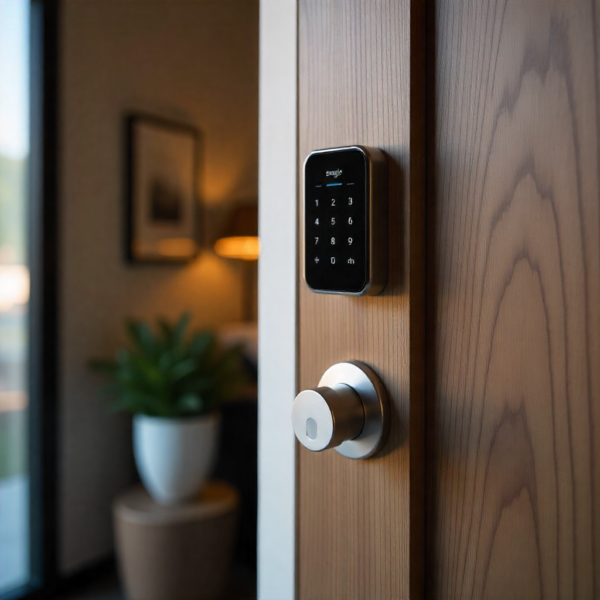
Who should prioritise advanced smart door lock security
Advanced security measures are especially important for certain users.
Homes in shared buildings, short-term rentals, and properties with high foot traffic face higher risk.
Remote homeowners and frequent travellers also benefit from robust security and monitoring.
For these users, a well-secured smart door lock is essential, not optional.
Future trends in smart door lock security
Smart lock security continues to evolve with better encryption, biometric authentication, and AI-driven threat detection.
Future systems may adapt automatically to suspicious behaviour or integrate with broader cybersecurity frameworks.
As technology advances, user awareness and good practices will remain just as important as technical safeguards.
Upgrade to a Smart Door Lock with advanced digital security features
Final thoughts on securing a smart lock
A smart lock offers powerful convenience and control, but only when security is taken seriously.
By understanding Wi-Fi and Bluetooth risks, choosing reputable hardware, securing networks and accounts, and maintaining good access practices, homeowners can significantly reduce the risk of attack.
A properly secured smart door lock is not a weak point—it is a strong, intelligent component of a modern home security strategy.