Integrating a video intercom with a surveillance system is one of the most effective ways to improve security, visibility, and access control for residential and commercial properties. Akuvox intercoms are widely used because of their reliability, SIP-based architecture, and compatibility with modern IP surveillance systems. When combined with an NVR (Network Video Recorder), an Akuvox intercom can function not only as a communication device but also as a monitored security camera and event-triggering endpoint.
This buyer’s guide explains how to connect Akuvox intercoms—especially the Akuvox 2-Wire IP Intercom Kit—to NVR and surveillance systems. It covers compatibility, connection methods, configuration steps, common challenges, and buying considerations so you can make informed decisions before installation.Understanding Akuvox intercom systems
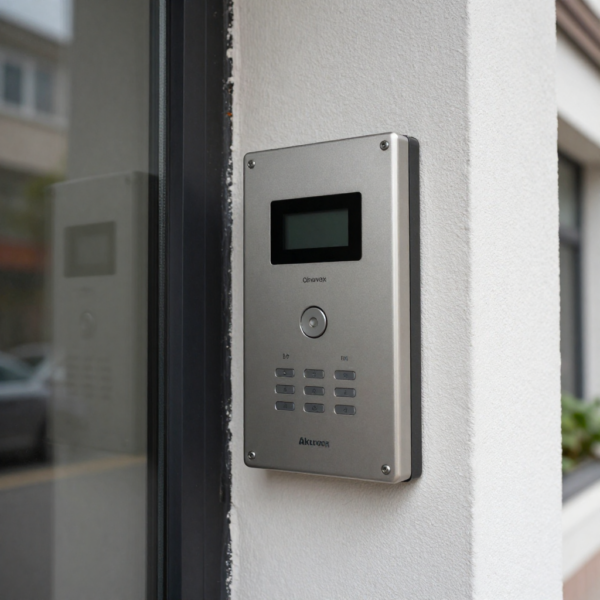
Akuvox intercoms are IP-based communication devices designed for door entry, access control, and video calling. They are commonly used in apartments, villas, offices, and gated communities. Unlike traditional analog intercoms, Akuvox systems use IP networking, which makes them easier to integrate with other security infrastructure.
The Akuvox 2-Wire IP Intercom Kit is especially popular in retrofit projects. It allows installers to reuse existing two-wire cabling while still delivering IP-based video, audio, and control functionality. This makes it ideal for upgrading older buildings without extensive rewiring.
From a surveillance perspective, Akuvox intercoms behave similarly to IP cameras. They provide live video streams, support standard protocols, and can be registered to recording systems when configured correctly.
Why connect Akuvox intercoms to an NVR
Connecting an Akuvox intercom to an NVR adds a valuable layer of security and accountability. Instead of relying only on call logs or snapshots, you gain continuous or event-based video recording of all activity at entry points.
This integration allows property owners and managers to review footage of door interactions, missed calls, and access events. It also enables centralized monitoring, where intercom video appears alongside other CCTV cameras on the same interface.
For buyers considering the Akuvox 2-Wire IP Intercom Kit, NVR integration is often a deciding factor, especially in environments where compliance, incident review, or security auditing is required.
Compatibility between Akuvox and surveillance systems
Most modern Akuvox intercoms support standard video streaming protocols such as RTSP. This makes them compatible with a wide range of NVRs and VMS platforms, including those from major surveillance brands.
The Akuvox 2-Wire IP Intercom Kit includes an IP gateway that converts the two-wire signal into standard Ethernet-based IP communication. Once converted, the intercom behaves like a regular IP device on the network, which is essential for NVR integration.
Before purchasing an NVR, buyers should confirm that it supports ONVIF or RTSP input. These standards ensure smoother integration and easier configuration.
Network requirements for connecting Akuvox to an NVR
A stable and properly designed network is critical for successful integration. Both the Akuvox intercom and the NVR must be on the same IP network or on routable networks with proper access rules.
The Akuvox 2-Wire IP Intercom Kit typically includes a gateway that connects to the LAN via Ethernet. This gateway becomes the point where the intercom video stream is accessed by the NVR.
Bandwidth requirements are generally modest, but they depend on video resolution, frame rate, and encoding settings. For installations with multiple intercoms and cameras, network planning becomes even more important.
Video streaming options from Akuvox intercoms
Akuvox intercoms provide live video streams that can be accessed by third-party systems. The most common method is RTSP streaming, which is widely supported by NVRs.
RTSP allows the NVR to pull a video stream directly from the intercom. This stream can then be recorded continuously or based on events, depending on NVR configuration.
Some Akuvox models also support ONVIF profiles, which simplify discovery and configuration within compatible NVR systems. When available, ONVIF reduces setup time and minimizes manual configuration errors.
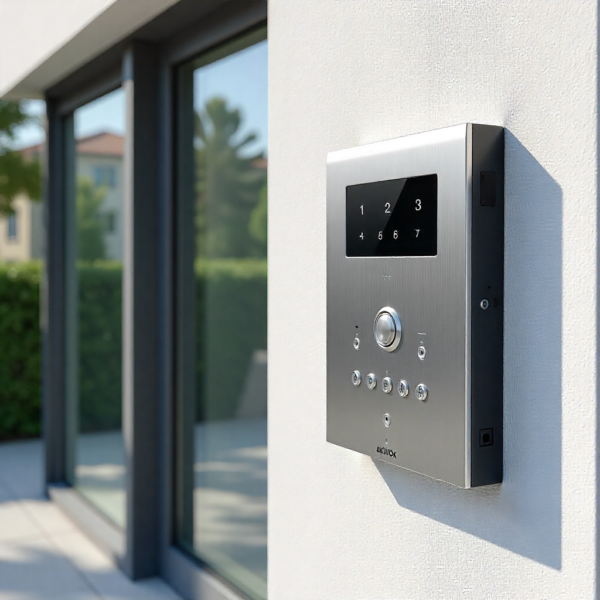
Connecting the Akuvox 2-Wire IP Intercom Kit to an NVR
The connection process starts with proper installation of the intercom and gateway. The two-wire line connects the outdoor unit to the gateway, and the gateway connects to the local network.
Once the Akuvox device is accessible on the network, the installer identifies its IP address. This IP address is used by the NVR to access the video stream.
In the NVR interface, the intercom is added as a new IP camera or RTSP device. The RTSP URL, along with authentication credentials if required, is entered into the NVR configuration.
After successful connection, the intercom video should appear as a camera channel within the NVR system.
Authentication and security considerations
Security is a key concern when integrating devices across systems. Akuvox intercoms typically require authentication to access video streams. Usernames and passwords should be configured carefully and stored securely.
For the Akuvox 2-Wire IP Intercom Kit, it is recommended to use dedicated credentials for NVR access rather than default administrator accounts. This reduces risk if credentials are compromised.
Network segmentation, firewalls, and VLANs can further enhance security, especially in larger installations.

Recording modes and event triggers
Once connected, the NVR can record intercom video in several ways. Continuous recording captures all activity but consumes more storage. Event-based recording is more efficient and often preferred.
Akuvox intercoms can trigger events such as call button presses or motion detection. When integrated correctly, these events can be used to trigger recording on the NVR.
Some NVRs allow linking intercom events to alerts, snapshots, or notifications, providing faster response to door activity.
Audio considerations when recording intercom streams
Audio recording is sometimes overlooked but can be valuable for security and dispute resolution. Akuvox intercoms support audio streams alongside video.
Buyers should verify whether their NVR supports audio recording from RTSP sources. Local regulations regarding audio recording should also be considered, as laws vary by region.
The Akuvox 2-Wire IP Intercom Kit typically delivers clear audio suitable for recording, provided network latency is minimal.
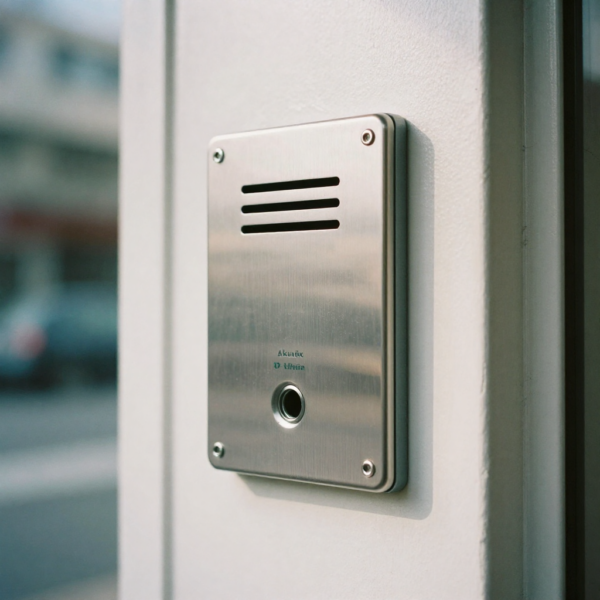
Multi-intercom and multi-camera environments
In larger installations, multiple Akuvox intercoms may be connected to a single NVR. Each intercom is treated as a separate video channel.
Consistent naming and channel organization within the NVR interface help operators quickly identify entry points. This is especially important in apartment buildings or commercial sites.
The scalability of the Akuvox 2-Wire IP Intercom Kit makes it suitable for such environments, as additional intercoms can be added without major infrastructure changes.
Common challenges and how to avoid them
One common issue is incorrect RTSP URL configuration. Even a small syntax error can prevent the NVR from connecting to the intercom stream.
Another challenge is network isolation. If the Akuvox gateway and NVR are on different subnets without proper routing, the connection will fail.
Firmware mismatches can also cause compatibility issues. Keeping both the Akuvox intercom and the NVR firmware up to date improves stability and interoperability.

Testing and validation after integration
After configuration, thorough testing is essential. Live video should be checked for clarity, frame rate, and stability.
Recording should be tested by triggering intercom calls or motion events and verifying that footage is saved correctly on the NVR.
Remote playback, export, and backup functions should also be tested to ensure the system meets operational requirements.
Buyer considerations when choosing an NVR for Akuvox
Not all NVRs are equal when it comes to third-party device support. Buyers should prioritize NVRs with strong RTSP and ONVIF compatibility.
Storage capacity should be sized based on expected recording duration and quality. Intercom streams may not require the same retention period as other cameras, so flexible recording policies are beneficial.
User interface and mobile app support are also important, especially if operators need to access intercom footage remotely.
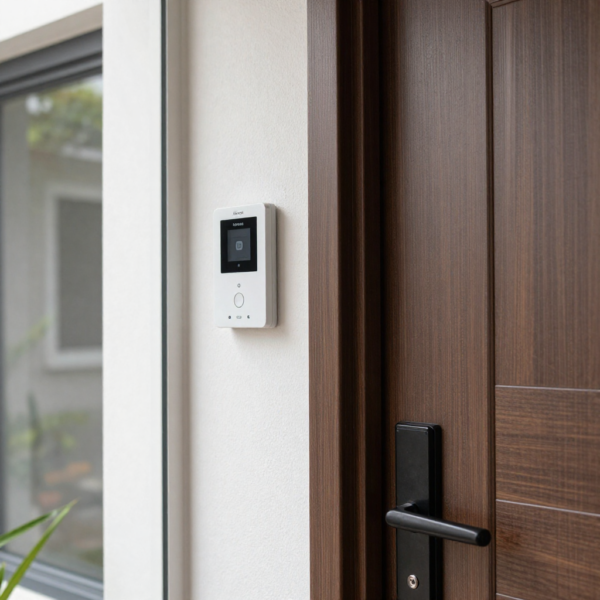
Advantages of using Akuvox 2-Wire IP Intercom Kit in retrofit projects
The two-wire design significantly reduces installation complexity in older buildings. Existing cabling can be reused, minimizing disruption and cost.
Despite using two-wire infrastructure, the system still delivers IP-based performance suitable for modern NVR integration.
For buyers upgrading legacy intercom systems, the Akuvox 2-Wire IP Intercom Kit offers a balance between modern functionality and practical installation.
Compliance and data management considerations
Recorded intercom footage may be subject to privacy and data protection regulations. Buyers should ensure that storage, access, and retention policies comply with local laws.
Clear signage and user awareness are often required in residential and commercial settings.
NVR systems typically provide access control features that help manage who can view or export intercom recordings.
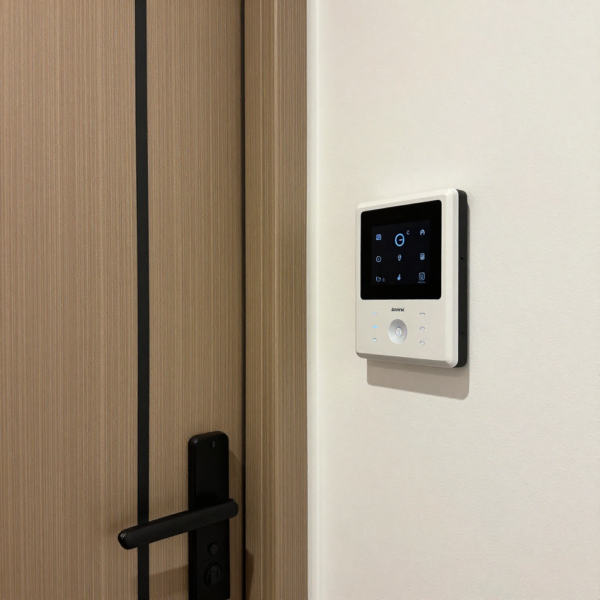
Maintenance and long-term reliability
Long-term reliability depends on proper maintenance. Regular firmware updates, periodic testing, and storage health checks help prevent failures.
The Akuvox ecosystem is designed for professional use, which supports long-term deployment and system stability.
When combined with a reliable NVR, the Akuvox 2-Wire IP Intercom Kit becomes a durable part of a comprehensive security system.
Who should invest in Akuvox intercom and NVR integration
This integration is ideal for apartment buildings, gated communities, offices, and mixed-use developments where door activity needs to be monitored and recorded.
Property managers benefit from improved incident tracking, while residents gain an added sense of security.
For buyers seeking a future-proof solution, combining Akuvox intercoms with a capable NVR provides flexibility for expansion and upgrades.
Final thoughts on connecting Akuvox to surveillance systems
Connecting an Akuvox intercom to an NVR transforms a simple door communication device into a powerful security tool. The Akuvox 2-Wire IP Intercom Kit makes this integration accessible even in retrofit scenarios, delivering IP-based functionality over existing wiring.
By understanding compatibility, network requirements, and configuration steps, buyers can avoid common pitfalls and achieve a stable, professional-grade installation.
For those planning or upgrading a security system, integrating Akuvox intercoms with an NVR is a practical investment that enhances visibility, accountability, and overall site security.