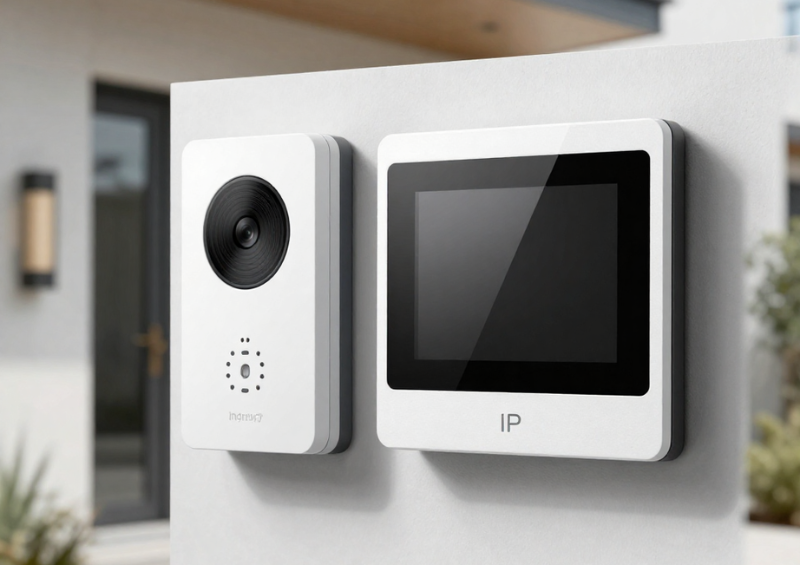
In today’s connected buildings, visitor entry is expected to be fast, secure, and highly reliable. Property managers want fewer missed calls, residents expect mobile convenience, and integrators need flexible tools that are easy to deploy—especially in retrofit environments. The Akuvox 2-Wire IP Intercom Kit has become a popular solution because it delivers full IP intercom functionality over existing two-wire infrastructure.
However, hardware alone does not guarantee a smooth entry experience. The real performance of any intercom system depends on how well call routing is designed and managed. Call routing determines who gets notified, in what order, under what conditions, and with what fallback options. When configured correctly, it dramatically improves answer rates and security oversight. When poorly configured, it leads to missed visitors, delayed entry, and frustrated occupants.
This extended guide provides a deep technical and practical look at managing call routing in the Akuvox 2-Wire IP Intercom Kit. You’ll learn routing models, advanced configuration strategies, security considerations, real-world deployment patterns, and optimisation tips for both residential and commercial projects.
What Is the Akuvox 2-Wire IP Intercom Kit?
The Akuvox 2-Wire IP Intercom Kit is a hybrid communication solution that brings modern SIP/IP intercom capabilities to buildings that only have legacy two-wire cabling. Instead of running full Ethernet to each endpoint, the system uses a 2-wire distributor to transport IP traffic over existing wiring.
Why This Matters
For many buildings—especially apartments and older commercial sites—rewiring for full IP can be expensive and disruptive. The 2-wire architecture allows:
- Faster upgrades
- Lower installation cost
- Minimal building disruption
- Full video intercom capability
- Modern call routing flexibility
This makes the kit particularly attractive for retrofits and MDUs (multi-dwelling units).
Typical System Components
A standard deployment includes:
- IP door station
- Indoor video monitor(s)
- 2-wire IP switch/distributor
- Power supply
- SIP server or cloud platform
- Mobile app support
Because the platform is IP-based, it supports sophisticated routing logic similar to enterprise VoIP systems.
The Strategic Role of Call Routing
Call routing is often treated as a simple configuration step, but in reality it is the intelligence layer of the intercom system.
What Call Routing Controls
Proper routing determines:
- Who receives visitor calls
- How quickly calls are answered
- What happens if no one responds
- How after-hours calls are handled
- Whether concierge or security is involved
- How mobile users are included
- How delivery and service visitors are managed
Business Impact
Well-designed routing delivers:
- Higher visitor satisfaction
- Better building security
- Fewer missed deliveries
- Reduced front desk workload
- Improved resident experience
For the Akuvox 2-Wire IP Intercom Kit, routing flexibility is one of its strongest competitive advantages.
How Call Routing Works: Technical Overview
Understanding the signalling flow helps when designing advanced logic.
Step-by-Step Call Flow
When a visitor presses the call button:
- Door station generates SIP INVITE
- SIP server or device evaluates routing rules
- Target endpoints are selected
- Devices begin ringing
- First user to answer establishes video session
- User may trigger unlock relay
- System logs the interaction
Because this process is software-driven, administrators can build highly customised workflows.
Routing Decision Points
Routing may be controlled at:
- Door station configuration
- SIP server logic
- Akuvox cloud platform
- Indoor monitor settings
- Tenant directory rules
Understanding where logic lives is critical for troubleshooting.
Core Call Routing Modes in Akuvox Systems
The Akuvox 2-Wire IP Intercom Kit supports several routing paradigms. Choosing the right one depends on building type and operational requirements.
Single Endpoint Routing
Overview
The simplest configuration sends each call to one assigned indoor monitor.
When It Works Well
- Single-family homes
- Small offices
- Low visitor traffic
Operational Limitations
While easy to configure, single routing introduces risk:
- No redundancy
- High chance of missed calls
- No escalation path
- Limited flexibility
For most multi-user environments, this should be considered entry-level only.
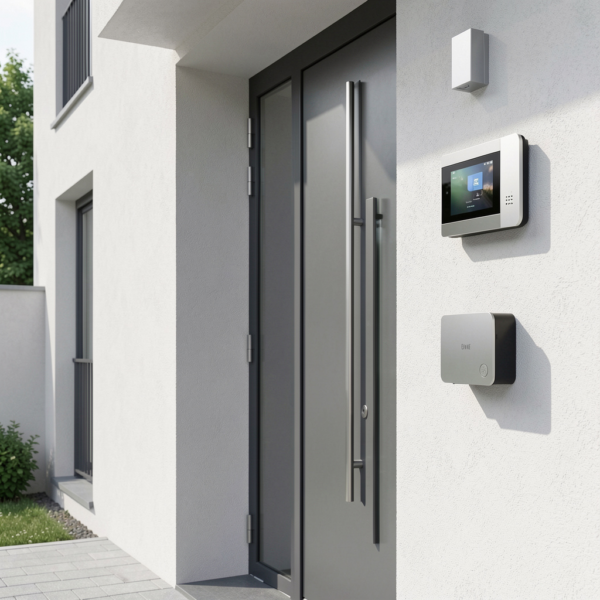
Parallel Ring (Simultaneous Call Routing)
Parallel routing rings multiple devices at the same time.
Typical Endpoints
- Indoor monitor
- Smartphone app
- Secondary monitor
- Reception phone
Why It’s Popular
Parallel routing offers:
- Faster answer rates
- Better convenience
- Strong residential usability
- Reduced missed visitors
Advanced Considerations
Avoid Over-Ringing
Too many simultaneous devices can create:
- User confusion
- Duplicate door releases
- Network overhead
A best practice is to limit to 2–4 endpoints per call.
Control Unlock Permissions
Not every ringing device should necessarily be allowed to unlock the door.
Sequential Routing (Hunt Group Logic)
Sequential routing introduces professional escalation.
Example Commercial Flow
- Reception desk (20 seconds)
- Office extension (20 seconds)
- Mobile app (20 seconds)
- Security team
Why Businesses Prefer It
Sequential routing provides:
- Clear responsibility chain
- Professional visitor handling
- Better after-hours coverage
- Reduced missed calls
Timing Best Practices
Keep total wait time under ~60 seconds to avoid visitor frustration.
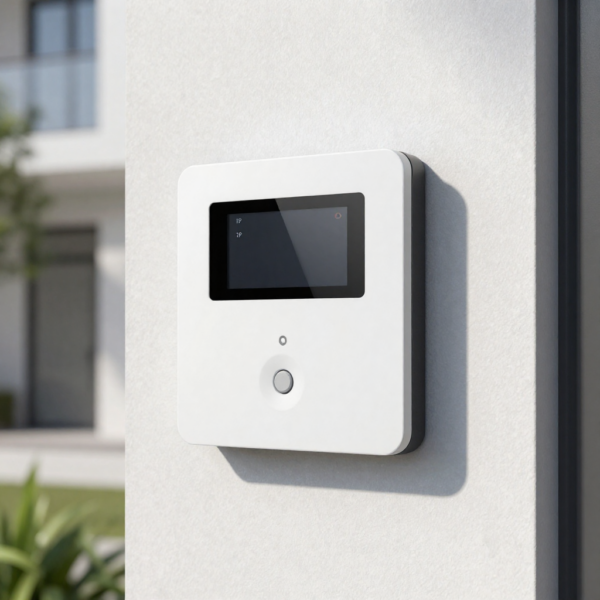
Time-Based Routing Profiles
Buildings operate differently throughout the day. Time logic allows the Akuvox 2-Wire IP Intercom Kit to adapt automatically.
Common Time Profiles
Business Hours
- Route to reception
- Enable full staffing workflow
After Hours
- Route to security
- Route to mobile users
- Restrict some unlock permissions
Weekends and Holidays
- Route to remote guard
- Enable voicemail
- Enable delivery mode
Operational Benefits
Time routing ensures:
- Staff are not disturbed unnecessarily
- Security is maintained after hours
- Visitor handling remains consistent
Multi-Tenant Routing for Apartments and MDUs
The Akuvox 2-Wire IP Intercom Kit shines in apartment environments.
Standard Apartment Call Flow
- Visitor selects unit
- System identifies tenant profile
- Indoor monitor rings
- Mobile app rings
- Tenant verifies visitor
- Door unlock command sent
Advanced Tenant Features
Multiple Devices per Apartment
Each unit can support:
- Multiple indoor monitors
- Multiple smartphones
- Parallel ringing
Concierge Intercept
In premium buildings, concierge may:
- Screen visitors
- Assist deliveries
- Override routing
- Provide after-hours coverage
Delivery Mode
Some deployments configure special workflows for couriers and service staff.
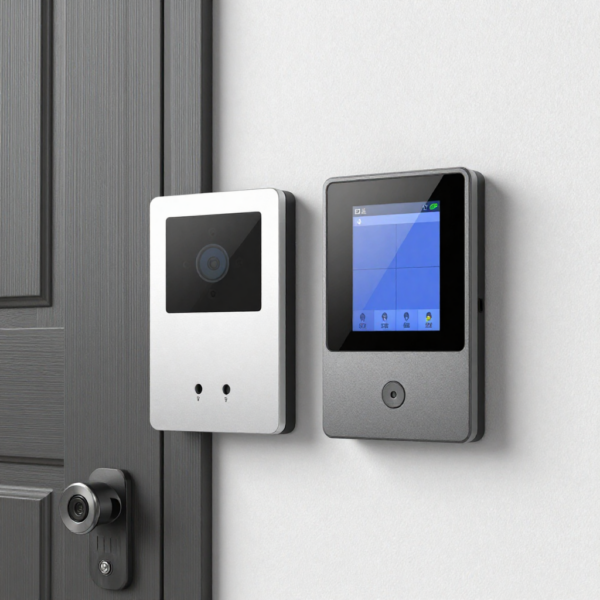
Mobile App Integration and Routing
Mobile answering is now essential in modern intercom systems.
Key Advantages
With the Akuvox mobile app:
- Residents can answer remotely
- Property managers gain flexibility
- Missed calls drop significantly
- Remote unlock becomes possible
Mobile Routing Best Practices
Always Include Mobile as Backup
Even in buildings with indoor monitors, mobile should be part of the routing chain.
Manage Push Notification Reliability
Ensure:
- Stable internet
- Correct notification permissions
- Updated app versions
Mobile reliability directly affects visitor experience.
Security Best Practices for Call Routing
Because routing controls physical access, security must be carefully engineered.
Common Security Risks
Misconfigured systems may allow:
-
Unauthorised door unlocks
-
Calls routed to wrong tenants
-
Credential sharing
-
SIP spoofing
-
Network exposure
Recommended Security Controls
Role-Based Access
Define who can:
- Answer calls
- View video
- Unlock doors
- Change settings
Video Verification Policy
Encourage users to visually confirm visitors before granting entry.
Network Hardening
Best practices include:
- VLAN segmentation
- Strong passwords
- Disabled unused ports
- Encrypted SIP where possible
- Regular firmware updates
The Akuvox 2-Wire IP Intercom Kit supports strong security—but only with proper deployment discipline.
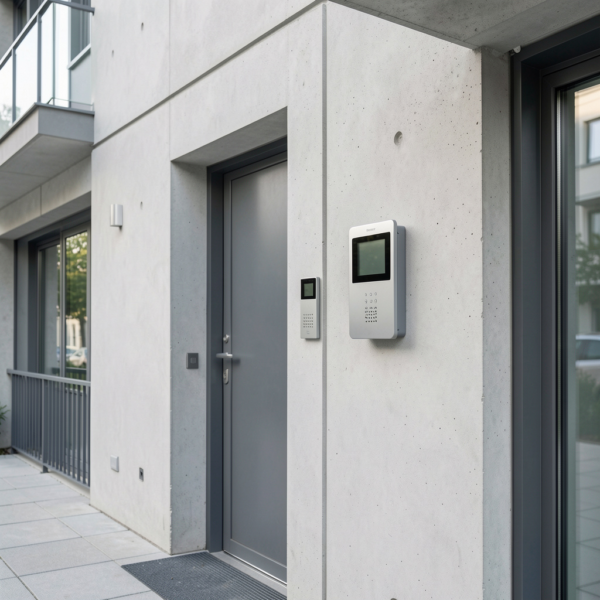
Integration with Door and Gate Control
The intercom is only one piece of the entry workflow.
Typical Control Chain
The Akuvox system can trigger:
- Electric strikes
- Magnetic locks
- Gate motors
- Automatic door operators
- Access control panels
Critical Testing Steps
During commissioning, verify:
- Relay polarity
- Unlock duration
- Door closing behaviour
- Safety sensor function
- Fail-safe vs fail-secure logic
Poor relay configuration is one of the most common installation mistakes.
Installation and Network Optimisation
Reliable call routing depends heavily on infrastructure quality.
Two-Wire Deployment Tips
Before installation:
- Test cable continuity
- Check distance limits
- Avoid poor joints
- Follow Akuvox topology rules
- Label all runs clearly
Network Performance Requirements
For best call quality:
- Use stable LAN
- Assign static IP addresses
- Monitor packet loss
- Prioritise SIP traffic if needed
- Avoid congested switches
Power Reliability
Consider UPS backup for:
- Core switch
- Door station
- Server components
This maintains call routing during short outages.
Troubleshooting Call Routing Issues
Even well-designed systems occasionally need tuning.
Calls Not Reaching Users
Check:
- SIP registration
- Device online status
- Routing configuration
- Network firewall
- VLAN rules
Slow Ringing or Delays
Often caused by:
- Network latency
- Overly complex routing
- Mobile push delays
- DNS resolution issues
Door Not Unlocking
Verify:
- Relay wiring
- Permission settings
- Unlock timing
- Door controller input
- Lock power supply
Methodical testing solves most problems quickly.
Future Trends in Akuvox Call Routing
Intercom technology is evolving rapidly.
AI-Driven Routing
Future systems may automatically choose the best recipient.
Cloud-Native Intercom Platforms
Centralised management will expand.
Mobile-First Buildings
Indoor monitors may become optional in some deployments.
Deeper Smart Building Integration
Expect tighter links with:
- Access control
- Video analytics
- Visitor management
- Building management systems
The Akuvox 2-Wire IP Intercom Kit is well positioned to support these trends.
Conclusion
Effective call routing is the intelligence engine behind any successful intercom deployment. The Akuvox 2-Wire IP Intercom Kit provides the flexibility, scalability, and retrofit-friendly architecture needed to design modern visitor communication workflows.
By implementing structured routing logic, enabling mobile backup, securing permissions, and thoroughly testing door integration, building owners and integrators can significantly improve both security and user experience.
When properly configured, the Akuvox 2-Wire IP Intercom Kit transforms building entry from a basic door call function into a smart, responsive, and future-ready access solution.