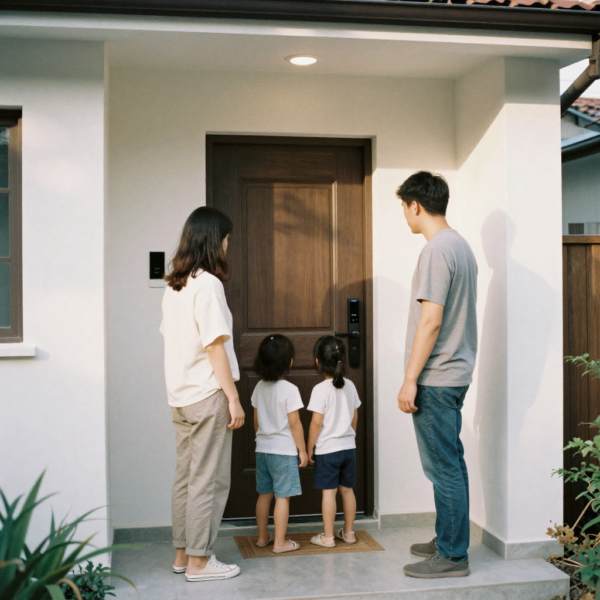
A Smart Lock is no longer just a tech accessory for modern homes. For families with kids, it becomes a daily safety system that protects, automates, and simplifies one of the most important entry points in your house: the front door. When children are coming home from school, running in and out to play, or relying on caregivers and babysitters, traditional keys quickly show their limits. Keys get lost, doors get left unlocked, and parents are left wondering whether the house is actually secure.
This in-depth product guide is designed specifically for parents. It explains how a Smart Lock works in real family life, what features truly matter when children are involved, and how to choose the best Smart Lock that balances convenience with safety. The focus is on auto-lock behavior, geofencing and proximity unlock, access control for kids, and long-term reliability.
Why a Smart Lock makes sense for families with children
In a household with kids, the front door is used constantly. Mornings are rushed, afternoons are chaotic, and evenings are busy. In these moments, security often depends on memory and habit, which is exactly where things fail. A Smart Lock removes much of that human error.
A well-chosen Smart Lock automatically locks the door after it is closed, reducing the risk of accidental exposure. It allows children to enter safely without carrying physical keys. It gives parents visibility into when the door was locked or unlocked. It also allows access to be granted or revoked instantly, which is especially useful for babysitters, relatives, and after-school helpers.
For families, the real benefit of a Smart Lock is not just convenience. It is predictability, control, and peace of mind.
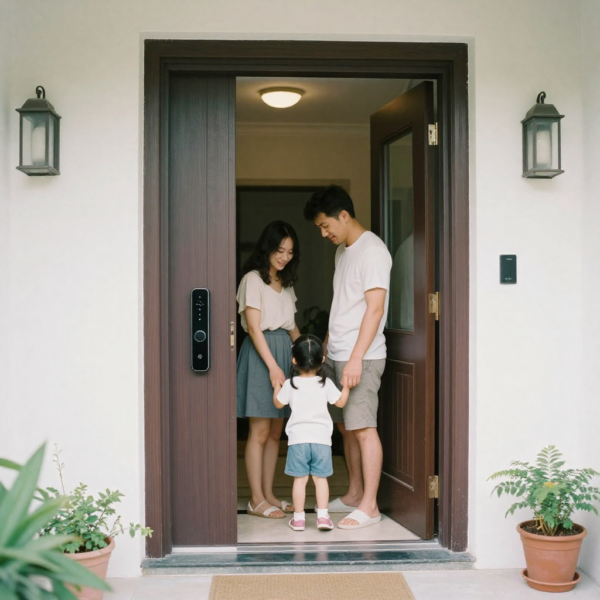
What makes a Smart Lock truly family-friendly
Not all smart locks are suitable for homes with children. Some are built for tech enthusiasts or single users, while others are clearly designed with families in mind. A family-friendly Smart Lock focuses on automation, clarity, and safety rather than flashy features. Auto-lock functionality is essential. Parents should never need to ask themselves whether the door was locked after the kids came inside. A Smart Lock with configurable auto-lock ensures that the door secures itself after a chosen delay.
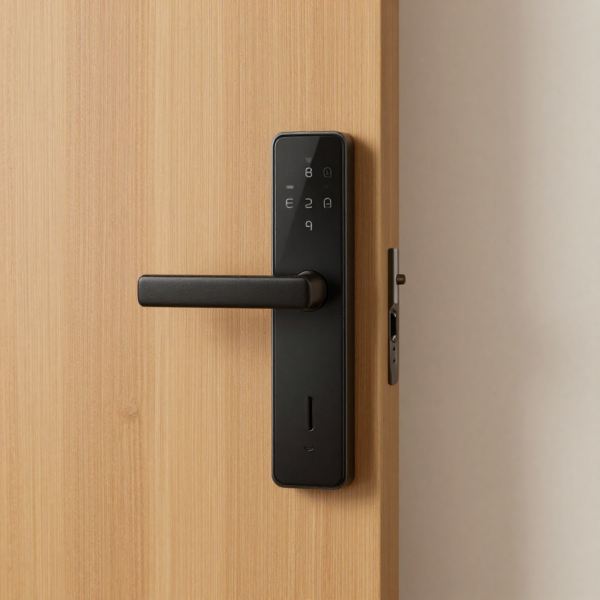
Door status awareness is equally important. Children often close doors without fully latching them. A Smart Lock that can detect whether the door is actually closed provides far more reliable security than one that locks on a timer alone. Simple and reliable access methods matter more than advanced ones. A keypad with individual codes for each child is often safer and more dependable than phone-based unlocking for younger users.
Strong access management is critical. Parents need to know exactly who unlocked the door and when. Logs, alerts, and named access profiles turn the Smart Lock into a monitoring tool rather than just a replacement for keys.
Compare smart lock systems in Australia and choose the right option for your family
Auto-lock as the foundation of family security
Auto-lock is the most important Smart Lock feature for households with kids. Children are rarely consistent about locking doors, and even adults forget in busy moments. Auto-lock removes that risk by making locking automatic rather than optional. A good Smart Lock allows parents to choose the auto-lock delay. Short delays are ideal during busy times of day, while slightly longer delays can be useful when loading groceries or helping kids in and out of the house. Flexibility is key.
For families, the best auto-lock systems are those that work together with door sensing. Instead of locking after a fixed time no matter what, the lock waits until the door is fully closed. This prevents situations where the lock attempts to engage while the door is still open, which can cause false security or mechanical wear.
Auto-lock should feel invisible when configured correctly. Parents should only notice it when they realize they no longer worry about whether the door was locked.
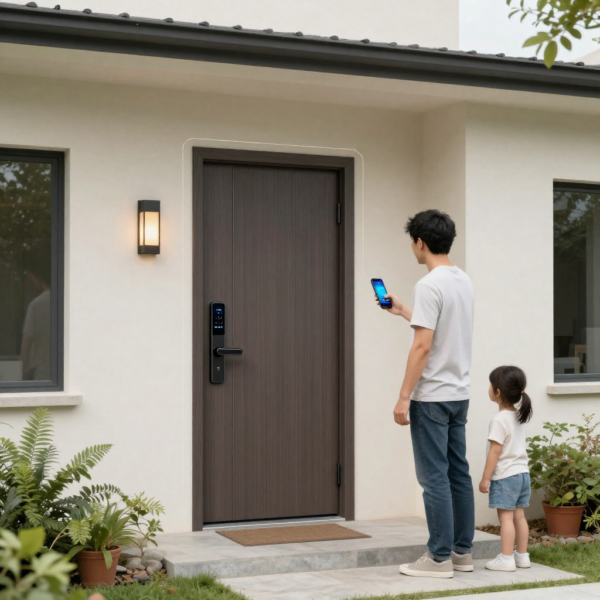
Geofencing and proximity unlock in a family setting
Geofencing is one of the most talked-about Smart Lock features. It allows the door to unlock automatically when an authorized phone enters a defined area around the home. For parents carrying children, bags, or groceries, this can feel like magic. However, in a family environment, geofencing must be used carefully. It is best suited for parents rather than children. Younger kids may not have phones, and older kids may forget to keep Bluetooth or location services enabled.
A Smart Lock that supports geofencing should also support safeguards. Parents should be able to require a physical action at the door, such as touching the keypad or pressing a button, before the lock opens. Auto-relock should be enabled immediately after entry. For families, geofencing works best as a convenience feature layered on top of a secure system, not as the primary method of access.
Safe access for kids without keys
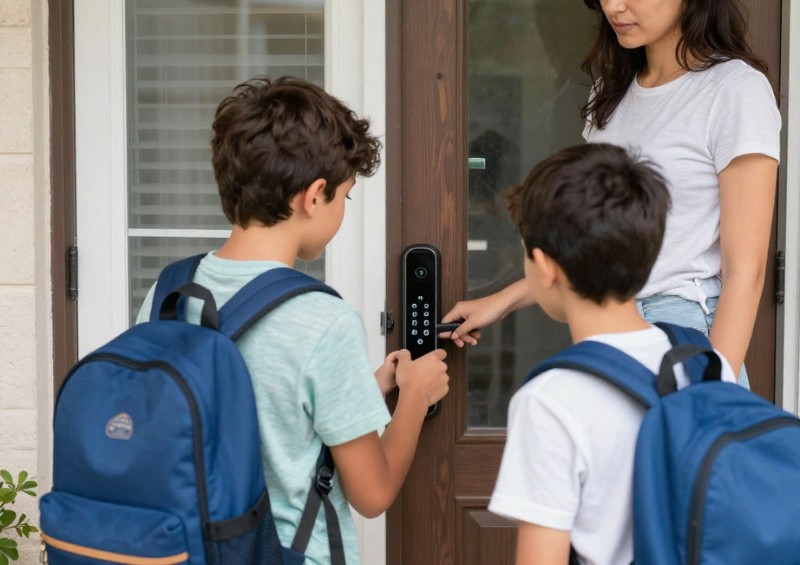
One of the biggest advantages of a Smart Lock is eliminating the need for physical keys. Keys are easy to lose, easy to copy, and difficult to manage when multiple children are involved. A keypad-based Smart Lock allows each child to have a unique access code. This creates accountability and control. If a code is shared or compromised, it can be changed instantly without affecting anyone else.
For older children and teenagers, app-based access can be added gradually. This allows parents to teach responsibility while still maintaining oversight. Temporary access can also be granted to friends or tutors when needed and revoked just as easily. Some Smart Locks support tap-to-unlock methods using phones or watches. These can be helpful for tech-savvy families, but they should supplement, not replace, simpler access methods like keypads.
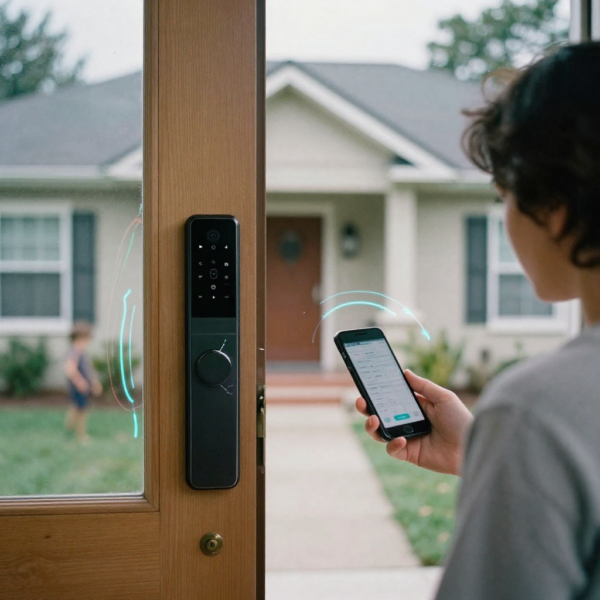
Monitoring and alerts that give parents peace of mind
A Smart Lock becomes truly valuable for families when it provides information. Knowing that the door is locked is good. Knowing who unlocked it and when is better. Activity logs allow parents to see when children arrived home from school. This can be reassuring without being intrusive. Alerts can notify parents if the door is unlocked during unusual hours or left unlocked for too long.
Battery alerts are also essential. A Smart Lock should never fail silently. Parents should receive warnings well before batteries are depleted, and battery replacement should be simple and tool-free. When properly configured, monitoring features reduce anxiety rather than increase it. Parents gain confidence in their home’s security without constantly checking the door.
The importance of physical reliability and backups
No Smart Lock is truly family-safe unless it works reliably every day. Motors should be strong enough to handle frequent use. Keypads should respond consistently. Apps should be stable.
Backup access methods are also important. Some families prefer a traditional key as a fallback. Others rely on external battery contacts or alternative unlock methods. What matters is that parents are never locked out with tired kids in tow. Before installing a Smart Lock, door alignment should be checked. Smart locks cannot compensate for doors that stick or misaligned deadbolts. Proper installation ensures smooth operation and longer lifespan.
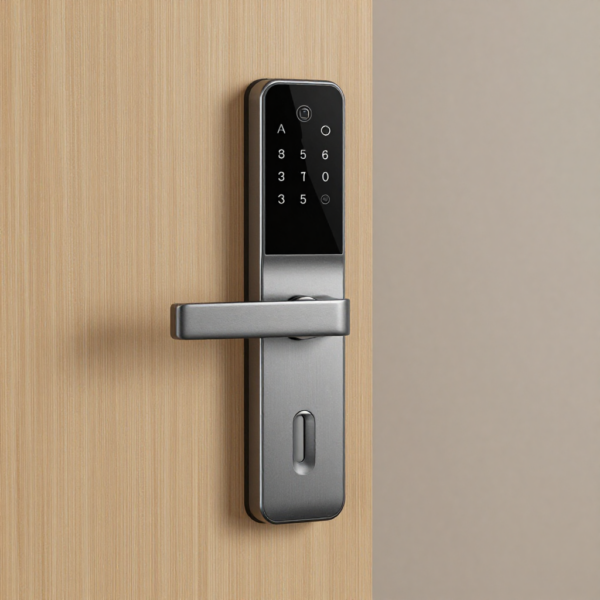
Choosing the right Smart Lock ecosystem for your family
Smart Locks do not exist in isolation. They are part of a larger smart home ecosystem that may include lights, cameras, doorbells, and voice assistants. Families who already use a specific platform should prioritize compatibility. A Smart Lock that integrates smoothly into an existing system is easier to manage and more reliable.
For families who want flexibility, newer standards that support multiple ecosystems offer future-proofing. This is especially useful in households where different family members use different devices. The key is consistency. Managing one app is easier than juggling several, especially when access permissions and alerts are involved.
Installation considerations for busy households
Installation should be straightforward and non-disruptive. Many Smart Locks are designed for DIY installation with basic tools. For families, minimizing downtime is important.
Retrofit intelligent locks that attach to existing deadbolts can be appealing because they preserve the exterior appearance of the door. Full replacement locks often offer better integration and cleaner design but require more setup.
Regardless of type, installation should be followed by thorough testing. Parents should test auto-lock, codes, alerts, and backups before relying on the Smart Lock for daily use.
Common mistakes families make when buying a Smart Lock
One common mistake is focusing on advanced features instead of daily usability. A Smart Lock that looks impressive on paper may be frustrating if it is slow or unreliable. Another mistake is using a single shared code for everyone. This eliminates the benefits of access control and makes it harder to manage security.
Some families enable too many notifications, leading to alert fatigue. Others enable too few and miss important events. Finding the right balance takes a little experimentation. Ignoring firmware updates is another issue. Updates often include security improvements and performance fixes. Keeping the Smart Lock up to date is part of responsible ownership.
How to set up a Smart Lock for real family life
The best intelligent lock setup evolves over time. Parents should start with simple, conservative settings and adjust as everyone gets comfortable. Auto-lock should be enabled from the beginning. Alerts for unlock events should be turned on initially, then refined later. Unique codes should be assigned and clearly named.
Children should be taught how the intelligent lock works and what is expected of them. This turns the lock into a shared system rather than a mysterious device. Over time, families often find that the Smart Lock fades into the background. It simply works, quietly improving daily routines.
Smart Lock security and privacy considerations
An intelligent lock is a security device, and it should be treated as such. Strong account passwords and two-factor authentication should be enabled where available. Access should be reviewed periodically. Old codes and unused permissions should be removed. This is especially important after changes in caregivers or routines.
Privacy is also important. Activity logs should be used responsibly. They are a tool for safety, not surveillance. When managed thoughtfully, a Smart Lock can enhance both security and trust within the family.
Final thoughts on the best Smart Lock for families with kids
Choosing the best Smart Lock for a family is not about finding the most expensive or most advanced option. It is about finding the one that fits your household’s routines, values, and comfort level. For most families, the ideal intelligent lock combines reliable auto-lock, clear door status awareness, simple access methods for kids, and strong parental controls. It should reduce stress, not add complexity.
A Smart Lock is an investment in daily peace of mind. When chosen carefully and set up correctly, it becomes one of the most practical and reassuring upgrades a family can make to their home. If you focus on safety first, automation second, and convenience third, you will end up with a Smart Lock that truly works for your family, your children, and your everyday life.
Explore Smart Lock models with auto-lock and safety features