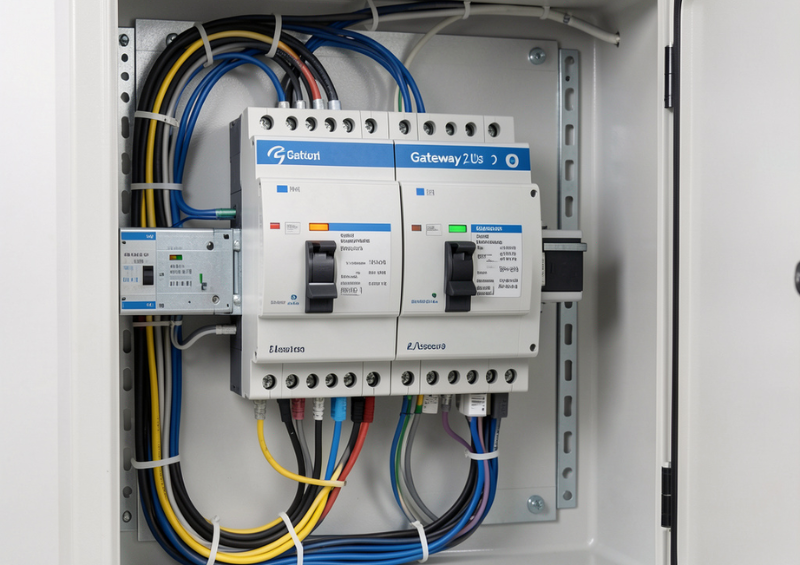
Smart buildings are no longer judged solely by how many functions they automate—they are judged by how visible, manageable, and resilient those functions are over time. As KNX installations expand across residential, commercial, and mixed-use environments, the need for reliable remote monitoring has become mission-critical.
The Jigsaw KNX Gateway (2 Users) is purpose-built to provide this visibility layer. Acting as a secure KNX/IP interface, it allows authorised stakeholders to monitor system activity, perform remote diagnostics, and maintain control without constant on-site intervention. For many small- to medium-sized KNX deployments, it represents the ideal balance of capability, simplicity, and cost.
In this extended guide, we will take a deep technical and practical look at how the Jigsaw KNX Gateway (2 Users) supports system monitoring, what makes it effective, where it fits best, and how to deploy it for maximum long-term value.
What Is the Jigsaw KNX Gateway (2 Users)?
The Jigsaw KNX Gateway (2 Users) is a KNX/IP tunnelling interface that connects a KNX twisted pair (TP) bus to an Ethernet network. Its primary purpose is to allow remote software tools—such as ETS and visualisation platforms—to communicate with the KNX installation over IP.
The “2 Users” specification indicates the device supports two simultaneous tunnelling connections, which is ideal for scenarios where:
- One user is the building owner or facility manager
- One user is the system integrator or support engineer
This focused design keeps the device efficient and cost-effective while still delivering professional-grade monitoring capabilities.
Key Roles in a KNX System
The gateway typically serves as:
- Remote programming interface
- Bus monitoring point
- Diagnostic access node
- Integration bridge to IT networks
- Support tool for maintenance teams
Because KNX systems are highly decentralised, having a reliable IP gateway dramatically improves operational visibility.
How the KNX Gateway Works
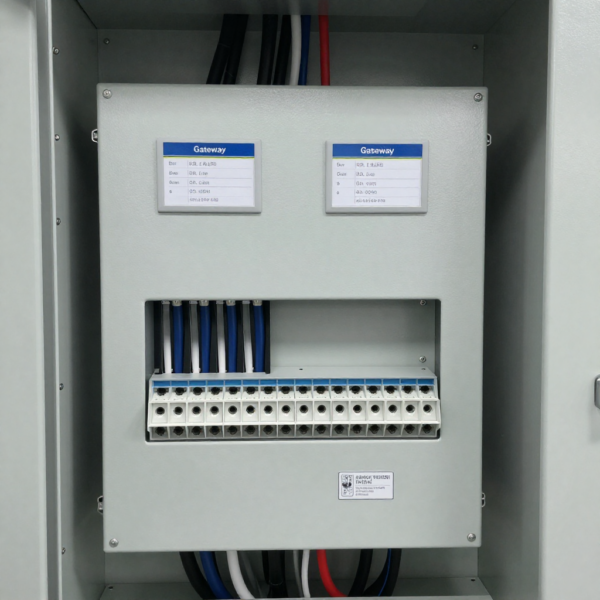
The gateway connects directly to the KNX bus, allowing it to communicate with all KNX-enabled devices within the system. Once connected, it translates KNX signals into formats accessible via mobile applications, web interfaces, or integrated platforms.
This enables users to monitor system status in real time, adjust settings remotely, and automate routines based on specific conditions. For example, lighting, temperature, and security systems can all be managed through a single interface rather than separate controls.
The gateway also supports integration with third-party systems, making it a flexible solution for expanding smart building functionality over time.
The Growing Importance of KNX System Monitoring
KNX installations are known for stability, but modern buildings demand continuous performance assurance, not just basic functionality.
Challenges Without Proper Monitoring
In unmanaged KNX environments, common pain points include:
- Faults going unnoticed for long periods
- Slow response to device failures
- Expensive and unnecessary site visits
- Difficulty verifying user complaints
- Limited energy performance insight
- Reduced confidence in the automation system
The Jigsaw KNX Gateway (2 Users) directly addresses these issues by enabling real-time remote visibility.
Operational Benefits of Monitoring
With proper gateway deployment, building operators gain:
- Faster troubleshooting
- Proactive maintenance capability
- Improved occupant satisfaction
- Lower service costs
- Better energy optimisation
- Enhanced system transparency
When Should You Choose the 2-User Version?
The 2-user version of the Jigsaw KNX Gateway is ideal for smaller systems where only a limited number of users need access. It offers a cost-effective solution without compromising essential functionality.
If your project involves a single household, a small office, or a controlled environment with minimal user requirements, this version provides sufficient capacity. However, for larger buildings or multi-user environments, a higher-capacity gateway may be more appropriate.
Choosing the right version depends on both current needs and future scalability. It is important to consider whether the system may need to support additional users over time.
Core Functions of the Jigsaw KNX Gateway (2 Users)
The gateway delivers several essential capabilities that make KNX systems easier to manage.
KNX/IP Tunnelling Interface
This is the primary function. The device converts KNX telegrams into IP packets and vice versa, allowing ETS and other tools to communicate with the KNX bus remotely.
Passive Bus Monitoring
The gateway can observe bus traffic without interfering with normal operations. This is extremely valuable during commissioning and troubleshooting.
Remote Programming Support
Integrators can download applications, modify parameters, and perform diagnostics without physically connecting to the bus.
Controlled Multi-User Access
Supporting two concurrent sessions allows collaboration while maintaining predictable performance.
Use Cases for System Monitoring
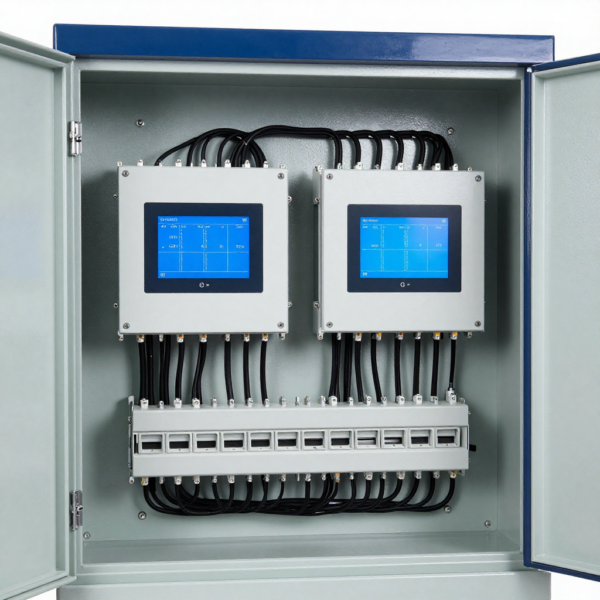
The Jigsaw KNX Gateway (2 Users) is best suited for environments that require centralised control and limited user access. In residential properties, it allows homeowners to manage lighting, climate, and security systems easily from a single interface, improving convenience and energy efficiency.
In small offices, the gateway provides a practical solution for managing building systems without requiring complex infrastructure. It enables administrators to monitor and control essential functions while maintaining a simple and user-friendly setup.
For specialised environments such as meeting rooms or controlled access areas, the gateway ensures that only authorised users can manage system settings. This adds an extra layer of control while maintaining ease of use.
Real-Time Monitoring Capabilities
One of the strongest advantages of the Jigsaw KNX Gateway (2 Users) is the depth of monitoring it enables.
Live Telegram Analysis
Integrators can view bus traffic in real time to:
- Detect communication errors
- Identify telegram flooding
- Verify device responses
- Troubleshoot intermittent faults
This significantly reduces diagnostic time.
Group Object Monitoring
Users can observe the live state of KNX group addresses, including:
- Lighting commands
- HVAC setpoints
- Blind positions
- Sensor values
- Energy data
This visibility is invaluable for both commissioning and ongoing support.
Remote Fault Investigation
Many support tickets can be resolved remotely once the gateway is in place, eliminating unnecessary truck rolls.
Security and Remote Access Best Practices
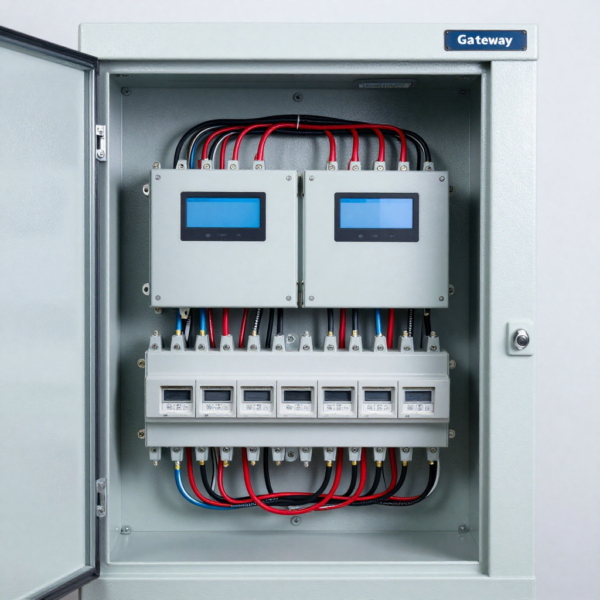
When integrating the Jigsaw KNX Gateway (2 Users) into a networked environment, security and remote access must be handled carefully. Because the gateway bridges KNX data into IP-based systems, it effectively opens a pathway between building automation and broader network infrastructure.
Built-In Security Features
Most deployments already include a range of built-in security features designed to safeguard system access. These typically include password authentication to control user entry, along with session management to prevent unauthorised or prolonged access.
Compatibility with ETS Secure adds another layer of encrypted communication within the KNX ecosystem, while network-level protections help limit exposure to trusted environments only. In many cases, the gateway can also work seamlessly with VPN solutions, allowing secure remote connections without directly exposing the system to the public internet.
Recommended Deployment Strategy
That said, secure deployment ultimately depends on how the system is configured in real-world conditions.
- For production environments, it’s best practice to position the gateway behind a properly configured firewall, ensuring that only approved traffic can reach it.
- Remote access should be handled through a VPN rather than open ports, which significantly reduces the risk of intrusion.
- Default login credentials should always be changed during setup, and both operational technology (OT) and IT networks should be segmented to limit the impact of any potential breach.
- Regularly monitoring access logs also helps identify unusual activity early, allowing for quicker response.
Integration with ETS Engineering Tool
ETS connectivity is one of the primary reasons integrators deploy the Jigsaw KNX Gateway (2 Users).
Advantages for Integrators
Using ETS over IP allows:
- Remote commissioning
- Faster troubleshooting
- Reduced travel time
- Easier firmware updates
- More efficient support contracts
Remote Commissioning Workflow
A typical workflow:
- Integrator connects via VPN
- ETS discovers the gateway
- Tunnelling session is established
- Devices are programmed or monitored
- Changes are verified in real time
This dramatically improves service efficiency.
Visualisation and Building Management Integration
While ETS remains essential for configuration and commissioning, the real day-to-day value of the Jigsaw KNX Gateway (2 Users) lies in its ability to enable system visualisation and integration. By making KNX data accessible to external platforms, the gateway turns raw automation data into meaningful, actionable insights.
Supported Monitoring Platforms
The gateway supports a wide range of monitoring and control platforms, making it highly flexible across different project types. It can seamlessly feed data into KNX visualisation software, allowing users to monitor and control lighting, HVAC, and other systems.
It also integrates well with smart home dashboards, facility management systems, and energy monitoring tools. This gives both residential users and commercial operators a clearer picture of their building’s performance. For more advanced setups, the gateway can connect to custom middleware platforms, enabling tailored automation logic and third-party service integrations.
Benefits for Building Owners
For building owners and operators, this level of integration brings a host of practical benefits. Instead of relying on static configurations, users gain centralised visibility across all connected systems. This makes it easier to understand and manage building performance. Real-time feedback allows for quicker adjustments to lighting, temperature, or other environmental settings.
At the same time, access to energy data encourages more efficient usage, helping to reduce operational costs over time. Perhaps most importantly, faults or irregular behaviour can be identified much faster.
Installation and Network Planning Best Practices
Proper deployment is critical to long-term success.
Physical Installation Tips
- Mount in a well-ventilated control cabinet
- Keep close to main KNX line where practical
- Use reliable power supply
- Label clearly for future maintenance
Network Configuration
- Assign a static IP address
- Document MAC and IP details
- Ensure low-latency LAN connectivity
- Avoid congested VLANs
- Test remote access thoroughly
Power Reliability
For critical sites, consider placing the gateway on a UPS so remote access remains available during short outages.
Cost and Value Considerations
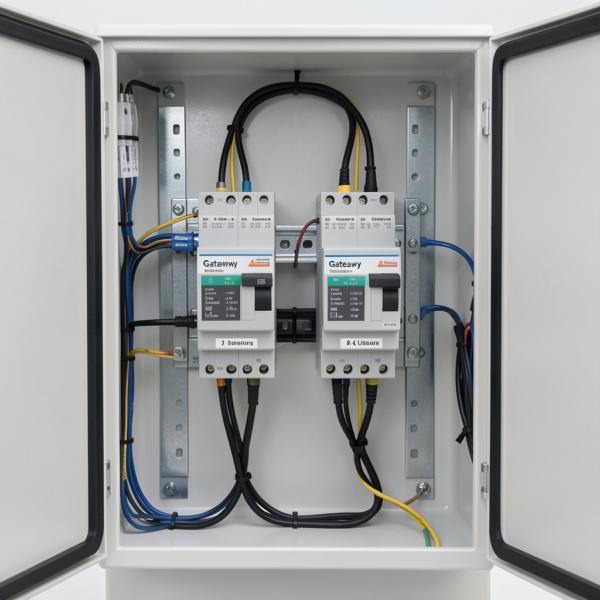
The cost of a KNX gateway system depends on factors such as system size, integration requirements, and installation complexity. The 2-user version is generally positioned as an entry-level solution within the KNX ecosystem, making it a more affordable option for smaller projects.
While the initial investment may be higher than that of basic smart home devices, the long-term value comes from improved system integration, reliability, and scalability. A well-designed KNX system can reduce operational complexity and enhance overall building performance.
When evaluating cost, it is important to consider not only the hardware but also installation, configuration, and potential future upgrades.
Conclusion
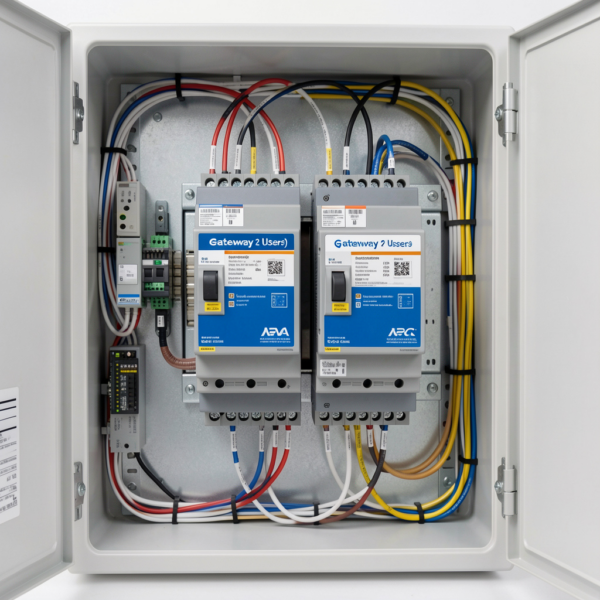
The Jigsaw KNX Gateway (2 Users) is a focused, efficient, and highly practical solution for enabling secure remote monitoring of KNX systems. By bridging the KNX bus to IP networks, it provides essential visibility, remote diagnostics capability, and controlled multi-user access for small to mid-scale projects.
When properly installed, secured, and integrated, the gateway helps reduce maintenance costs, improve system uptime, and give both integrators and building owners greater confidence in their automation investment.
For residential smart homes, boutique commercial buildings, and remote support scenarios, the Jigsaw KNX Gateway (2 Users) remains one of the most effective and right-sized tools for modern KNX system monitoring.
- Secure KNX/IP tunnelling
- Supports two simultaneous users
- Ideal for homes and small commercial sites
- Simplifies remote diagnostics and ETS access
Enhance your building automation with a dependable KNX gateway solution today.