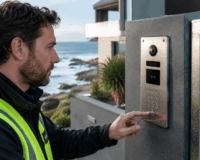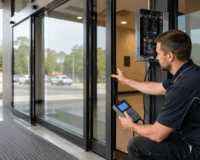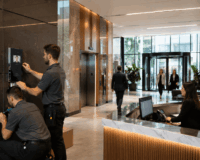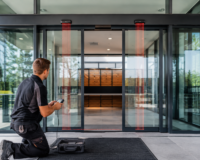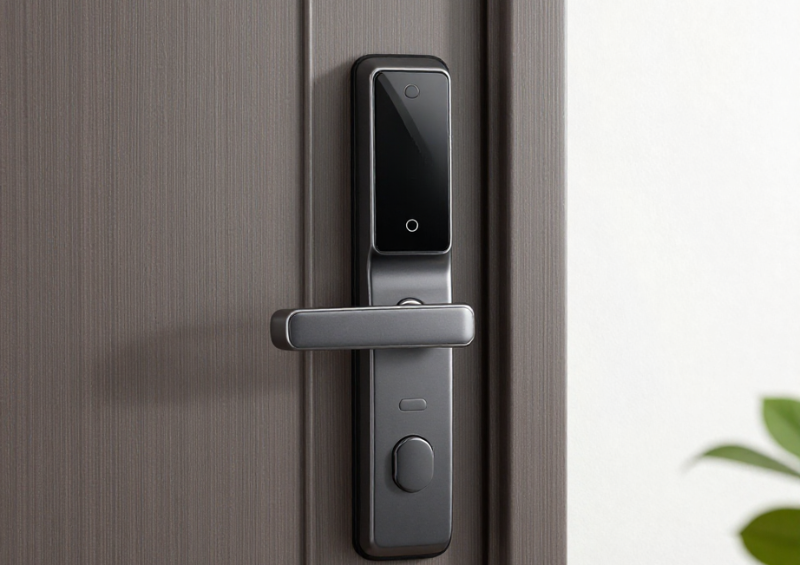
Smart security has evolved far beyond simple keyless entry. Today’s smart lock systems function as intelligent access management platforms that provide detailed insight into how doors are used, who accessed them, and exactly when each event occurred. One of the most powerful capabilities driving this transformation is the built-in audit trail and access history functionality.
For homeowners, landlords, offices, schools, and commercial facilities, knowing who entered and when is now a core security requirement—not merely a convenience feature. Traditional locks only control entry; smart locks deliver both control and visibility.
Whether you are managing a short-term rental, a busy workplace, or a multi-site business, understanding how audit trails work in a smart lock system can significantly strengthen security, improve accountability, and streamline operations.
In this comprehensive guide, we will explore how smart lock audit trails function, why they matter, what features to prioritise, and how to implement them effectively.
Table of Contents
ToggleWhat Is a Smart Lock?
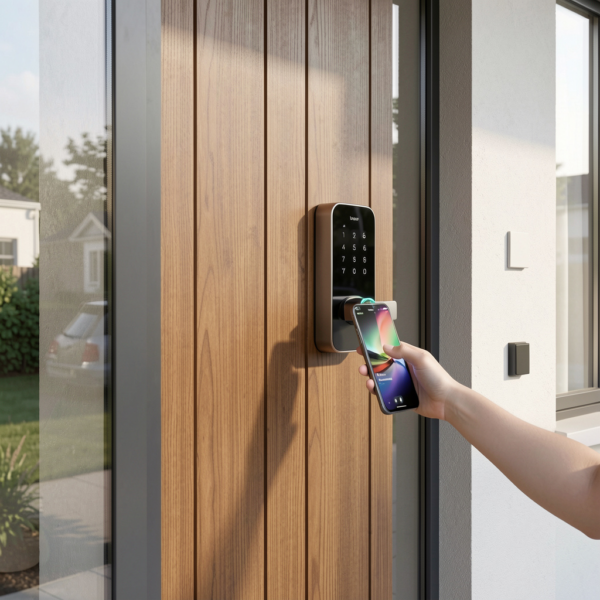
A smart lock is an electronic door locking device that replaces or enhances traditional mechanical locks by using digital credentials instead of physical keys. These locks typically connect to mobile apps, cloud platforms, or local networks to enable remote control and activity monitoring.
Unlike conventional locks, a smart lock can record every interaction with the door. Users may unlock using PIN codes, smartphone apps, RFID cards, biometrics, or remote commands depending on the model.
Common Smart Lock Features
Most modern smart lock systems include:
- Keyless entry
- Remote locking and unlocking
- User access management
- Temporary or scheduled access
- Real-time alerts
- Integration with smart home or security platforms
- Audit trails and access history
While convenience often drives initial adoption, the audit trail is what transforms a smart lock into a true security management tool.
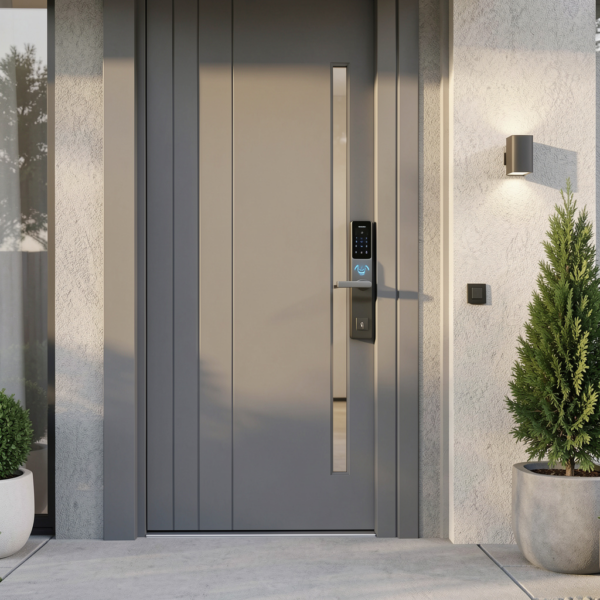
What Are Audit Trails in a Smart Lock?
An audit trail is a chronological, tamper-resistant record of all activity associated with a smart lock. Every time the lock is used—or someone attempts to use it—the system automatically creates a log entry.
Think of the audit trail as the lock’s digital memory. It provides a verifiable history of events that administrators can review at any time.
Typical Events Recorded
A robust smart lock audit trail may capture:
- Successful unlock events
- Lock events
- Failed access attempts
- Incorrect PIN entries
- Tamper alerts
- Low battery warnings
- Remote unlock commands
- Manual override usage
- Door forced open alerts
- Schedule violations
Each event is usually timestamped and linked to a specific user credential when available.
What Is Access History?
Access history is the user-friendly presentation of the audit trail within the smart lock app or management dashboard.
While the audit trail is the raw security log, access history is the simplified activity feed that most users interact with daily.
How They Differ
- Audit trail: complete technical log
- Access history: readable activity timeline
For example, instead of showing a complex system code, the access history might display: “Front Door unlocked by John – 8:42 AM”
This clarity makes smart lock systems accessible to both technical and non-technical users.
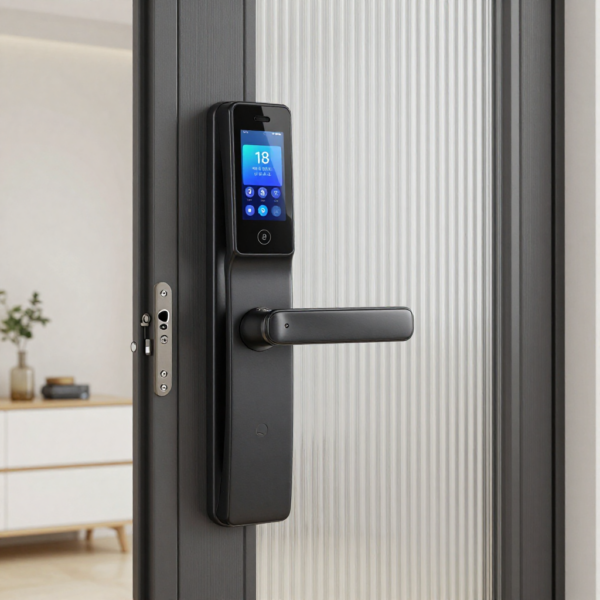
Why Audit Trails Matter in Modern Security
Traditional locks provide zero visibility after the door closes. Once a key is used, there is no reliable record of who entered or whether the key was copied.
A smart lock fundamentally changes this by introducing traceability and accountability.
Key Security Advantages
Audit trails enable:
- Verified access records
- Faster incident investigation
- Detection of unusual behaviour
- Stronger internal accountability
- Evidence for disputes or claims
- Support for regulatory compliance
In many commercial environments, audit logging is now considered essential rather than optional.
How Smart Lock Audit Trails Work
Understanding the underlying process helps buyers evaluate system quality and reliability.
Step 1: Credential Presentation
A user interacts with the smart lock using an approved method such as:
- PIN code
- Mobile app
- RFID card or fob
- Fingerprint
- Facial recognition
- Remote command
The lock detects the credential input instantly.
Step 2: Authentication
The smart lock verifies the credential either locally (offline verification) or through a connected cloud service.
If the credential is valid, the lock opens. If invalid, access is denied and the failed attempt is still recorded.
Step 3: Event Logging
Immediately after the interaction, the lock generates an event record containing:
- Date and time
- User identity or credential type
- Event type
- Lock status
- Device ID
High-quality smart lock systems use secure internal clocks and protected memory to ensure accuracy.
Step 4: Data Storage
Depending on the architecture, logs may be stored:
- Locally in the lock
- In a gateway hub
- In the cloud platform
- Within an integrated access control system
Commercial deployments typically prefer cloud or server-based storage for scalability.
Step 5: Notification and Reporting
Many smart lock platforms can:
- Send instant push notifications
- Generate downloadable reports
- Trigger security alerts
- Integrate with other monitoring systems
This turns passive logging into active security intelligence.
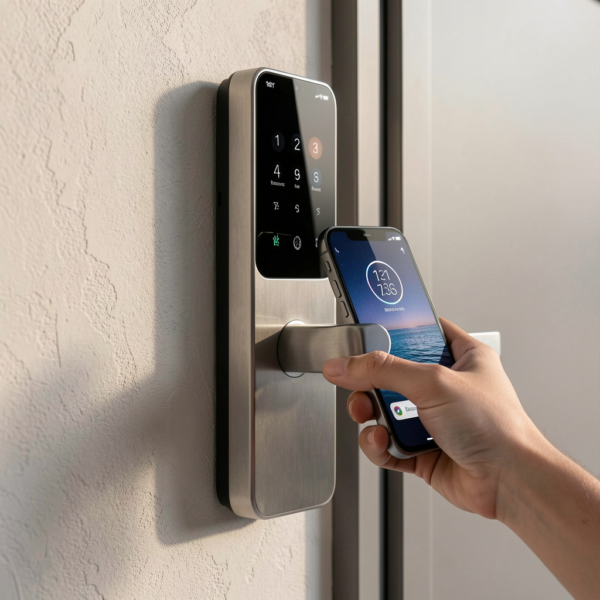
Types of Access Events You Can Track
Not all smart locks provide the same level of audit detail. Understanding event depth is critical when comparing models.
Basic Event Tracking
Entry-level smart locks typically record:
- Door unlocked
- Door locked
- Manual thumb-turn operation
- Low battery warning
These are sufficient for basic residential use.
Advanced Event Tracking
Commercial-grade smart lock systems may also capture:
- Failed credential attempts
- Repeated incorrect PIN entries
- Forced entry detection
- Door held open alerts
- Time-of-day violations
- Remote unlock activity
- Admin configuration changes
- Firmware updates
For offices, rentals, and shared spaces, advanced logging provides much stronger oversight.
Key Benefits of Smart Lock Access History
Audit visibility delivers measurable benefits across many environments.
Improved Security and Accountability
When users know every entry is recorded, behaviour naturally becomes more responsible. If an incident occurs, administrators can quickly review the access history to identify who was present.
This is especially valuable for:
- Offices
- Warehouses
- Co-working spaces
- Multi-tenant buildings
- Educational facilities
Better Property Management
For landlords and property managers, a smart home lock provides operational clarity that traditional keys cannot match.
Common use cases include:
- Verifying cleaning staff visits
- Tracking maintenance access
- Monitoring contractor entry
- Reviewing short-term rental guest activity
- Managing multi-unit properties
This reduces disputes and improves service quality.
Enhanced Residential Peace of Mind
Homeowners gain reassurance by being able to:
- Confirm children arrived home safely
- Check when guests entered
- Monitor deliveries
- Review activity while travelling
This visibility is one of the fastest-growing reasons consumers adopt smart lock technology.
Compliance and Audit Support
Many regulated industries require controlled access records. A smart lock with strong audit capability helps organisations demonstrate due diligence during inspections or investigations.
Privacy and Data Protection Considerations
Because audit trails involve personal activity data, privacy must be handled carefully.
Recommended Privacy Practices
Organisations and property owners should:
- Inform users that access is monitored
- Limit log access to authorised personnel
- Define clear data retention policies
- Encrypt stored and transmitted data
- Follow applicable privacy regulations
- Avoid excessive data collection
Transparency is key to maintaining user trust.
How Long Should Access Logs Be Stored?
Retention requirements depend heavily on the use case and regulatory environment.
Typical Retention Guidelines
- Residential homes: 30–90 days
- Small businesses: 90–180 days
- Commercial facilities: 6–24 months
- High-security environments: multi-year archival
Cloud-enabled smart home lock platforms usually allow administrators to configure retention periods.
When in doubt, align retention with your organisation’s broader security or compliance policies.
Cloud vs Local Audit Storage
One of the most important architectural decisions is where audit data is stored.
Local Storage
Local storage keeps logs inside the lock or nearby hub.
Advantages
- Works without internet
- No ongoing subscription
- Immediate local access
Limitations
- Limited memory capacity
- Risk of data loss if device fails
- Difficult multi-site visibility
- Limited reporting tools
Local storage is often sufficient for simple residential deployments.
Cloud Storage
Cloud-based smart lock systems store logs securely on remote servers.
Advantages
- Extended history retention
- Remote access from anywhere
- Automatic backups
- Multi-site management
- Advanced reporting
- Easier integration
Limitations
- May require subscription
- Requires reliable connectivity
For most commercial, rental, and multi-property scenarios, cloud storage is strongly recommended.
Best Practices for Using Smart Lock Audit Trails
To maximise the value of your smart home lock system, follow these proven practices.
Assign Unique Credentials
Avoid shared PIN codes whenever possible. Individual credentials provide clear accountability and cleaner audit data.
Establish Role-Based Access
Group users by role (staff, contractors, guests) to simplify management and reporting.
Review Logs Proactively
Regular log reviews help detect unusual patterns early rather than after an incident.
Enable Real-Time Alerts
Critical doors should trigger notifications for:
- After-hours access
- Repeated failed attempts
- Tamper events
- Door held open conditions
Maintain Firmware Updates
Keeping the smart lock updated ensures logging accuracy and protects against cybersecurity vulnerabilities.
How to Choose a Smart Lock with Strong Audit Features
Not all smart locks are equal. Buyers should evaluate both hardware and software capabilities.
Must-Have Audit Features
Look for a smart lock that offers:
- Detailed event logging
- Named user tracking
- Real-time notifications
- Cloud history options
- Exportable audit reports
- Tamper and forced entry detection
- Failed attempt logging
- Secure encrypted communication
- Open integration capability
Questions to Ask Vendors
Before purchasing, consider asking:
- How many events can the lock store locally?
- Is cloud history included or subscription-based?
- Can logs be exported for compliance?
- Are timestamps synchronised automatically?
- Is the audit trail tamper-resistant?
The answers often reveal the true maturity of the platform.
Common Mistakes to Avoid
Many buyers unintentionally limit the value of their smart lock deployment.
Choosing Based Only on Hardware
The mobile app and cloud platform determine most of the audit experience.
Using Shared Access Codes
Shared credentials eliminate traceability and weaken security.
Ignoring Retention Limits
Some entry-level locks overwrite history quickly.
Overlooking Cybersecurity
Connected locks must support strong encryption and secure authentication.
Failing to Train Users
Proper onboarding ensures accurate logs and smoother adoption.
Conclusion
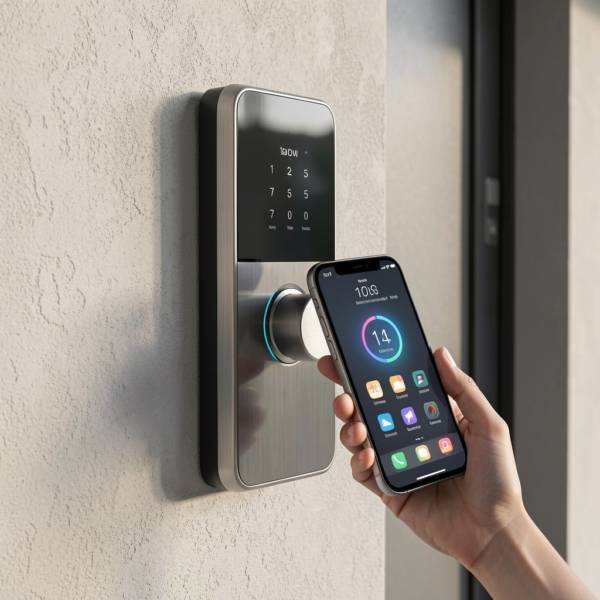
A smart lock is no longer just a convenience upgrade—it is a powerful access intelligence platform. Audit trails and access history provide the visibility, accountability, and operational insight that modern homes and businesses increasingly require.
By choosing a smart home lock with robust logging capabilities, implementing clear access policies, and following best practices for monitoring and privacy, property owners can significantly strengthen their security posture.
As buildings and security ecosystems continue to become more connected, audit-driven access management will only grow in importance. Investing in the right smart lock today helps future-proof your property for the intelligent security landscape ahead.
Upgrade your door security today with a smart lock designed for modern access control.