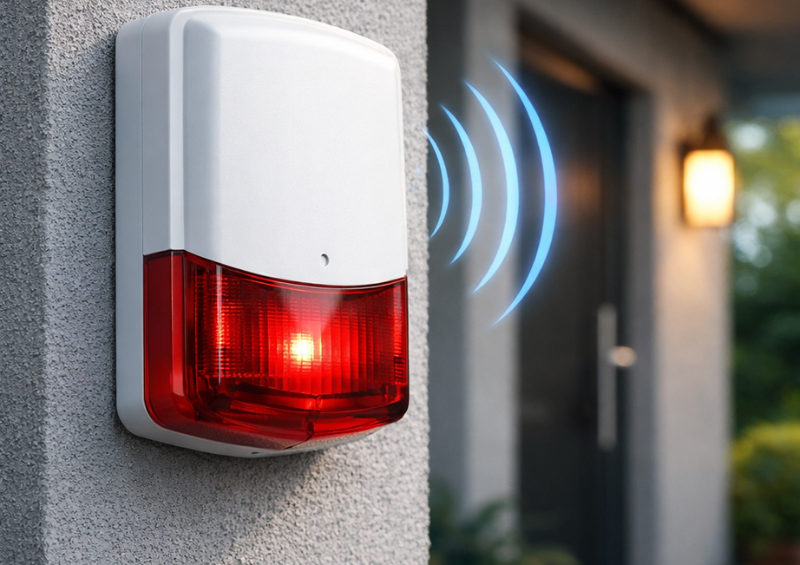
A Z-Wave Siren is one of the most important components in a smart security system. When it works properly, it provides instant audible alerts that deter intruders, warn occupants, and signal emergencies. However, many users encounter a common frustration after installation: the siren does not trigger reliably, responds slowly, or disconnects entirely from the Z-Wave network.
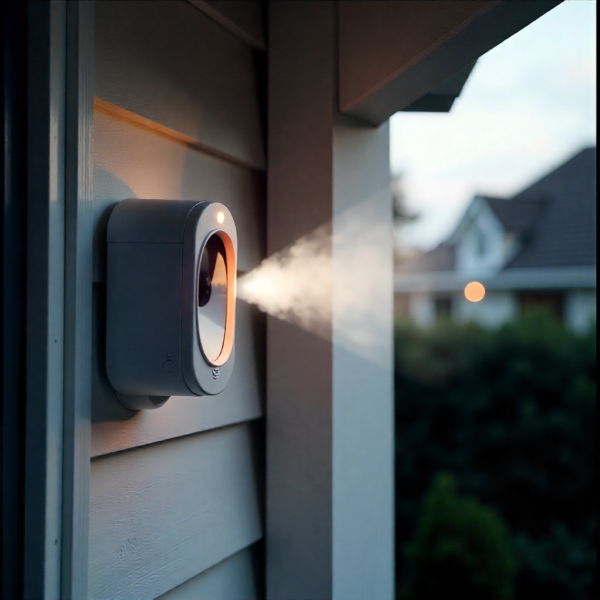
This issue is rarely caused by the siren itself. In most cases, it is related to Z-Wave range, signal strength, network topology, or installation environment. This is especially true for outdoor devices like the Vision Z-Wave Outdoor Siren, which must communicate through walls, doors, and sometimes long distances to reach the main Z-Wave controller.
This in-depth how-to guide explains how Z-Wave signal range works, what affects connectivity, and exactly how to improve the performance of your Vision Z-Wave Outdoor Siren or any Z-Wave Siren. The goal is to help you achieve a stable, fast, and reliable alarm response when it matters most.
Table of Contents
ToggleUnderstanding how Z-Wave signal range really works
Before trying to improve connectivity, it is essential to understand how Z-Wave communication functions. Z-Wave is a low-power, wireless mesh protocol designed for smart home devices. Unlike Wi-Fi, Z-Wave does not rely on a single router broadcasting a strong signal. Instead, it uses a mesh network where devices relay messages for each other.
Each powered Z-Wave device, such as smart plugs, switches, or repeaters, can act as a signal relay. Battery-powered devices, including many sensors and some sirens, typically do not repeat signals to preserve battery life.
The Vision Z-Wave Outdoor Siren is designed to operate reliably within a defined range, but that range is influenced heavily by the surrounding network. A strong Z-Wave mesh can dramatically extend effective distance, while a weak mesh can reduce it significantly.
Typical Z-Wave Siren range expectations
Under ideal conditions, a Z-Wave Siren can communicate with the controller over a distance of tens of meters. Indoors, this range is reduced by walls, floors, and interference. Outdoors, open air helps, but exterior walls and building materials still play a major role.
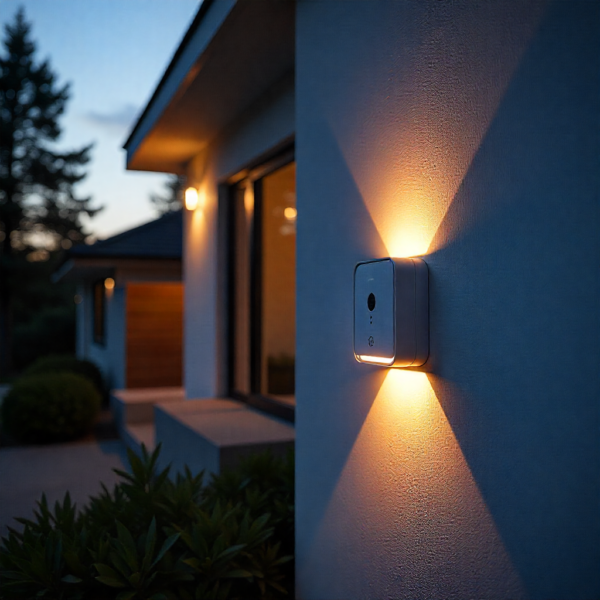
The Vision Z-Wave Outdoor Siren is commonly installed on exterior walls, garages, or entry points. These locations often place it farther from the hub than indoor devices, making range optimization critical.
Key factors that reduce effective range include dense building materials, metal doors, reinforced concrete, brick walls, and insulation with foil backing. Even weather-resistant outdoor enclosures can slightly attenuate signals.
Why Z-Wave Siren connectivity problems happen
Many users assume that a Z-Wave Siren should work as long as it is within the advertised range. In reality, several common mistakes reduce performance:
Improper inclusion location is one of the most frequent causes. If the Vision Z-Wave Outdoor Siren is paired far from the controller, it may establish weak or inefficient routes that remain even after relocation.
Another issue is an underdeveloped mesh network. If there are not enough powered Z-Wave devices between the hub and the siren, messages may fail to reach their destination reliably.
Environmental changes also matter. Adding metal objects, replacing doors, or even installing solar panels can affect signal paths over time.
How to improve Z-Wave Siren connectivity Include the Z-Wave Siren close to the controller
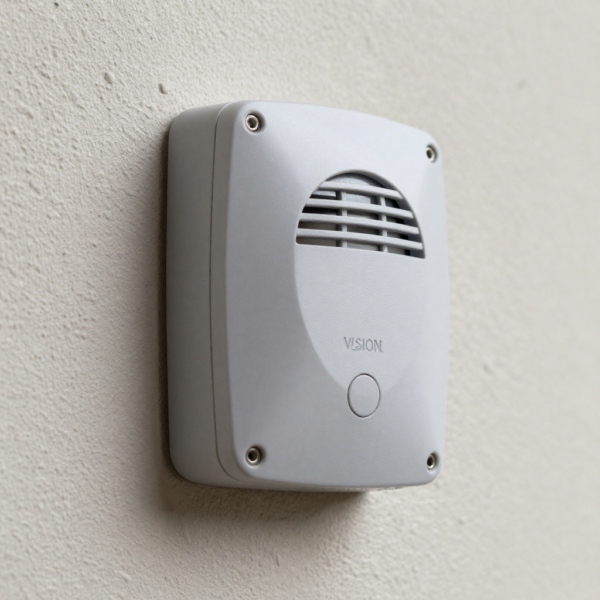
The first and most important step is proper inclusion. Z-Wave devices learn routing information during the pairing process. For the Vision Z-Wave Outdoor Siren, inclusion should be performed as close to the main Z-Wave controller as possible.
After successful inclusion, the siren can be moved to its final outdoor location. The Z-Wave mesh will later update routes, but starting with a strong initial connection improves long-term reliability.
If the siren was already included far away and is having issues, it is often best to exclude it and include it again near the controller.
Perform a Z-Wave network heal or repair
A Z-Wave network heal allows devices to rediscover neighbors and rebuild routing tables. This process is essential after adding new devices, moving devices, or relocating the Vision Z-Wave Outdoor Siren.
Most Z-Wave hubs provide a network repair or heal function. During this process, powered devices update routes first, followed by battery devices. The procedure may take time, but it significantly improves mesh efficiency.
Network healing should be done when the system is idle, as alarms and automations may be temporarily delayed.
Add Z-Wave repeaters to strengthen the mesh
A Z-Wave Siren performs best when it has multiple reliable paths to the controller. If the Vision Z-Wave Outdoor Siren is located far from the hub, adding repeating devices between them is often the most effective solution.
Good repeater options include smart plugs, in-wall switches, or dedicated Z-Wave range extenders. These devices must be powered continuously to act as repeaters.
Place repeaters strategically along the path between the hub and the siren. Even one additional repeater can dramatically improve signal strength and response time.
Choose repeater placement carefully
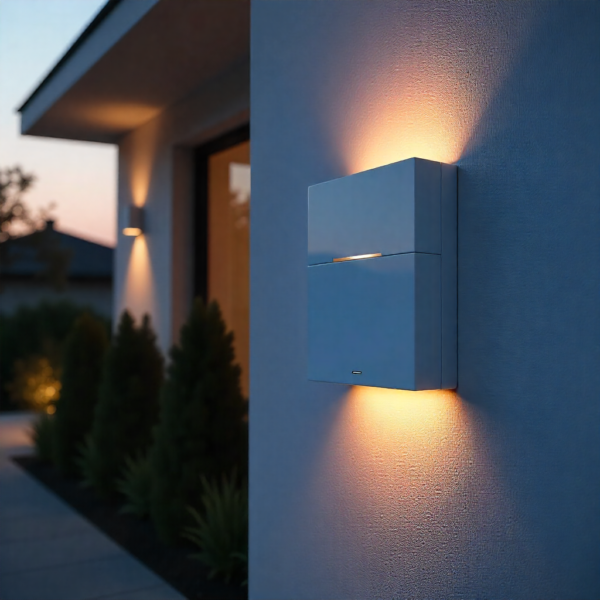
Repeater placement matters as much as quantity. Repeaters should not be placed behind large metal objects or inside electrical panels. They should be positioned in open areas where signals can propagate freely.
For outdoor sirens, placing a repeater near the interior side of the same wall where the siren is mounted can significantly improve connectivity. This creates a strong bridge between indoor and outdoor environments.
Avoid stacking repeaters too close together. Spacing them out helps build a wider, more resilient mesh.
Check installation height and orientation
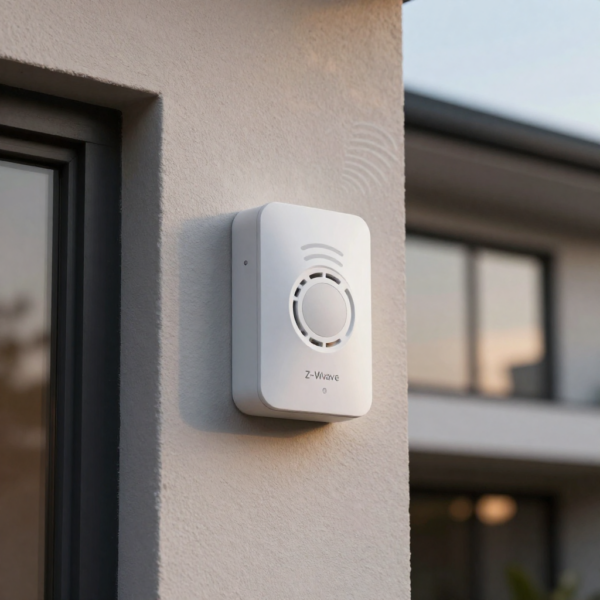
The physical placement of a Z-Wave Siren affects signal quality. The Vision Z-Wave Outdoor Siren should be mounted at a height that balances audibility and signal reception.
Mounting too high can reduce signal strength if the siren is surrounded by dense materials. Mounting too low can expose it to ground interference or obstacles.
Orientation also matters. Some devices have internal antennas that perform better when mounted vertically. Referencing the manufacturer’s mounting guidance can help optimize antenna orientation.
Reduce sources of interference
Although Z-Wave operates on a different frequency than Wi-Fi, interference can still occur from other wireless devices, electrical noise, or poor grounding.
Avoid placing repeaters or hubs near large appliances, power inverters, or industrial equipment. Ensure that outdoor sirens are not mounted directly against metal surfaces without proper spacing.
Environmental moisture can also affect outdoor installations. Ensure seals are intact and the device is installed according to weatherproofing guidelines.
Verify power supply and battery condition
Power issues can mimic signal problems. A Z-Wave Siren with low battery voltage may respond inconsistently or drop off the network.
For the Vision Z-Wave Outdoor Siren, check battery levels regularly and replace them according to the manufacturer’s recommendations. Cold weather can reduce battery efficiency, which is especially relevant for outdoor installations.
If the siren supports external power or optional power adapters, ensure they are functioning correctly and delivering stable voltage.
Use controller diagnostics and logs
Most modern Z-Wave controllers provide diagnostic tools. These may include signal strength indicators, route maps, or event logs.
Reviewing these tools can help identify weak links in the network. If the Vision Z-Wave Outdoor Siren consistently routes through a single weak device, adding an additional repeater nearby can help.
Logs can also reveal delayed commands or missed acknowledgments, which are signs of marginal connectivity.
Update firmware on hub and devices
Firmware updates often include improvements to Z-Wave stack performance, routing algorithms, and device compatibility.
Ensure your Z-Wave controller is running the latest stable firmware. If the Vision Z-Wave Outdoor Siren supports firmware updates, follow the manufacturer’s update instructions carefully.
Keeping firmware up to date reduces bugs that can affect signal reliability and network behavior.

Test siren response after each change
Connectivity improvements should be tested incrementally. After making a change, such as adding a repeater or performing a network heal, test the Z-Wave Siren multiple times.
Trigger alarms manually and observe response time. A properly functioning Vision Z-Wave Outdoor Siren should activate promptly and consistently.
Testing at different times of day can also reveal intermittent issues related to network congestion or environmental factors.
Advanced optimization for large properties
Large homes, multi-story buildings, and properties with detached garages require additional planning. In these environments, the Z-Wave mesh must be intentionally designed rather than built organically.
Using multiple repeaters across floors and near exterior walls is often necessary. Avoid relying on a single long hop to reach an outdoor siren.
For very large properties, consider using multiple Z-Wave controllers connected through higher-level automation platforms, if supported. This approach can segment the network and improve reliability.
Common mistakes to avoid with Z-Wave Sirens
One common mistake is assuming Wi-Fi extenders will help. Z-Wave operates independently and requires Z-Wave-specific repeaters.
Another mistake is ignoring network maintenance. Z-Wave networks benefit from periodic repairs, especially after device changes.
Mounting the Vision Z-Wave Outdoor Siren without testing connectivity beforehand is also risky. Always test signal strength before finalizing installation.
How weather and environment affect outdoor Z-Wave Sirens
Outdoor conditions add complexity. Rain, temperature extremes, and humidity can all impact performance indirectly.
Cold temperatures can reduce battery efficiency. Heat can accelerate battery degradation. Moisture can affect antenna performance if seals are compromised.
Installing the Z-Wave Siren in a sheltered location while maintaining audibility is often the best compromise.
When to consider relocating the siren
Sometimes, improving connectivity means accepting that the original location is not optimal. If repeated attempts fail to stabilize the Vision Z-Wave Outdoor Siren, relocating it slightly can make a significant difference.
Moving the siren even a small distance away from dense materials or metal objects can improve signal paths.
Relocation should always be followed by a network heal to ensure new routes are established.
Long-term maintenance for stable Z-Wave Siren performance
Maintaining a reliable Z-Wave Siren is an ongoing process. Periodically check battery levels, review logs, and test alarms.
After adding new Z-Wave devices to the home, perform a network repair to ensure the mesh remains balanced.
Seasonal changes, renovations, and new appliances can all affect signal behavior over time. Staying proactive prevents surprises.
Final thoughts on improving Z-Wave Siren range and signal strength
A Z-Wave Siren is only as effective as its connection to the network. The Vision Z-Wave Outdoor Siren is a capable and reliable device when supported by a strong Z-Wave mesh and proper installation practices.
Improving connectivity is rarely about increasing raw signal power. It is about building a healthy network with good routing, strategic repeaters, and thoughtful placement.
By following the steps in this guide, most users can transform an unreliable siren into a dependable part of their home security system. The result is faster alerts, fewer false issues, and greater confidence that the siren will perform exactly when it is needed most.